What does the free plan include?
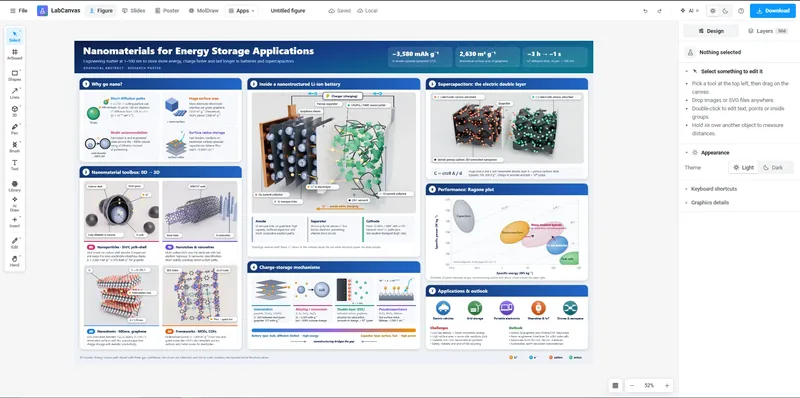
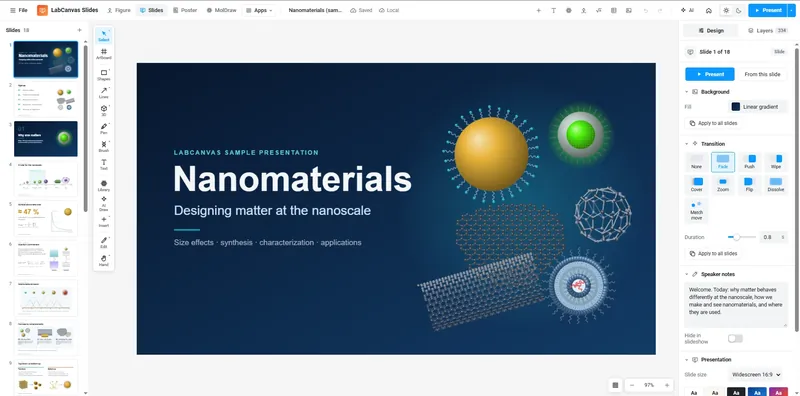
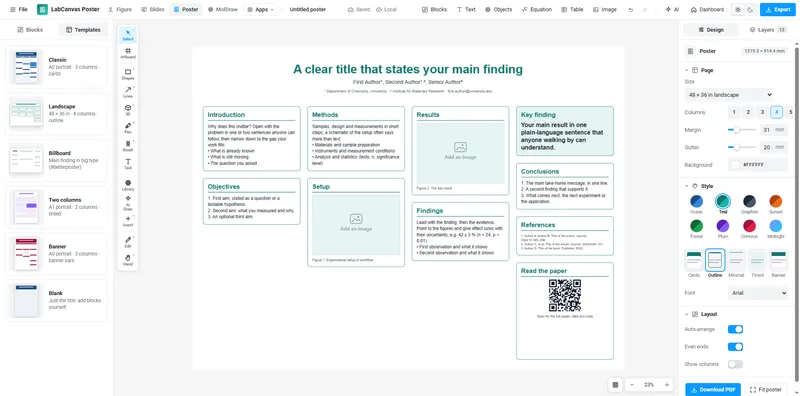
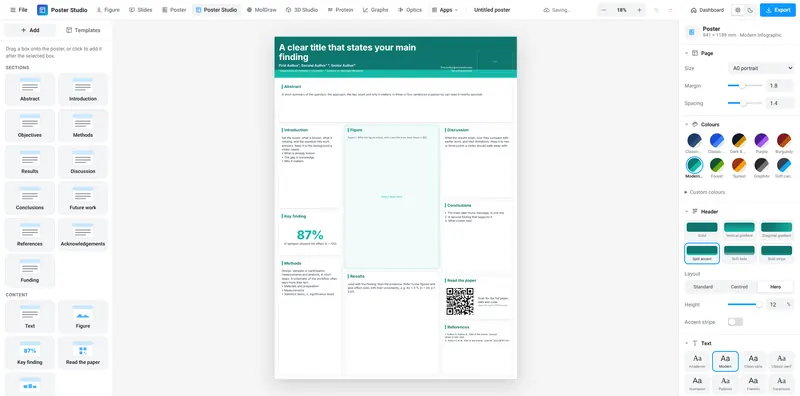
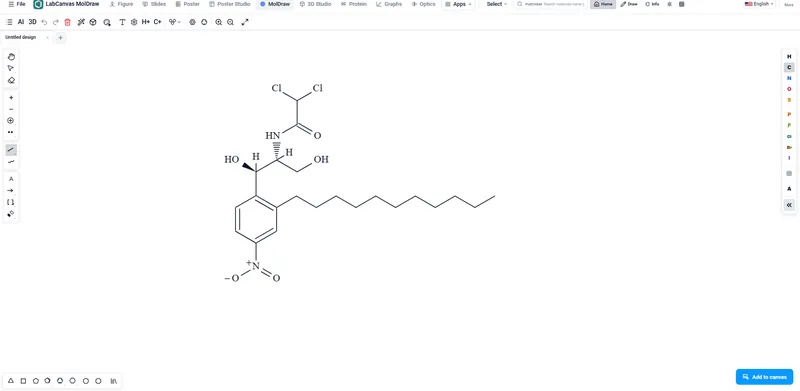
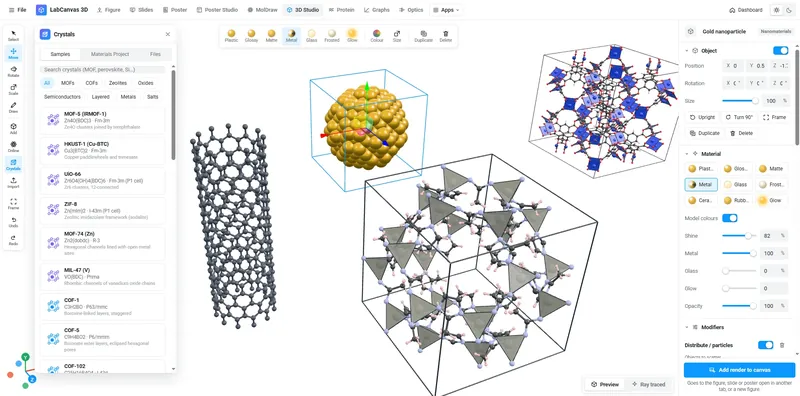
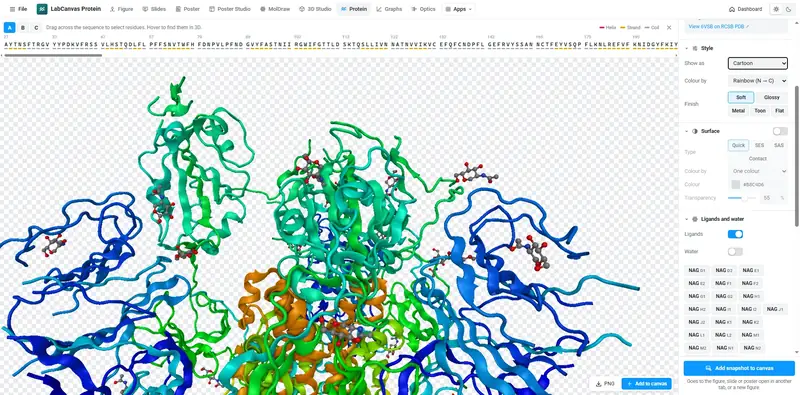
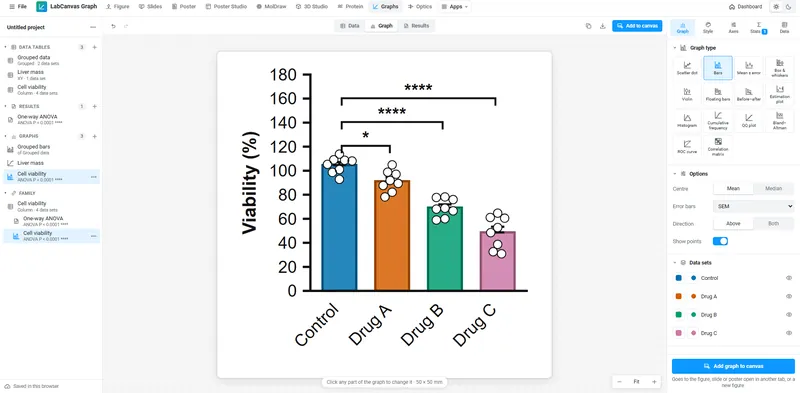
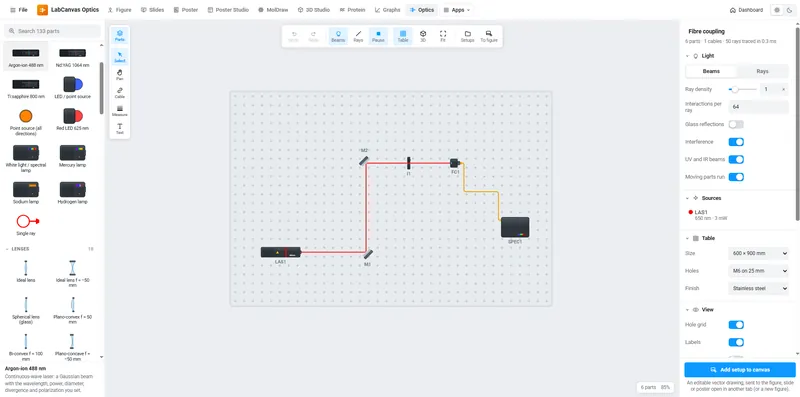
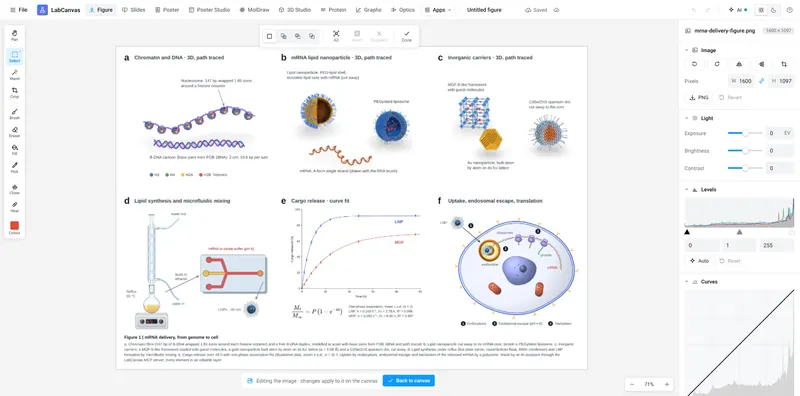
Every app (the figure editor, Slides, Poster, Poster Studio, MolDraw, the 3D Studio, the Protein viewer, Graphs & statistics, Optics and the Pixel editor), the science objects, templates and libraries, and one design of each kind: a figure, a presentation, a poster, a graph project and a 3D scene. Downloading and exporting are part of LabCanvas Pro.
What does LabCanvas Pro add?
Downloads in every format (PNG, TIFF, PDF, SVG and more) at any size and DPI without a watermark, unlimited designs of every kind saved to your cloud, and the AI assistant with monthly AI credits.
What is the difference between monthly and yearly?
Only how you pay: both include everything. Yearly is billed once a year and costs less than twelve monthly payments; the saving in your currency is shown above.
Which payment methods can I use?
Cards and, in India, UPI and net banking, with prices in rupees. The checkout shows every method available in your country.
Is checkout secure?
Yes. Payments are handled by Dodo Payments, our payment partner and merchant of record, on its own secure checkout page. LabCanvas never sees or stores your card details.
Will I be charged tax?
Where tax applies (GST or VAT, for example), Dodo Payments works it out for your country and shows it at checkout, before you pay.
How soon can I start?
Straight away. The apps open as soon as the payment is confirmed, usually within seconds; UPI and some banks can take a few minutes.
Can I cancel?
Yes, any time, from the dashboard (your account menu › Manage subscription). You keep LabCanvas Pro until the end of the period you paid for; then your account moves to the free plan. Your designs stay in your account and you can still edit them; downloads need LabCanvas Pro again.
What happens if a payment fails?
The subscription goes on hold and your account works like the free plan until a payment goes through. Your designs are kept: renew from the dashboard and carry on where you left off.
Do I get invoices?
Yes. The invoices for your payments are in Manage subscription, in your account menu on the dashboard.
What are AI credits?
The assistant runs on AI credits. Each request uses a few, depending on how much the model reads and writes, and your plan includes a fresh allowance every month. The assistant panel and the dashboard show how many are left.
Are there limits on exports or resolution?
No. Export PNG, TIFF, PDF, SVG, JPEG or WebP at any size and resolution your browser can handle, including 600 and 1200 dpi.
Can I use my figures in papers, posters and grants?
Yes. What you make is yours to publish, including commercially. Shared library icons and models are provided for use in your figures.
Is my work private?
Yes. Designs autosave in your browser and, with cloud saving on, to your own private cloud folder. Nothing is public, and nobody else can open your work.
Can I buy LabCanvas Pro for my lab or department?
Each subscription belongs to one account, so everyone subscribes with their own. To arrange it for several people, write to us at labcanvasapp@gmail.com.
Is there a free trial?
There is a free plan instead: create an account and use every app with one design of each kind for as long as you like, then upgrade when you need downloads or more designs. The 12 free tools at /tools (LaTeX to image, colour-blind-safe palettes, a figure panel maker, lab calculators and more) need no account at all.