A BioRender alternative for scientific figures: what LabCanvas does differently
Looking for a BioRender alternative? An honest comparison with LabCanvas: adjustable objects, vector tools, 3D and graphs, and when BioRender fits better.
Contents
If you are looking for a BioRender alternative, you probably want one of three things: objects you can change rather than swap for a slightly different icon, a figure that mixes illustration with data, chemistry or 3D, or a second option to compare plans and licence terms. BioRender made scientific illustration far more accessible with a large library of life-science icons and templates that you arrange in the browser, and many researchers use it. LabCanvas, also a browser app, takes a different approach. This guide sets out honestly where each one fits, including when BioRender is still the better choice.
The short answer
| If you mainly need | Better fit | Why |
|---|---|---|
| The largest library of ready-made life-science icons and templates | BioRender | Its curated library is its core strength; LabCanvas has a much smaller set of life-science objects |
| Objects you can adjust: bilayers, cargo, ligands, pore size, particle shape | LabCanvas | Its 700+ science objects are generators with settings, not fixed pictures |
| Chemistry and materials figures: glassware setups, crystals, MOFs, nanomaterials, batteries | LabCanvas | Over a hundred connectable glassware pieces, 3D crystal structures and templates of real syntheses |
| Full vector editing with scientific brushes | LabCanvas | Pen, Pathfinder, masks and gradients, plus DNA, protein and membrane brushes |
| Graphs with statistics, 3D renders or protein structures in the same figure | LabCanvas | Graphs, the 3D Studio and the Protein viewer share one canvas with your figure |
| The tool your lab or collaborators already use | Whichever they use | Shared files, templates and habits matter more than any one feature |
| Clear rights to publish your figures | Check each tool’s terms | BioRender lists its current terms on its pricing page; the LabCanvas terms let you use your exports in publications and commercial work |
What LabCanvas does differently
Objects that are generated, not stamped
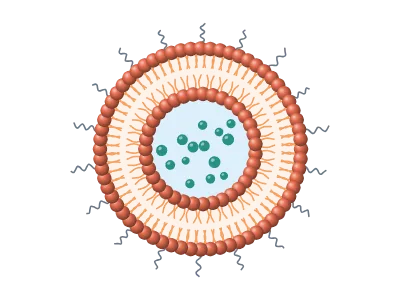
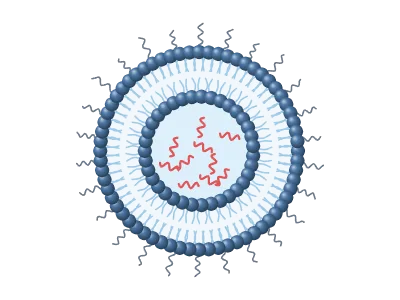
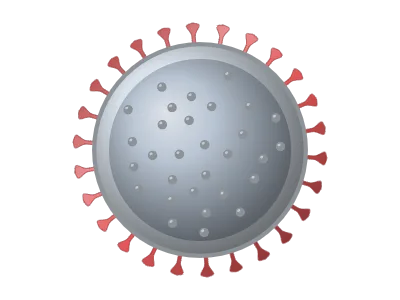
Most illustration libraries give you fixed pictures: an icon of a liposome looks the way it was drawn. In LabCanvas the science objects are generators. A liposome has settings for its size, its bilayer, its cargo (drug, mRNA or protein), PEG chains and targeting ligands; a nanoparticle can be a sphere, rod, cube or star with a ligand shell; a hydrogel has its network density and pore size. You change the object instead of hunting for a slightly different icon, and the result stays vector art that is sharp at any size.
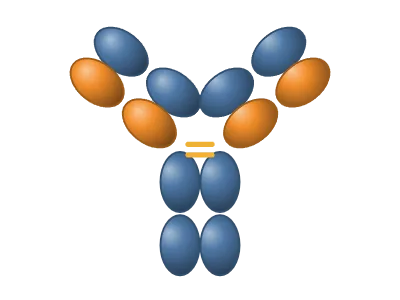
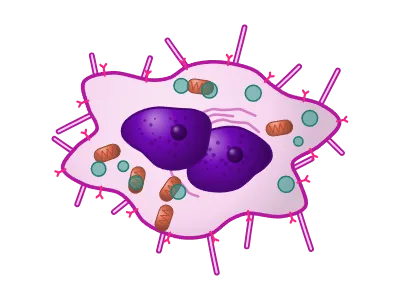
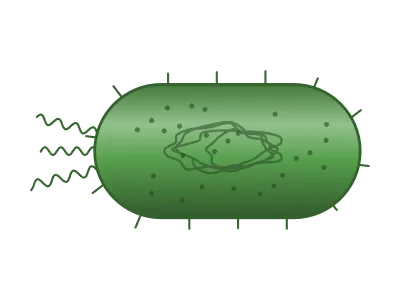
For things that are better as icons there is a shared, searchable icon library, and you can import an SVG and ungroup it into editable shapes.
A full vector editor
LabCanvas includes the tools of a professional illustration program: the pen, Pathfinder operations, clipping masks, gradients, blends, warps, rulers and smart guides. Scientific brushes draw a DNA double helix at its real proportions, RNA, α-helices, β-strands, actin filaments and lipid bilayers along any path. A zoom lens magnifies part of a figure with callout lines, and LaTeX equations are typeset into vector outlines.
Data, 3D and chemistry on the same canvas
A figure is rarely only a drawing. In LabCanvas the other pieces live in the same workspace and arrive in your figure as layers you can still change:
- Graphs and statistics in the style of GraphPad Prism (t tests, ANOVA with post-hoc tests, curve fits, survival analysis), validated against SciPy, statsmodels and lifelines in 1,472 automated checks. A graph stays linked to its data.
- A 3D Studio with adjustable models (DNA, viruses, liposomes, lipid nanoparticles, organoids, nanoparticles, 2D materials) and ray-traced renders.
- A Protein viewer for any PDB entry, styled by chain, residue or ligand.
- MolDraw for chemical structures and reactions, starting from PubChem if you like.
- Slides and Research Poster, built on the same editor, so the figure in your paper is the one on your slide and your poster.
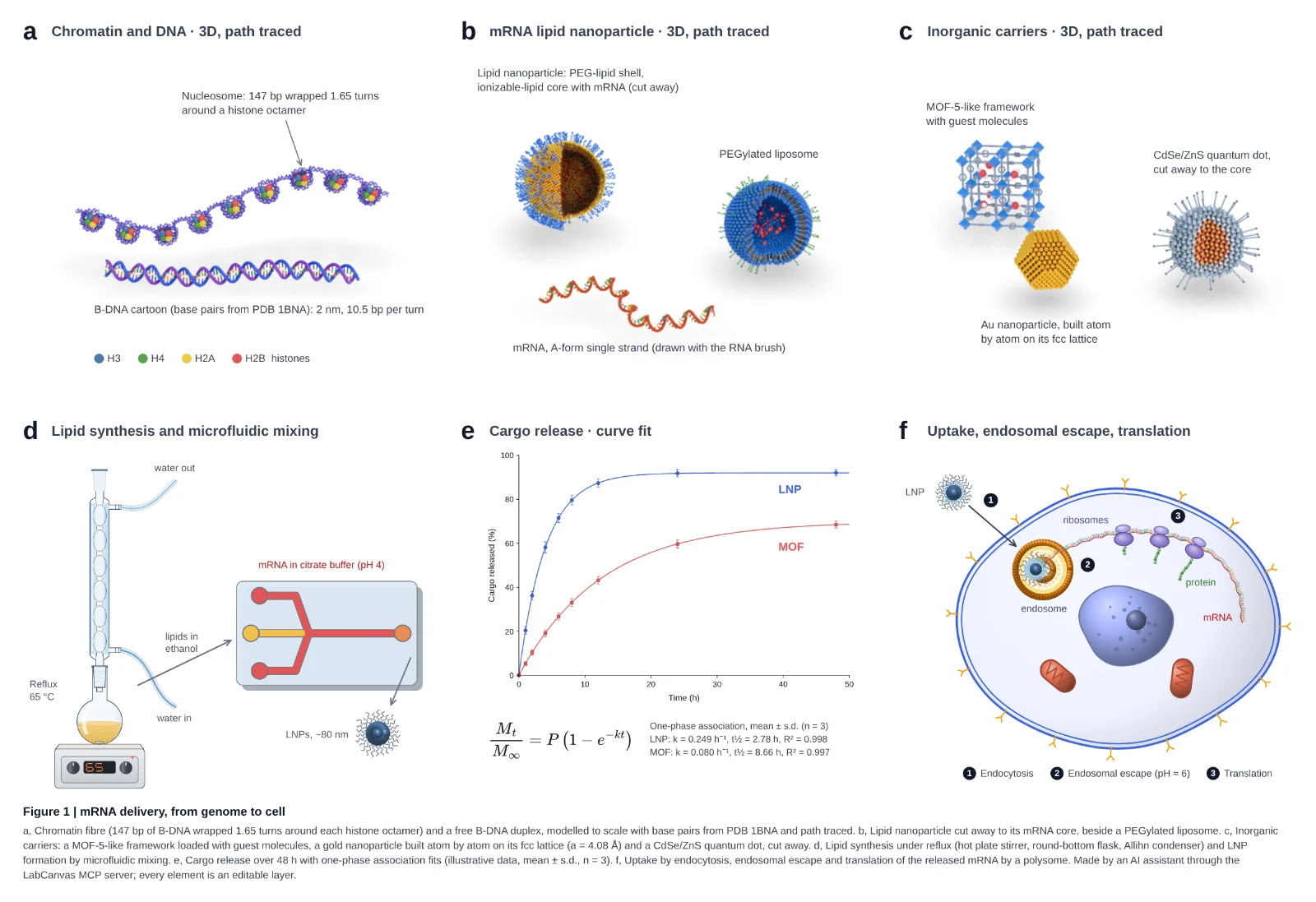
The figure at the top of this page was built in LabCanvas, by an AI assistant working through its MCP server: path-traced chromatin and DNA, a lipid nanoparticle with its mRNA, a lab setup, release kinetics with a curve fit and an uptake schematic, each panel an editable layer. Open it in the editor to take it apart.
Strong in chemistry and materials science
This is where LabCanvas has the most to offer: over a hundred pieces of lab glassware that snap together joint by joint, crystal structures from CIF files and the Materials Project, MOFs, zeolites, 2D materials and battery materials, chemical structures in MolDraw, and graphical-abstract templates of real syntheses that cite the papers they follow.
Export for journals
Set the width in millimetres and the resolution (300, 600 or 1,200 dpi) and export TIFF, PDF, SVG, PNG, JPEG or WebP. PNG and TIFF files record their DPI, so they open at the right size. Downloads are part of LabCanvas Pro and carry no watermark.
When BioRender may still be the better choice
- You build most figures from ready-made life-science icons and templates and want the largest curated library to choose from. LabCanvas’s set of life-science objects is much smaller.
- Your lab or institution already works in BioRender and shares templates and figures there. Moving a whole team has a real cost.
- You prefer arranging finished icons to adjusting objects and drawing with vector tools.
Plans, licensing and features change, so check BioRender’s pricing page for its current terms, especially publication licences.
Plans and price
Every LabCanvas app is free to use with an account, with up to 3 designs. Downloads in every format, unlimited designs and the AI assistant are part of LabCanvas Pro: US$19 a month or US$199 a year (see the pricing page for the price in your country). The free tools, such as the multi-panel figure maker and the colour palettes, need no account at all.
Try it with your next figure
- Open the dashboard and create a free account.
- Start from a template or a blank figure, press Shift+O to open the Library and drag objects onto the canvas.
- Select an object and change its settings in the Design panel.
- Add a graph from Graphs & statistics or a render from the 3D Studio, then export at your journal’s width and resolution.
The features page shows every app at work, and the gallery lists every object and 3D model.
Frequently asked questions
Is LabCanvas a free alternative to BioRender?
Does LabCanvas have life-science icons like BioRender?
Can I publish figures made in LabCanvas?
Can I bring artwork from another tool into LabCanvas?
Is LabCanvas good for chemistry and materials science figures?
Try it in LabCanvas
Every app is free to start in your browser. Create an account and begin.
Open the dashboardKeep reading
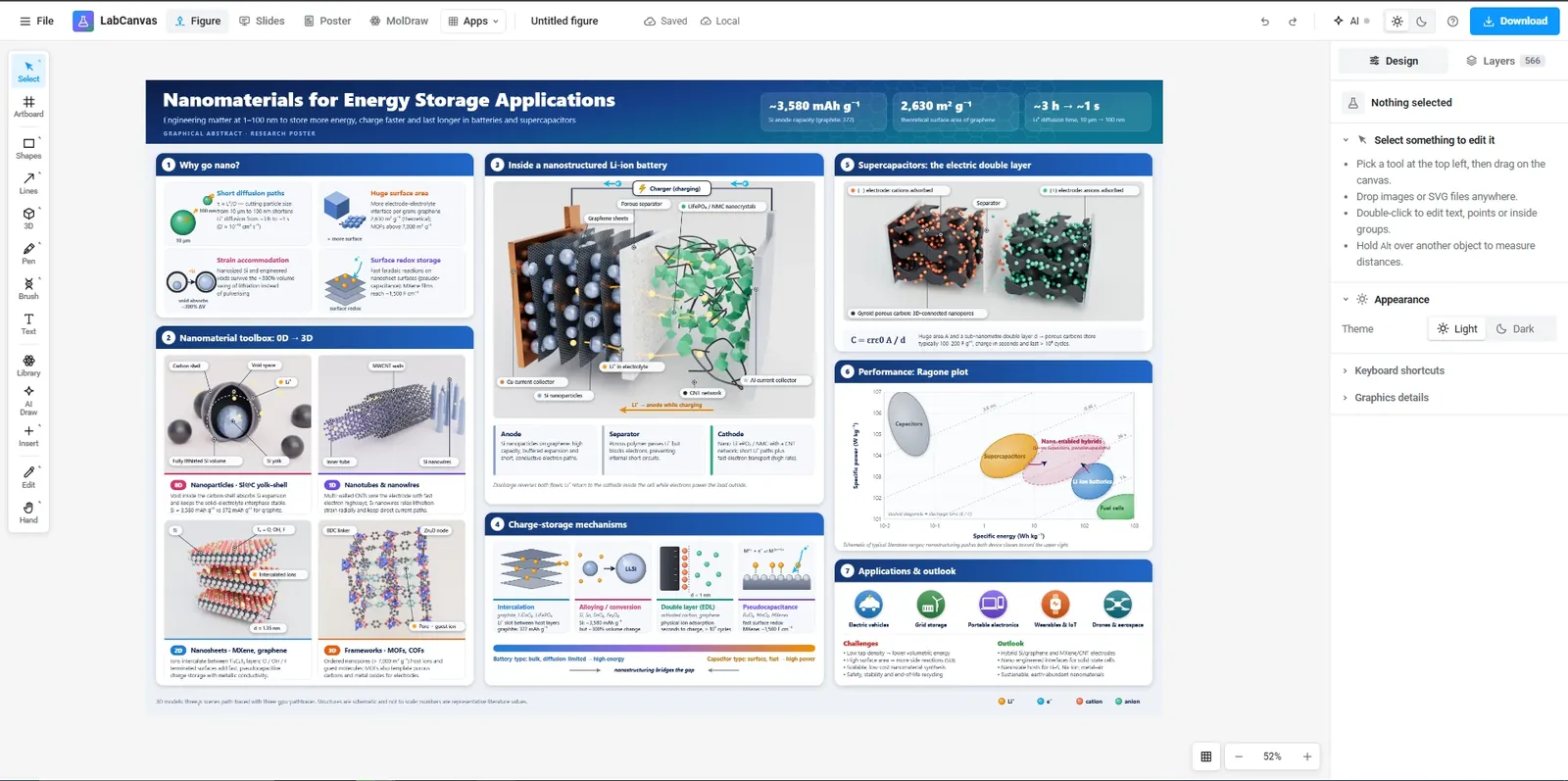
The LabCanvas Figure editor: vector scientific illustration in your browser
How to make journal figures and graphical abstracts in the LabCanvas Figure editor: vector tools, 700+ adjustable science objects, lab glassware that connects, LaTeX equations, and export at the width and DPI your journal asks for.
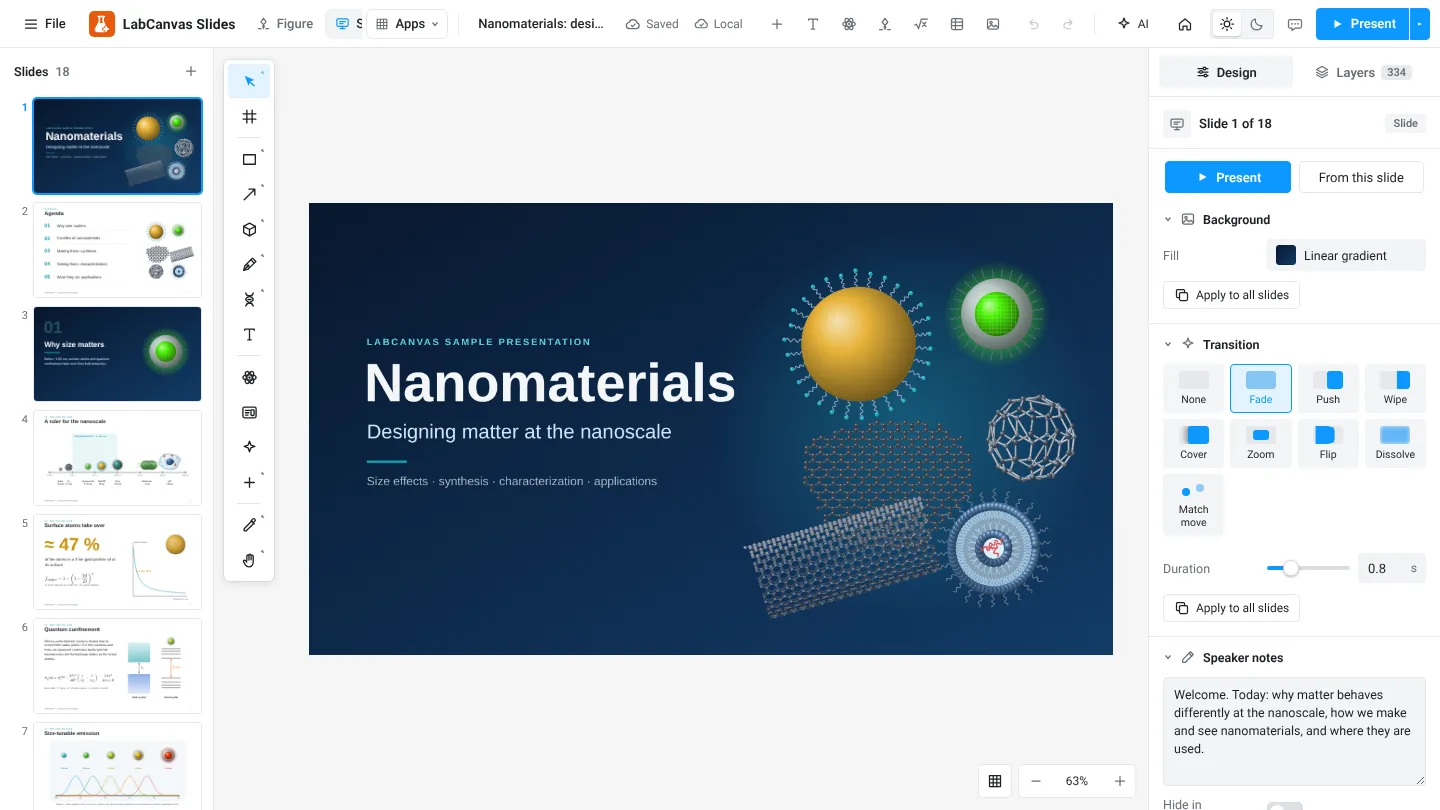
LabCanvas Slides: scientific presentations built from editable figures
How to build lab meetings, conference talks and lectures in LabCanvas Slides: a slide strip, layouts and themes, transitions and motion paths, speaker notes, full-screen presenting and a vector PDF of the deck.
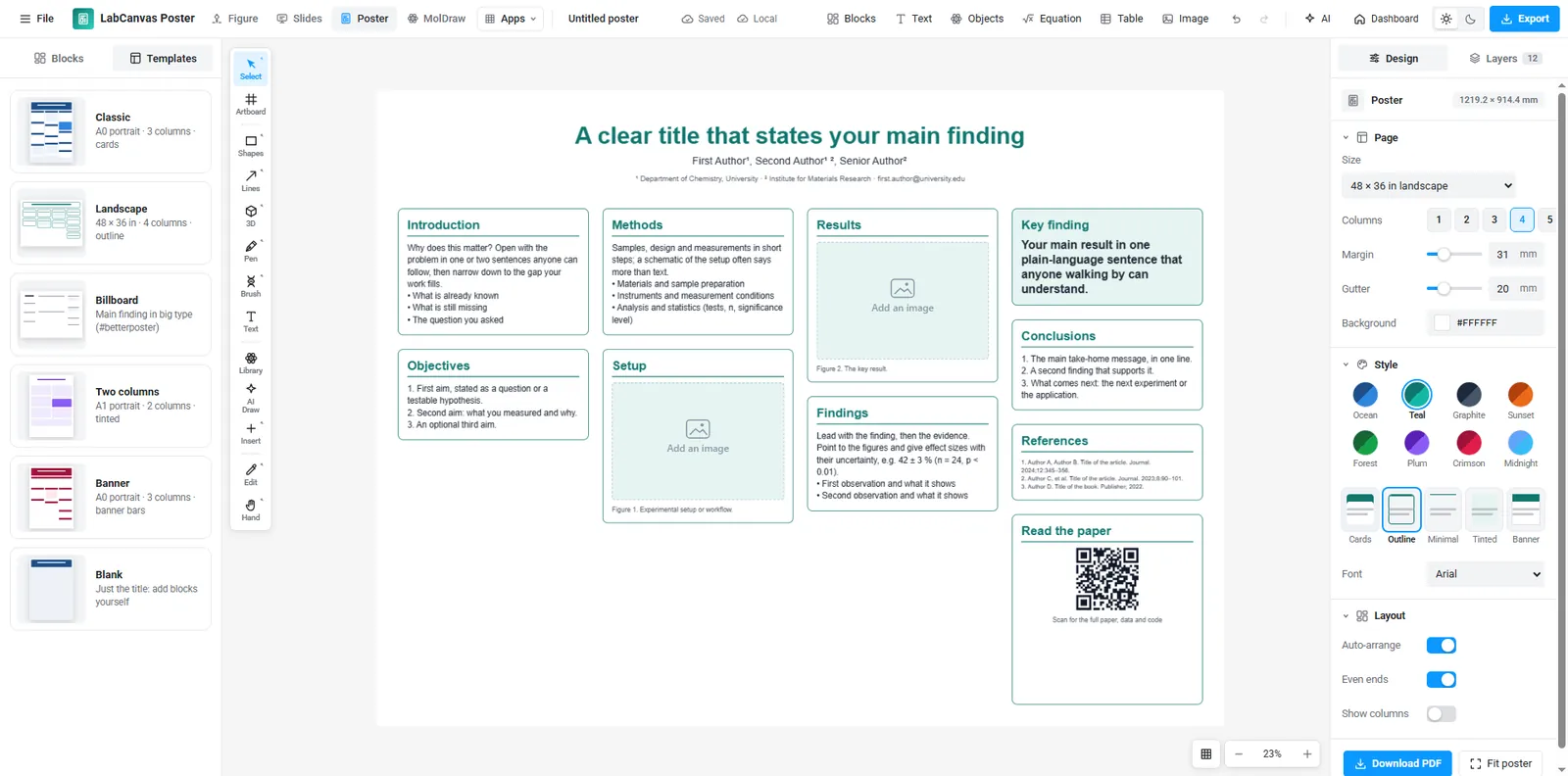
LabCanvas Research Poster: conference posters that arrange themselves
How to make an A0, A1 or 48 × 36 in research poster in LabCanvas Research Poster: blocks that stack in columns and re-flow their text, themes and block styles, QR codes, and a print-ready vector PDF.