LabCanvas Research Poster: conference posters that arrange themselves
How to make an A0, A1 or 48 × 36 in research poster in LabCanvas Research Poster: blocks that stack in columns and re-flow their text, themes and block styles, QR codes, and a print-ready vector PDF.
Contents
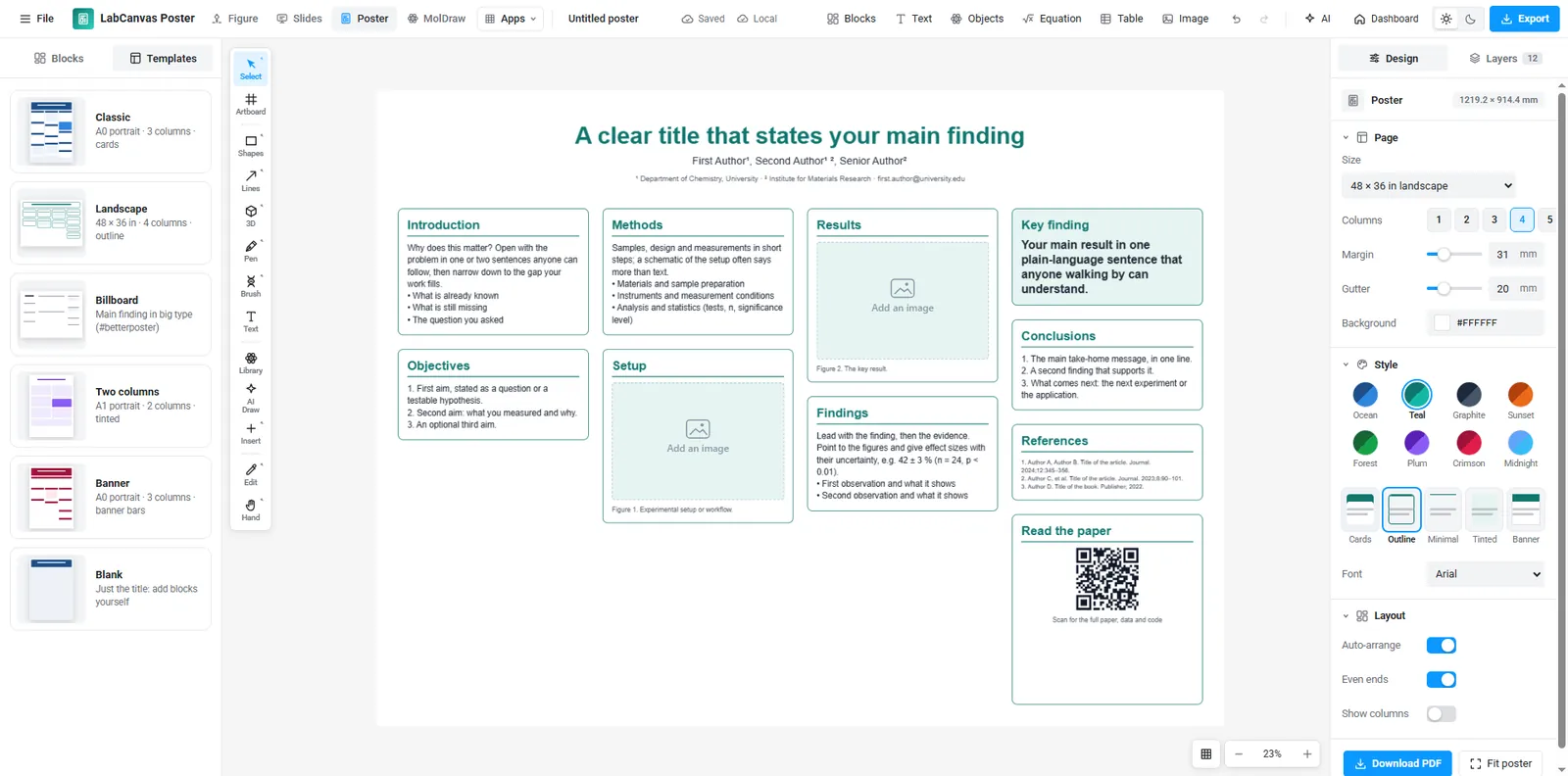
LabCanvas Research Poster makes conference posters from blocks: a title, sections, figures, a key finding, a big number, references, a QR code and contact details. The blocks stack in columns and lay out their own text, so when you drag a block to another column or between two others the poster re-arranges itself, and when you resize a block its text re-flows. Posters export as a vector PDF at their printed size.
Three finished posters
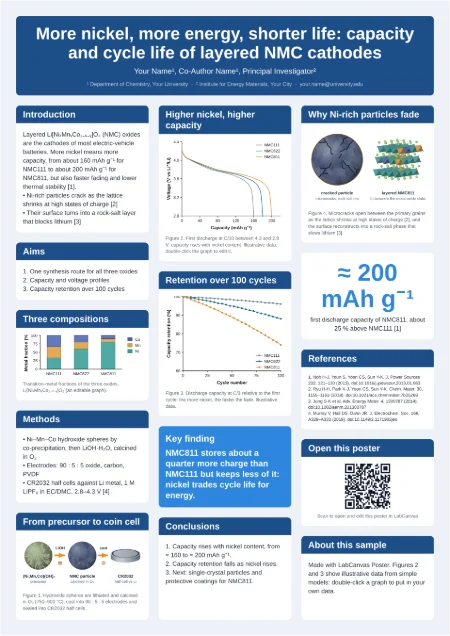
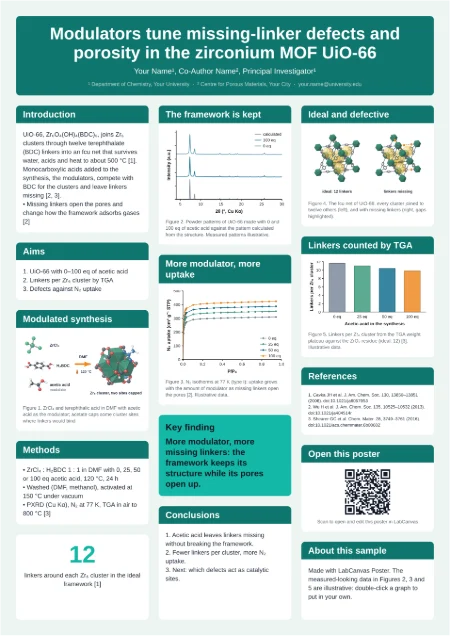
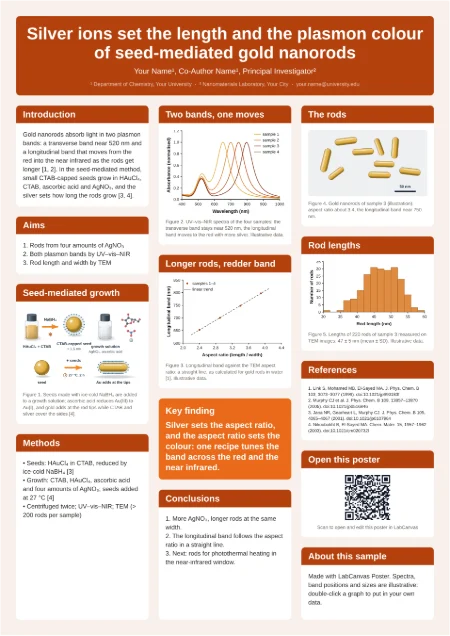
Each sample is a complete A0 poster with illustrations, molecules and graphs, and opens as your own copy.
Blocks instead of text boxes
A poster in a general drawing program is a page of loose text boxes: shorten one paragraph and everything below it has to be moved by hand. In Research Poster each section is a block that knows its column. Blocks grow with their text and the blocks below move down; drop a block into another column and both columns re-stack.
| Block | Use |
|---|---|
| Title | Title, authors and affiliations across the top |
| Section | Introduction, methods, results, discussion, conclusions |
| Figure | An image or a LabCanvas figure with a caption |
| Key finding | The one sentence a visitor should remember |
| Big number | A headline result, such as 87 % |
| References | Numbered references in a small type size |
| QR code | A link to the paper, data or the poster itself |
Themes and styles
Pick a colour theme (Ocean, Teal, Graphite, Sunset, Forest, Plum, Crimson, Midnight) and a block style (cards, outline, minimal, tinted or banner), and every block restyles at once. Fonts, margins, gutters and the number of columns are page settings.
How to make a poster
- Open Research Poster and choose a size and template.
- Double-click any text to write; blocks grow and the columns re-stack.
- Drag blocks from the Blocks panel onto the poster; drop images onto figure blocks.
- Use the Library (Shift+O) for science objects, and paste graphs from Graphs & statistics.
- Pick a theme and block style, then Export a vector PDF at the printed size.
Writing for a poster
- State the finding in the title, not just the topic.
- Keep sections to a few short bullet points: people read posters from two metres away.
- One key finding block with the main result in plain language.
- Large figures with large labels; check the printed size before you export.
Frequently asked questions
What poster sizes are there?
How do I move a section to another column?
Which formats can I export?
Can I add a QR code to my paper or data?
Are there finished examples?
Try it in LabCanvas
Every app is free to start in your browser. Create an account and begin.
Open Research PosterKeep reading
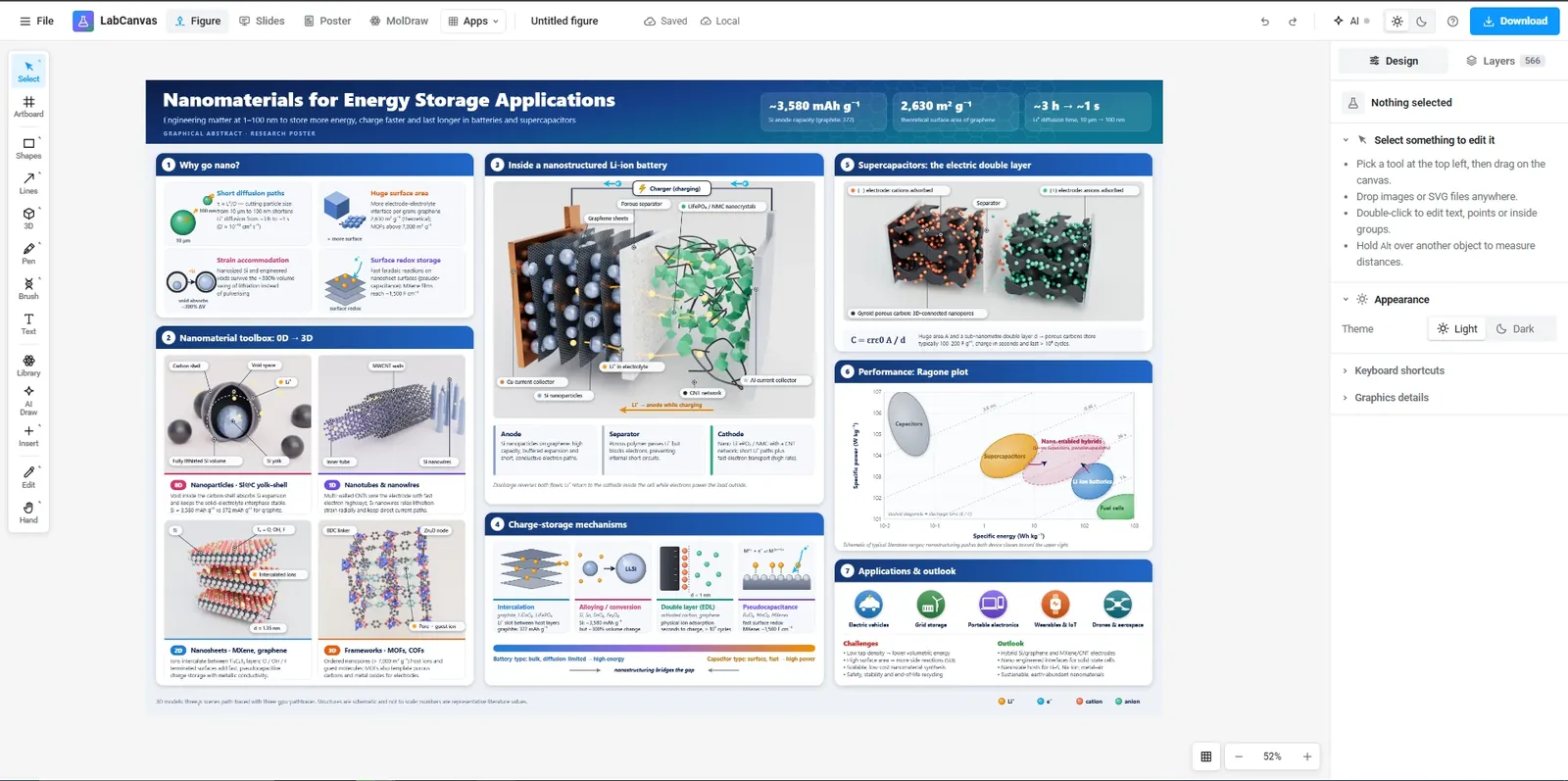
The LabCanvas Figure editor: vector scientific illustration in your browser
How to make journal figures and graphical abstracts in the LabCanvas Figure editor: vector tools, 700+ adjustable science objects, lab glassware that connects, LaTeX equations, and export at the width and DPI your journal asks for.
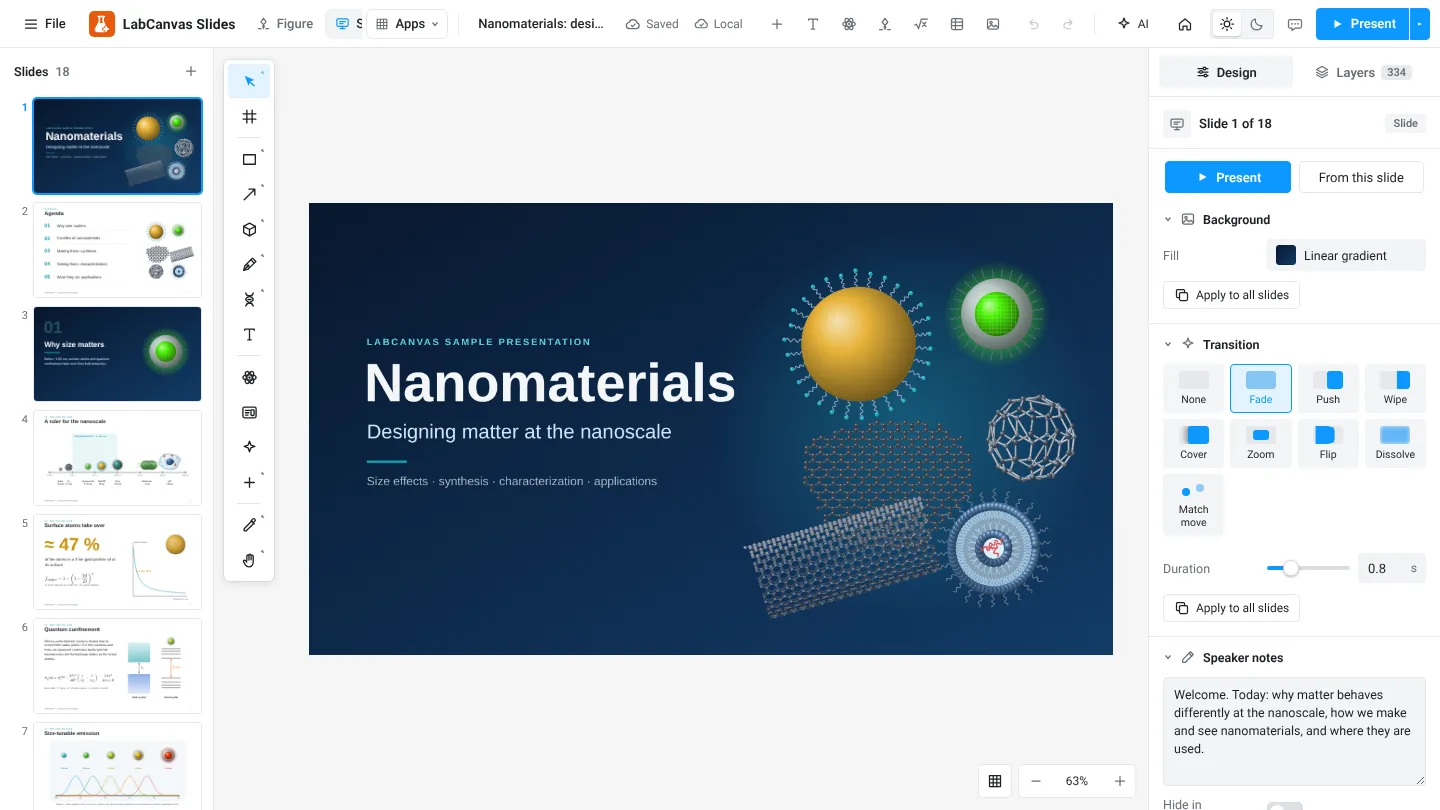
LabCanvas Slides: scientific presentations built from editable figures
How to build lab meetings, conference talks and lectures in LabCanvas Slides: a slide strip, layouts and themes, transitions and motion paths, speaker notes, full-screen presenting and a vector PDF of the deck.
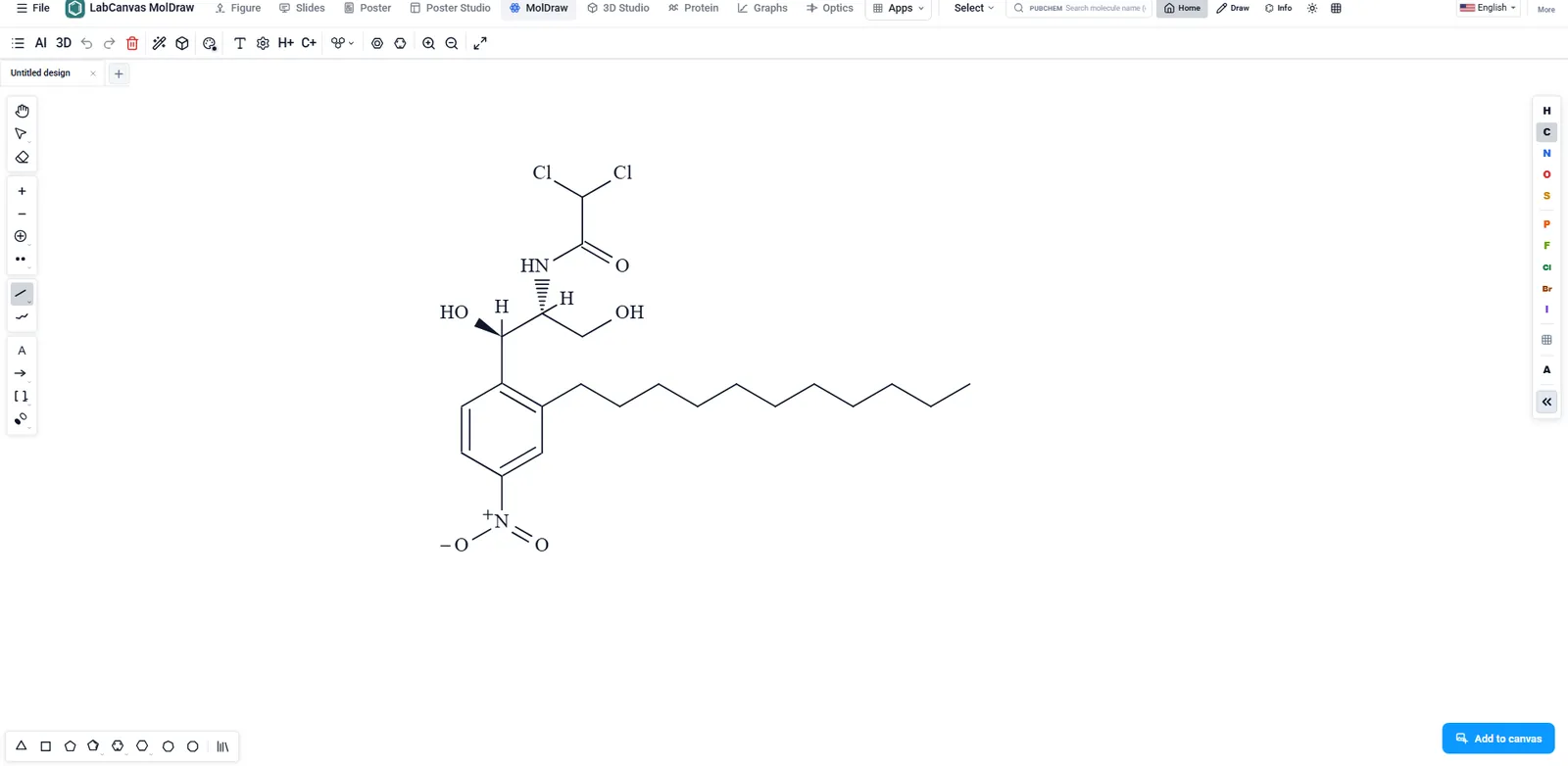
MolDraw: draw chemical structures and reactions, then see them in 3D
How to draw molecules and reaction schemes in LabCanvas MolDraw: atoms, bonds, rings and charges, reaction arrows, structures from PubChem, SMILES, a 3D view of the same molecule, and placing structures in figures.