Crystal structure and 2D-material figures: VESTA, Mercury, CrystalMaker, Avogadro, OVITO and LabCanvas compared
Which tool for crystal structure and 2D-material figures? VESTA, CrystalMaker, Mercury, Avogadro, Jmol, OVITO, the Materials Project viewer and LabCanvas compared: licence, platforms, file formats, rendering and how to cite each.
Contents
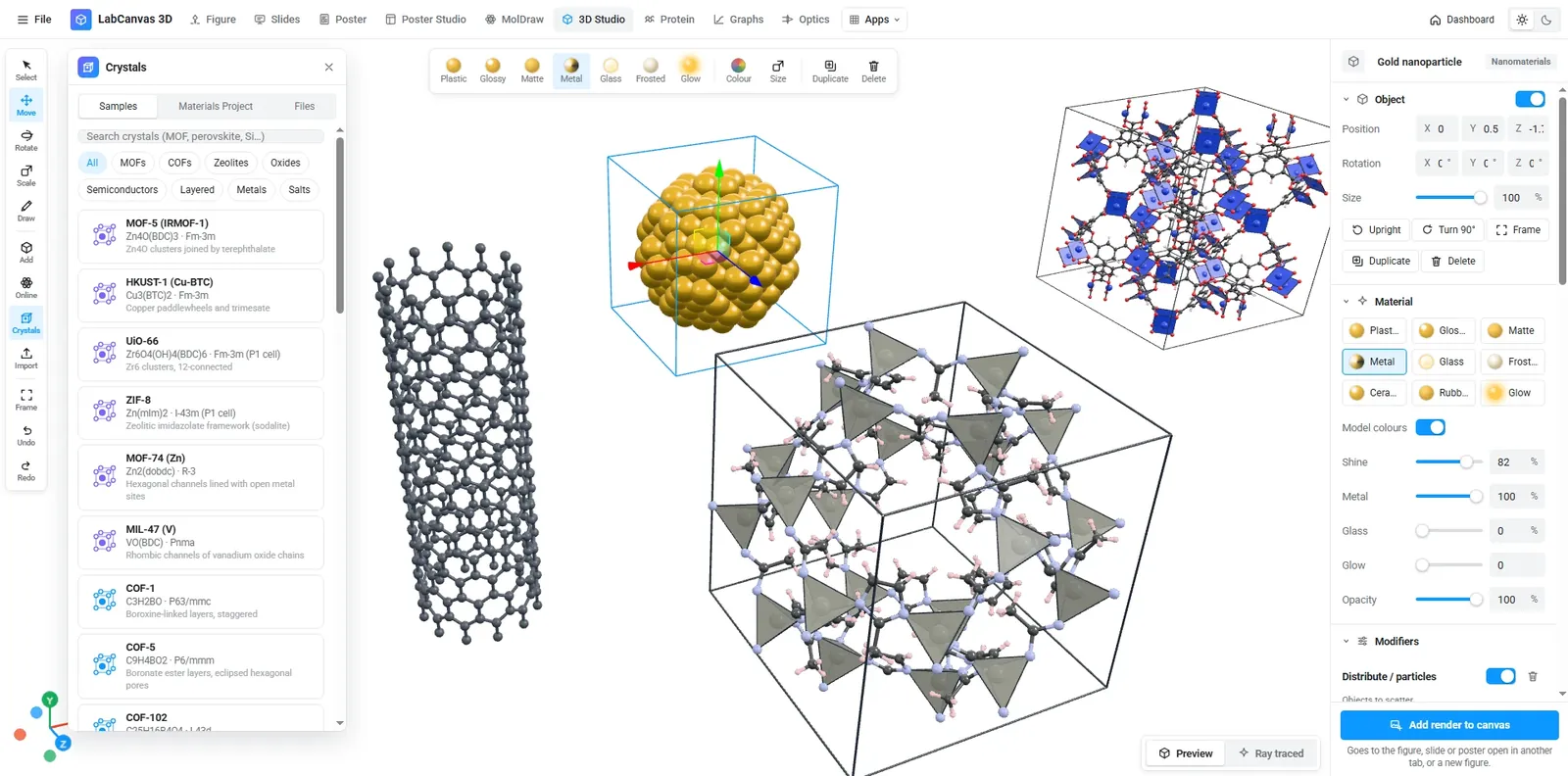
Short answer: for most crystal-structure figures in academic work, VESTA (free for academic and non-commercial use) is the standard: CIF and POSCAR in, polyhedra, Miller planes and isosurfaces out. Mercury (free non-commercial version) suits packing diagrams from the CSD, CrystalMaker is a polished commercial option, Avogadro and Jmol are free and open source, OVITO is built for simulation trajectories, and the Materials Project viewer opens structures in the browser. LabCanvas renders crystals and 2D materials in the browser and places them straight into a figure next to your graphs and schematics.
Facts below come from each tool’s own website or its reference paper, checked on 26 October 2026.
At a glance
| Tool | Licence | Runs on | Reads | Strongest at | Cite |
|---|---|---|---|---|---|
| VESTA | Free for academic, educational and non-commercial use | Windows, macOS, Linux | CIF, POSCAR, PDB, XYZ, ICSD, SHELX, CHGCAR and more (42 formats) | Polyhedra, Miller planes, isosurfaces of volumetric data, supercells | Momma & Izumi 2011, doi:10.1107/S0021889811038970 |
| Mercury (CCDC) | Free version for non-commercial use; full version licensed | Windows, macOS, Linux | CIF, MOL, MOL2, PDB | Packing diagrams, ellipsoids, polyhedra, Miller planes, CSD analysis | Macrae et al. 2020, doi:10.1107/S1600576719014092 |
| CrystalMaker | Commercial (education pricing; demo mode) | Windows, macOS | CIF, PDB, XYZ, POSCAR/CONTCAR, XDATCAR | Automatic polyhedra, supercells and slabs, publication graphics and videos | Not stated |
| Avogadro 2 | Free, open source (BSD 3-clause) | Windows, macOS, Linux | CJSON, CML, POSCAR; many more via Open Babel | Molecule building, orbitals and densities, unit cells | Hanwell et al. 2012, doi:10.1186/1758-2946-4-17 |
| Jmol / JSmol | Free, open source (LGPL) | Windows, macOS, Linux, browser (JSmol) | CIF, mmCIF, PDB, XYZ, MOL, SDF, CML, VASP and more | Interactive viewing, including on web pages | Jmol: an open-source Java viewer for chemical structures in 3D (jmol.org) |
| OVITO | OVITO Basic free (MIT); OVITO Pro paid | Windows, macOS (Apple silicon), Linux | LAMMPS, XYZ, POSCAR, XDATCAR, CHGCAR, CIF | Molecular-dynamics and Monte Carlo trajectories | Stukowski 2010, doi:10.1088/0965-0393/18/1/015012 |
| Materials Project Crystal Toolkit | Free on the web | Browser | Materials Project IDs, CIF, POSCAR | Looking up and transforming known structures (slabs, conventional or primitive cells) | Jain et al. 2013 for the Materials Project, doi:10.1063/1.4812323 |
| LabCanvas 3D Studio | Free to use with an account; downloads with Pro | Browser | CIF, POSCAR, Materials Project search, PDB, XYZ, SDF and more | Rendered crystals, MOFs and 2D materials placed directly in figures | — |
The tools in detail
VESTA
A desktop program for structural models, volumetric data (electron and nuclear densities, wave functions, electrostatic potentials) and crystal morphologies. It draws ball-and-stick, space-filling, polyhedral, wireframe and thermal-ellipsoid models, lattice planes defined by Miller indices, and isosurfaces; a transformation matrix builds superstructures and sublattices. It is free for academic, educational and non-commercial users, and drawings may be published if VESTA is acknowledged. Pick it when you need a precise crystallographic figure, especially with charge densities from DFT.
Mercury
The CCDC’s structure viewer and the hub of the Cambridge Structural Database software. It shows ellipsoids, polyhedra, packing diagrams over any number of unit cells, Miller planes and BFDH morphologies; void analysis is in the licensed version. The free version is for non-commercial use. Pick it when you work with molecular crystals and CIFs from the CSD.
CrystalMaker
A commercial Mac and Windows program for building and visualising crystal and molecular structures, with automatic bonding and polyhedra, symmetry handling, supercells and slabs, and publication-quality graphics and videos. Pick it when your group has a licence and you want a polished, all-in-one desktop tool.
Avogadro 2
A free, open-source molecular editor and visualiser (BSD licence) with plugins, molecular-orbital and electron-density surfaces, and a Crystal menu to add and edit unit cells. Pick it when you build molecules and small crystals and want a free, scriptable tool.
Jmol and JSmol
A free, open-source viewer for molecules, crystals and biomolecules; JSmol runs in a web page without plug-ins, so it is popular for teaching and supplementary material. Pick it when the structure has to be interactive on a website.
OVITO
Built for particle-based simulation data: LAMMPS dumps, extended XYZ, VASP files and charge densities. OVITO Basic is free (MIT licence); OVITO Pro adds Python scripting, advanced analysis and high-quality rendering. Pick it when your figure comes from a simulation trajectory rather than a single CIF.
Materials Project Crystal Toolkit
The web app behind the Materials Project, for loading structures by Materials Project ID or from CIF and POSCAR files, viewing them and transforming them (for example into a surface slab), then exporting CIF, POSCAR or VASP inputs. Cite the Materials Project when you use its data. Pick it when you want a known structure and its data without installing anything.
LabCanvas 3D Studio
A browser app that opens CIF and POSCAR files, searches the Materials Project, and has ready-made MOFs, COFs, zeolites, minerals and 2D materials. Structures show as ball-and-stick, space-filling or polyhedra, as a unit cell or a supercell, and render with ray tracing; the render goes straight into the LabCanvas figure editor, slides or poster, next to graphs and schematics. In the figure editor, crystals are also available as vector drawings you can turn in 3D. Every app is free with an account; downloads are part of LabCanvas Pro. Pick it when the crystal is one panel of a figure, graphical abstract or cover image rather than a crystallographic analysis. For volumetric data and Miller-plane figures, VESTA remains the specialist tool.
Which one should you use?
- A precise structure figure for a paper, free: VESTA.
- Molecular crystals from the CSD: Mercury.
- A licensed, polished desktop tool: CrystalMaker.
- Simulation snapshots: OVITO.
- A quick look at a known material in the browser: the Materials Project viewer.
- A crystal or 2D material inside a multi-panel figure or graphical abstract: LabCanvas.
Whatever you use, cite the tool as its developers ask, and size the final figure to the journal’s column width; the journal figure size guide lists the widths and DPI for 38 journals.
Frequently asked questions
What is the best free software for drawing crystal structures?
VESTA is the most widely used free tool for academic and non-commercial work: it reads CIF, POSCAR and many other formats, draws polyhedra, Miller planes and isosurfaces, and builds supercells (Windows, macOS, Linux). Mercury’s free version (non-commercial) is strong for packing diagrams from CIFs, and Avogadro and Jmol are free and open source. LabCanvas runs in the browser and puts the rendered crystal straight into a figure.
How do I cite VESTA?
VESTA asks for its use to be acknowledged; its developers point to K. Momma and F. Izumi, “VESTA 3 for three-dimensional visualization of crystal, volumetric and morphology data”, J. Appl. Crystallogr. 44, 1272–1276 (2011), doi:10.1107/S0021889811038970.
Can I open a CIF or POSCAR file online without installing anything?
Yes. The Materials Project’s Crystal Toolkit loads CIF and POSCAR files and Materials Project entries in the browser, and the LabCanvas 3D Studio opens CIF and POSCAR files, searches the Materials Project and renders the structure for a figure. JSmol, the browser version of Jmol, also reads CIF.
Which tool is best for molecular dynamics snapshots of materials?
OVITO is built for particle-based simulation data such as LAMMPS dumps and extended XYZ trajectories; OVITO Basic is free and OVITO Pro adds Python scripting and high-quality rendering.
Is Mercury free?
The CCDC offers a free version of Mercury for non-commercial use with fewer features; the full version comes with a CSD licence. Cite it as Macrae et al., J. Appl. Cryst. 53, 226–235 (2020), doi:10.1107/S1600576719014092.
Try it in LabCanvas
Every app is free to start in your browser. Create an account and begin.
Open the LabCanvas dashboardKeep reading
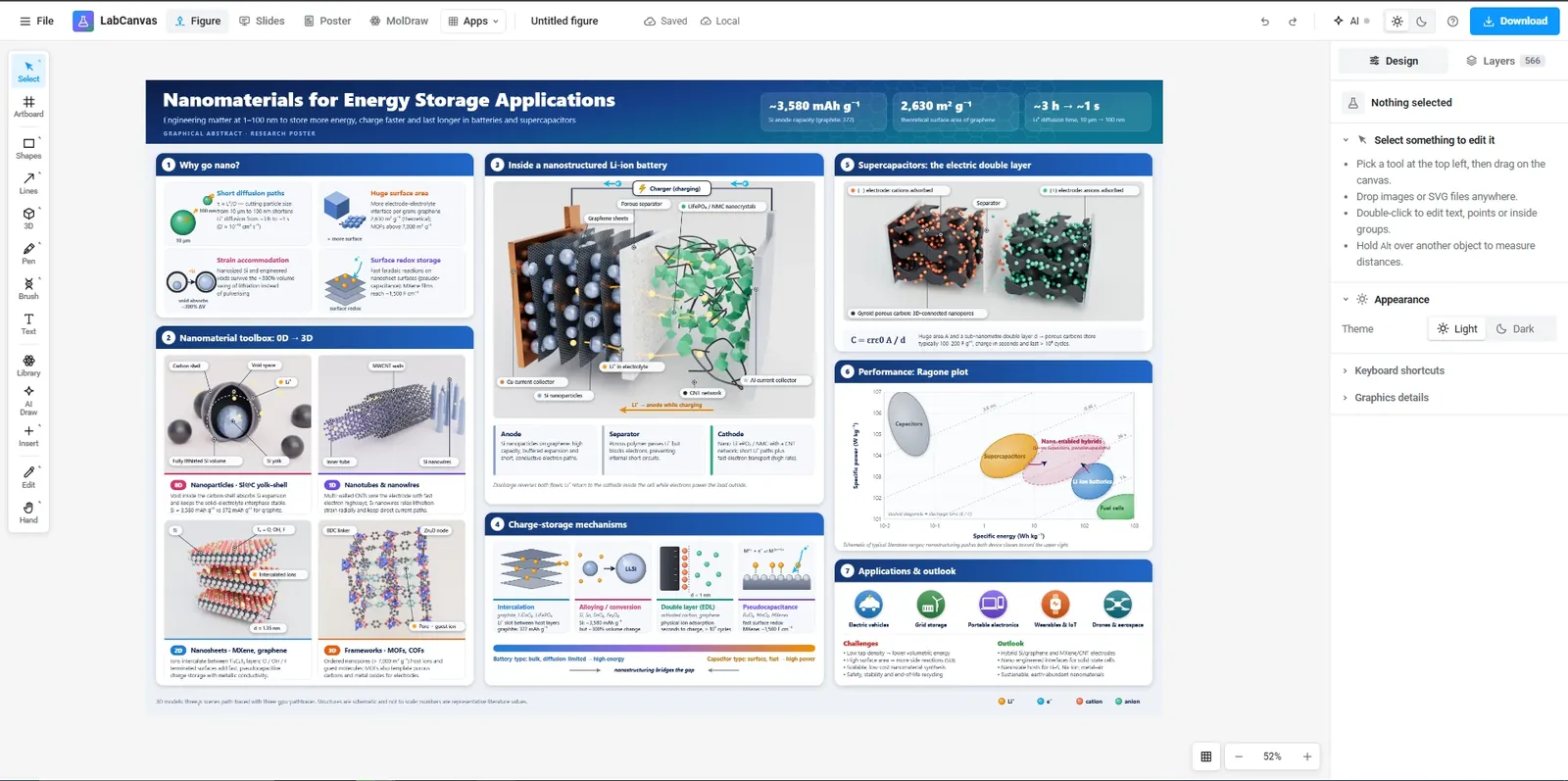
Free tools for scientific figures in 2026: BioRender, Inkscape, Affinity, Canva, PowerPoint and more
An honest comparison of tools for scientific figures: BioRender, Mind the Graph, Inkscape, Affinity, Canva, PowerPoint, Adobe Illustrator and LabCanvas. What each free plan includes, publication rights, file formats and who each one suits.
Journal figure size guide: column widths, DPI and fonts for 38 journals
Figure requirements for 38 journals in one table: single, 1.5 and double column widths in mm, maximum height, DPI for photos and line art, fonts and file types, each linked to the journal’s author guidelines.
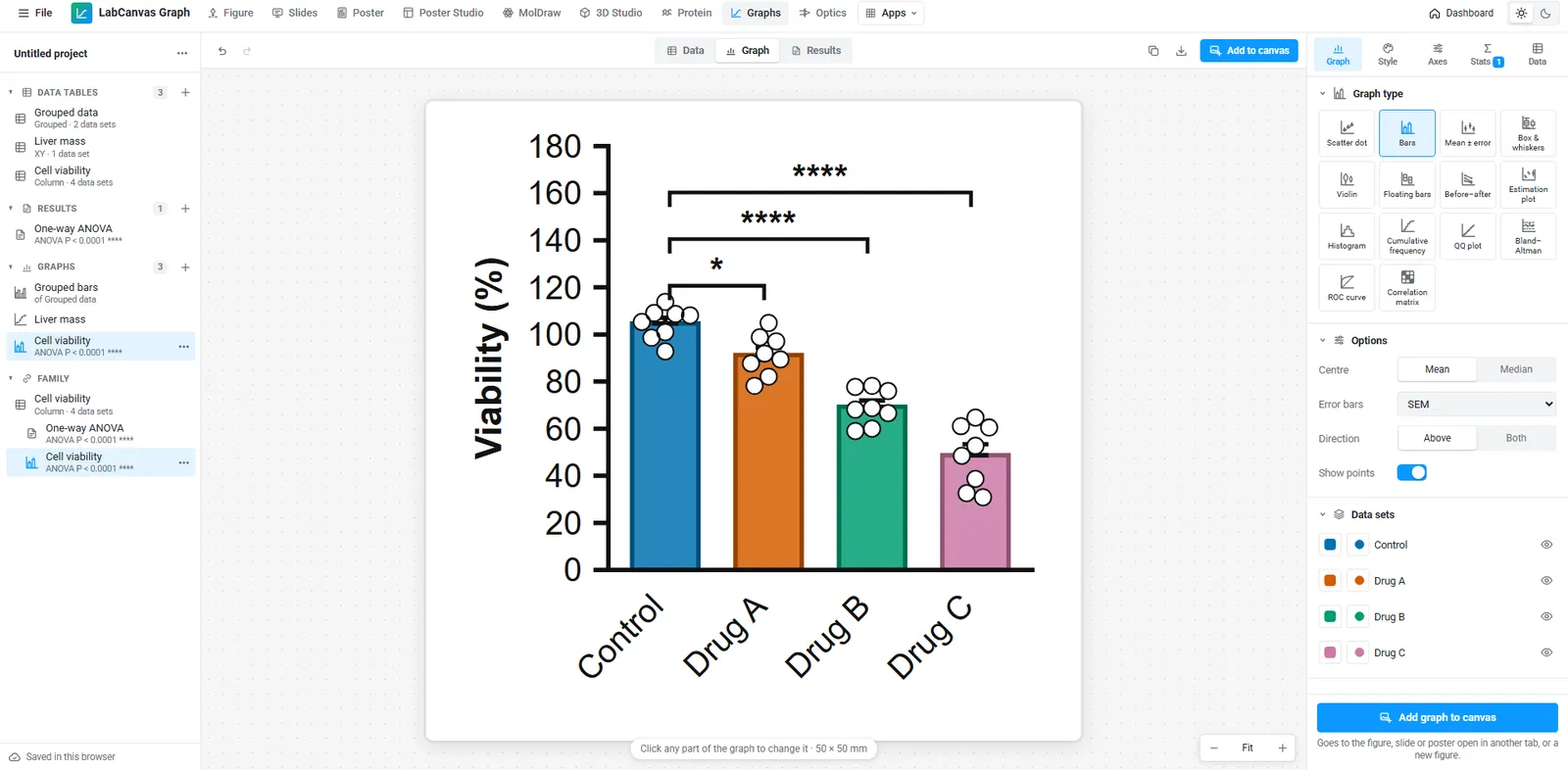
A free GraphPad Prism alternative: graphs and statistics in your browser
Looking for a free GraphPad Prism alternative? What LabCanvas Graphs does (data tables, t tests, ANOVA, curve fits, survival, 50 graph types checked against SciPy), what it does not, and when Prism is still the better choice.