Journal figure size guide: column widths, DPI and fonts for 38 journals
Figure requirements for 38 journals in one table: single, 1.5 and double column widths in mm, maximum height, DPI for photos and line art, fonts and file types, each linked to the journal’s author guidelines.
Contents
Short answer: most journals want figures at their column width (single column about 83–90 mm, double column about 171–190 mm), photographs at 300 dpi or more at that final size, line art at 1,000–1,200 dpi (or as vector files), and figure text of about 5–8 pt in a sans-serif font. The table below gives the exact requirements of 38 journals and publisher families, each linked to the journal’s own author guidelines.
Figure requirements by journal
Checked on 26 October 2026 against each journal’s author-guideline page. A dash (—) means the page does not state the value or we could not confirm it; an asterisk (*) marks rows where some values came from older or secondary official documents, so check the link. Science uses three columns: its 1-, 2- and 3-column widths are in the single, 1.5 and double columns. Widths given in inches or points by the journal were converted to millimetres.
| Journal | Single column (mm) | 1.5 column (mm) | Double column (mm) | Max height (mm) | Photos / colour (dpi) | Line art (dpi) | Fonts in figures | File types |
|---|---|---|---|---|---|---|---|---|
| Nature | 89 | 120–136 | 183 | 247 (page depth) | 300 (figure guide: 450) | — | Arial/Helvetica, 5–7 pt; panel labels 8 pt bold | AI, EPS, PDF; TIFF/PSD for images |
| Nature Communications* | 88 | — | 180 | — | 300 | — | Sans-serif (e.g. Helvetica), 5–8 pt | Vector; TIFF for images |
| Scientific Reports | — | — | — | — | 300 | — | Sans-serif (e.g. Helvetica) | TIFF, JPG, PSD |
| Science | 57 (1 col) | 121 (2 col) | 184 (3 col) | — | 300 (revisions: higher) | — | About 7 pt, not below 5 pt | PDF, EPS, AI; TIFF |
| Science Advances | 90 | up to 144 | 184 | 227.5 | 300 | 1,200 | Sans serif, preferably Myriad | PDF, AI preferred; raster ≥300 dpi |
| Cell and Cell Press journals | 85 | 114 | 174 | 200 (recommended) | 300 (black and white 500) | 1,000 | — | TIFF, PDF, EPS |
| Neuron | 85 | 114 | 174 | 200 (recommended) | 300 (black and white 500) | 1,000 | — | TIFF, PDF |
| PNAS | 87 | 114 | 178 | 225 | 300 (combination 600–900) | 1,000–1,200 | One font, e.g. Arial or Helvetica, 6–12 pt | TIFF, EPS, PDF |
| eLife | — | — | ≥200 (full width) | — | 300 | — | — | TIFF, JPG, EPS, AI, PDF |
| PLOS ONE | 132 (text column) | — | 190.5 (max) | 222 | 300–600 | 300–600 | Arial, Times or Symbol, 8–12 pt | TIFF, EPS |
| PLOS Biology | 132 (text column) | — | 190.5 (max) | 222 | 300–600 | 300–600 | Arial, Times or Symbol, 8–12 pt | TIFF, EPS |
| ACS journals (JACS, ACS Nano, Nano Letters) | 84.7 | — | 105.8–177.8 | 232.8 (with caption) | 300 colour, 600 greyscale | 1,200 | Helvetica/Arial, ≥4.5 pt (Nano Letters) | — |
| RSC journals (Chemical Science, J. Mater. Chem. A) | 83 | — | 171 | 233 | 600 | 600 | — | TIFF preferred; EPS, PDF |
| Angewandte Chemie | 84 | — | 178 | — | 300 | — | — | TIF, JPG, PNG; ChemDraw (.cdx) for structures |
| Advanced Materials | 85 | — | 178 | — | 300 | 1,200 (bitmap of vector art) | — | TIFF, PNG, PDF, EPS |
| Small | 85 | — | 178 | — | 300 | 1,200 (bitmap of vector art) | 10–12 pt | TIFF, PNG, PDF, EPS |
| Elsevier journals (general) | 90 | — | 190 | — | 300 (combination 500) | 1,000 | Arial/Helvetica, Times, Symbol, Courier | EPS, PDF, TIFF, JPEG, Office |
| Springer journals (general) | 84 (also 39) | 129 | 174 | 234 | 300 (combination 600) | 1,200 | Helvetica/Arial, 8–12 pt | EPS; TIFF for halftones |
| Physical Review (APS) | 85 | — | — | — | 600 preferred (scans) | — | Smallest capitals ≥2 mm | PS, EPS, JPG, PNG |
| IEEE Transactions | 88.9 | — | 181.9 | — | >300 | >600 | Helvetica, Times, Arial; about 9–10 pt | PS, EPS, PDF, PNG, TIFF |
| MDPI journals | — | — | — | — | 600 | 600 | Fonts embedded | TIFF, JPEG, PNG |
| Frontiers journals | 85 | — | 180 | — | 300 | 300 | ≥8 pt | TIFF, JPEG |
| The Lancet | — | — | — | — | 300 (supply 20% larger) | Vector required | — | AI, EPS, PDF, SVG, Office; TIF/JPG photos |
| New England Journal of Medicine* | — | — | — | — | 300 | — | — | AI, EPS, SVG; JPG, PNG, TIFF |
| JAMA | — | — | — | — | 350 at about 5 in wide | 600 | — | TIF, JPG, EPS, AI, PDF |
| Blood | 84 | 127 | 177 | — | — | — | — | TIFF, EPS |
| Circulation (AHA journals) | — | — | — | — | 600 | 1,200 | 8–10 pt | TIFF, EPS, PDF |
| Cancer Research (AACR) | 79.4 | — | — | — | — | — | 6–12 pt at single-column size | EPS, TIFF, AI, PSD, PNG, PS |
| Journal of Clinical Investigation | 90 (min) | — | 180 (max) | 172.5 (with legend) | 600 | 600 | Helvetica/Arial, 6–8 pt | TIFF (no JPEG) |
| Journal of Immunology* | — | — | — | — | 300 colour, 600 greyscale | 1,200 | — | TIFF, JPEG, PNG, PDF, EPS |
| Journal of Biological Chemistry | 85 | 127 | 175 | 248 | 300 (combination 600) | 1,000–1,200 | Smallest type ≥2 mm high | TIFF, EPS, PDF |
| Bioinformatics (OUP)* | 86 | — | 178 | — | 350 | 1,200 | — | TIFF |
| The EMBO Journal* | 87 | — | 180 | 230 (with legend) | 300 | — | Panel labels Helvetica | — |
| Journal of Cell Biology | 85 | — | 175 (max) | 228 | 300 (combination 600) | 1,000 | Arial, Times New Roman, Courier New or Symbol; 8 pt | TIFF, EPS, AI, PSD, PPT |
| Development | — | — | 180 (max) | 210 | 300 (combination 600) | — | Arial/Helvetica, 8 pt; panel letters 12 pt bold | EPS, PDF, TIFF, JPEG |
| Journal of Neuroscience | 85 | 116 | 176 | — | 300 | 1,200 | — | TIFF, EPS |
| Molecular Biology of the Cell* | 43–87 | 102–121 | 148–178 | 239 | 300 | 600 | — | TIF, EPS, PDF |
| Biophysical Journal* | 82.6 | — | 171.5 | One page | — | — | — | — |
Turning millimetres into pixels
Pixels = millimetres ÷ 25.4 × DPI.
| Width | 300 dpi | 600 dpi | 1,200 dpi |
|---|---|---|---|
| 85 mm (single column) | 1,004 px | 2,008 px | 4,016 px |
| 89 mm (Nature single) | 1,051 px | 2,102 px | 4,205 px |
| 114 mm (Cell Press 1.5 column) | 1,346 px | 2,693 px | 5,386 px |
| 174 mm (Cell Press double) | 2,055 px | 4,110 px | 8,220 px |
| 183 mm (Nature double) | 2,161 px | 4,323 px | 8,646 px |
Five rules that apply almost everywhere
- Work at the final size. Set the canvas to the column width first; then 7 pt text stays 7 pt in print.
- Use vector files for graphs and diagrams (PDF, EPS, AI or SVG). They have no DPI and stay sharp; export raster images only for photographs and micrographs.
- Match the DPI to the content: about 300 dpi for photos, 500–600 dpi for photos with text or lines, 1,000–1,200 dpi for black-and-white line art.
- One sans-serif font (Arial or Helvetica are the common choices) at one or two sizes throughout, with panel letters larger and bold.
- Check colour: most journals publish online in RGB; use colour-blind-safe palettes and do not rely on red versus green alone.
Making a figure to these specifications
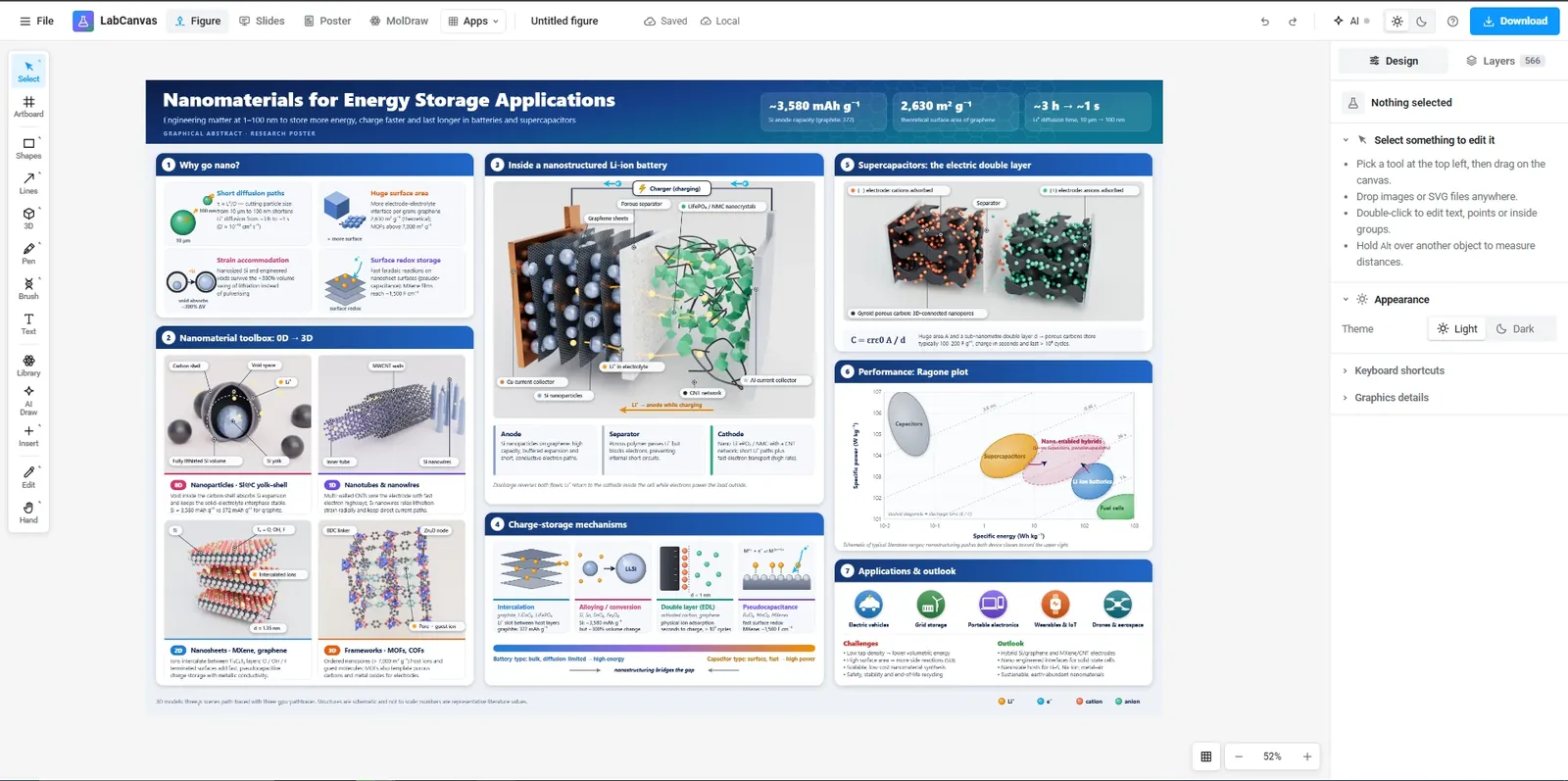
In the multi-panel figure maker you pick a journal preset, a grid and the panel shape, drop in your images and export at the DPI you need. In the LabCanvas figure editor you set the width in millimetres and export TIFF, PDF, SVG or PNG at 300, 600 or 1,200 dpi, with the DPI recorded in the file.
Frequently asked questions
What size should a figure be for a journal?
Use the journal’s column width: most single columns are 83–90 mm and most double columns 171–190 mm (Nature 89 and 183 mm, Cell Press 85 and 174 mm, Elsevier 90 and 190 mm). The table on this page lists 38 journals with links to their guidelines.
What DPI do journals require?
Most ask for at least 300 dpi for photographs and colour images at the final printed size, 500–600 dpi for images that combine photos with text or line art, and 1,000–1,200 dpi for black-and-white line art. Vector files (PDF, EPS, AI, SVG) have no DPI and are preferred for graphs and diagrams.
How many pixels is an 89 mm figure at 300 dpi?
Pixels = millimetres ÷ 25.4 × DPI. An 89 mm single-column figure at 300 dpi is 89 ÷ 25.4 × 300 = 1,051 pixels wide; a 183 mm double-column figure is 2,161 pixels.
What font size should text in a figure be?
Measured at the final printed size, most journals ask for about 5–8 pt (Nature 5–7 pt, Cell Press and JCI 6–8 pt) and some up to 12 pt; a sans-serif font such as Arial or Helvetica is the usual choice. Set the figure to its final width before adding text so the sizes you pick are the printed sizes.
Are these requirements up to date?
They were checked against each journal’s own author-guideline page on 26 October 2026. Journals change their rules, so open the linked page before you submit; values we could not confirm there are shown as a dash rather than guessed.
Try it in LabCanvas
Every app is free to start in your browser. Create an account and begin.
Open the LabCanvas dashboardKeep reading
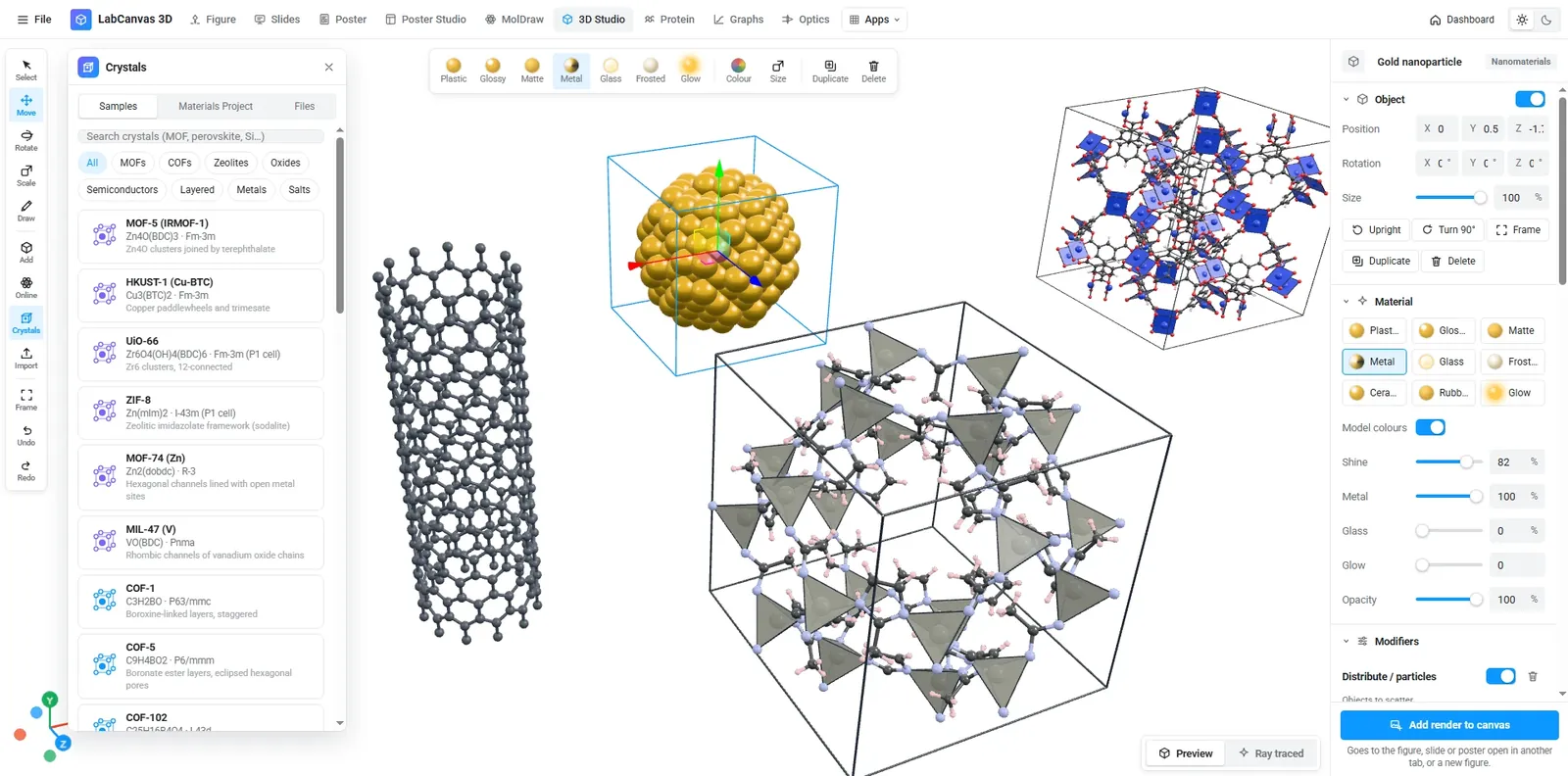
Crystal structure and 2D-material figures: VESTA, Mercury, CrystalMaker, Avogadro, OVITO and LabCanvas compared
Which tool for crystal structure and 2D-material figures? VESTA, CrystalMaker, Mercury, Avogadro, Jmol, OVITO, the Materials Project viewer and LabCanvas compared: licence, platforms, file formats, rendering and how to cite each.
Free tools for scientific figures in 2026: BioRender, Inkscape, Affinity, Canva, PowerPoint and more
An honest comparison of tools for scientific figures: BioRender, Mind the Graph, Inkscape, Affinity, Canva, PowerPoint, Adobe Illustrator and LabCanvas. What each free plan includes, publication rights, file formats and who each one suits.
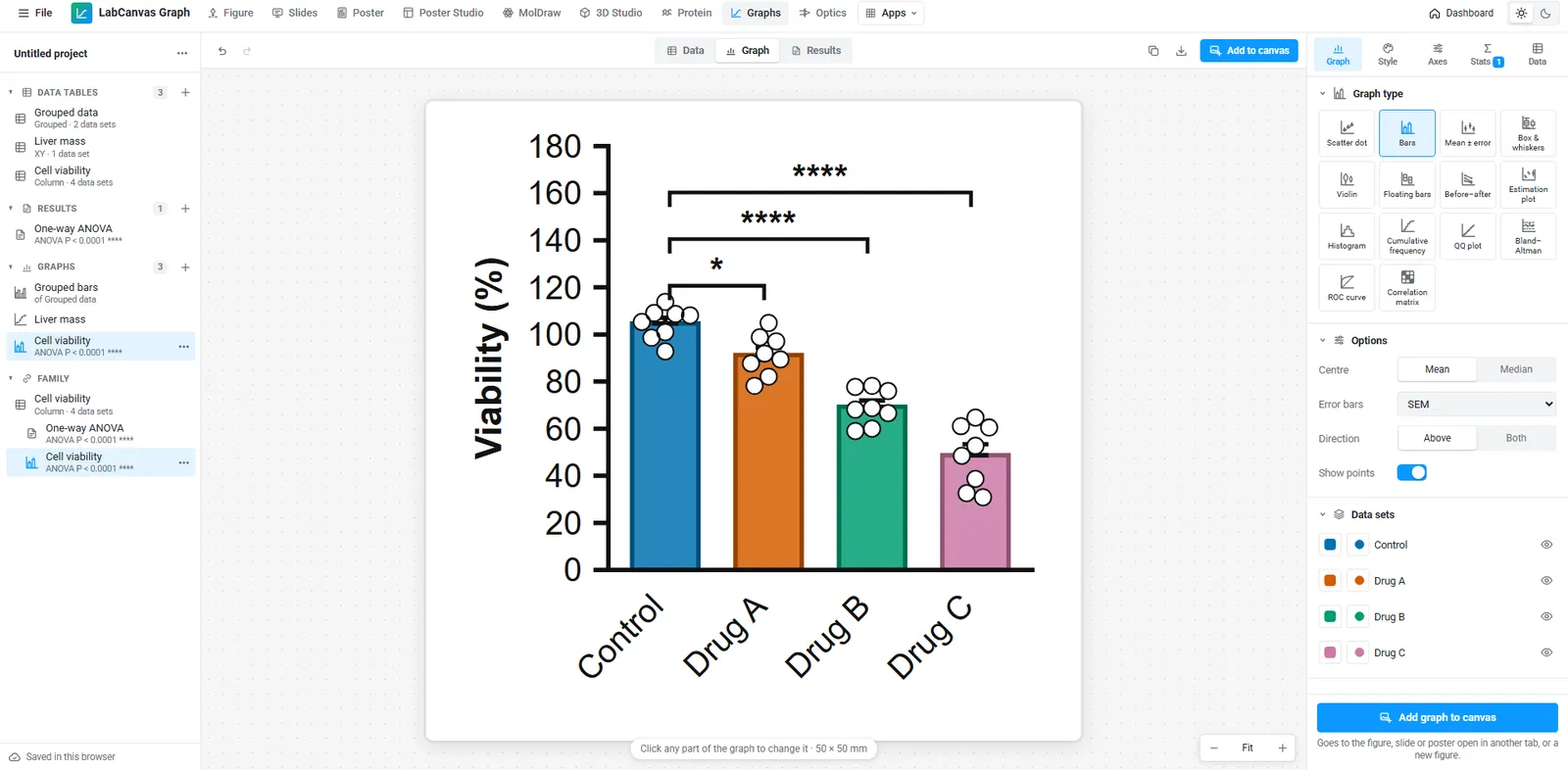
A free GraphPad Prism alternative: graphs and statistics in your browser
Looking for a free GraphPad Prism alternative? What LabCanvas Graphs does (data tables, t tests, ANOVA, curve fits, survival, 50 graph types checked against SciPy), what it does not, and when Prism is still the better choice.