Free tools for scientific figures in 2026: BioRender, Inkscape, Affinity, Canva, PowerPoint and more
An honest comparison of tools for scientific figures: BioRender, Mind the Graph, Inkscape, Affinity, Canva, PowerPoint, Adobe Illustrator and LabCanvas. What each free plan includes, publication rights, file formats and who each one suits.
Contents
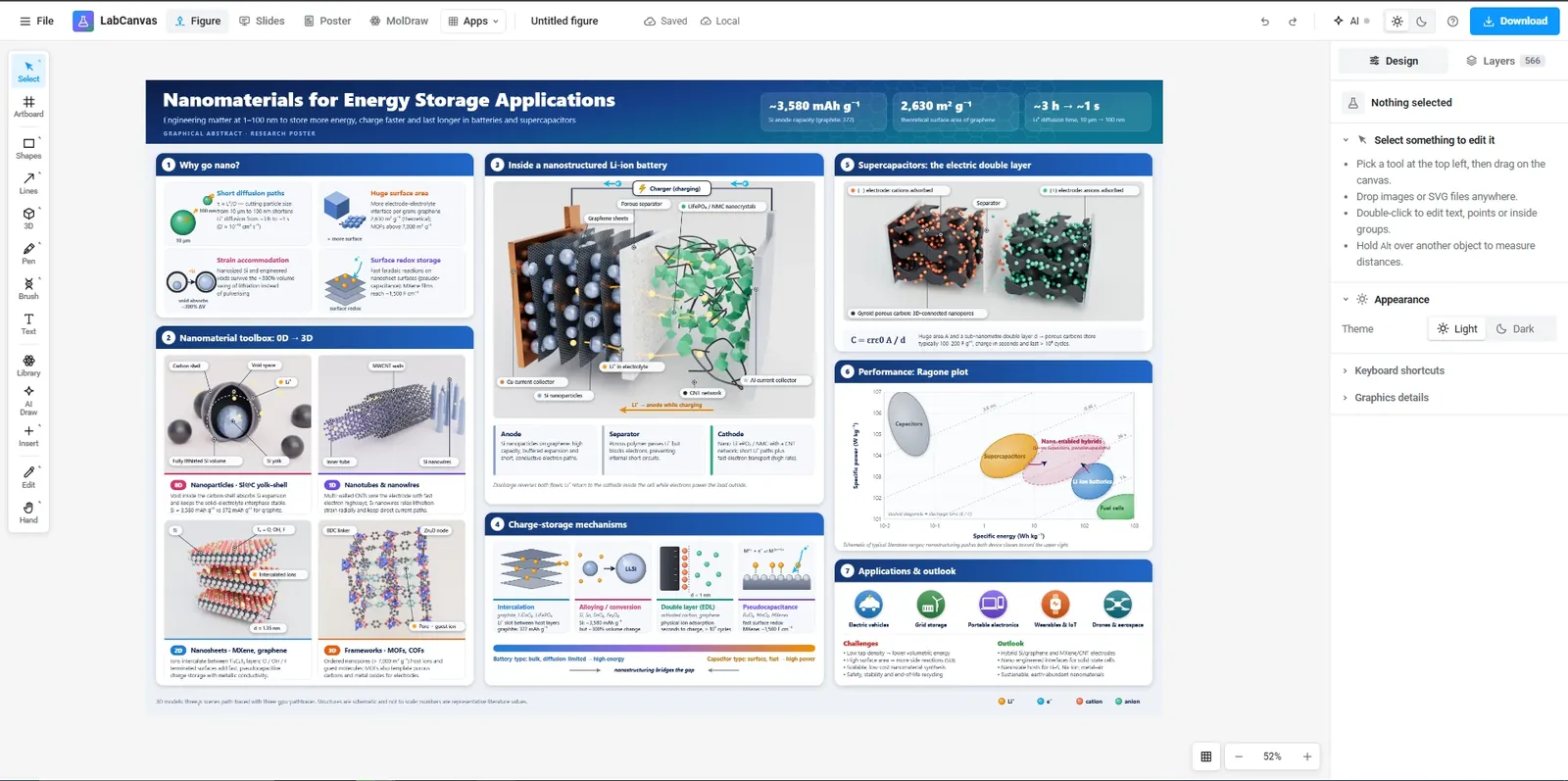
Short answer: for a figure you can publish without paying, use a free vector editor such as Inkscape or Affinity and bring your own artwork. For ready-made life-science icons, BioRender and Mind the Graph have the largest libraries, but their free plans watermark exports, and BioRender’s free plan does not allow publication. PowerPoint and Canva are quick for simple layouts. LabCanvas combines adjustable science objects, graphs, chemistry and 3D in one browser app; every app is free to use, and downloads need Pro.
Facts about each tool below come from its own website, checked on 26 October 2026. Plans change, so follow the links before you decide; prices are on each vendor’s pricing page.
At a glance
| Tool | Free plan | Can you publish from the free plan? | Runs on | Science content | Best for |
|---|---|---|---|---|---|
| BioRender | Yes, watermarked exports | No: the free licence excludes publishing and commercial use | Web | 50,000+ life-science icons, templates | Life-science schematics from a large icon library |
| Mind the Graph | Yes, no time limit | Yes, with the watermark and a citation of Mind the Graph | Web | 75,000+ illustrations, 300+ templates | Infographics and graphical abstracts |
| Inkscape | Free and open source (GPL) | Yes | Windows, macOS, Linux | None built in | Full vector editing at no cost |
| Affinity by Canva | Free with a Canva account | Yes | Windows, macOS | None built in | Professional vector, photo and layout work at no cost |
| Canva | Yes; Pro content watermarked | Depends on the content used: see Canva’s licensing | Web, desktop, mobile | Science templates (many Pro) | Posters and simple layouts fast |
| PowerPoint for the web | Free with a Microsoft account | Yes (your own content) | Web (desktop apps in Microsoft 365) | None built in | Quick layouts you already know |
| Adobe Illustrator | No (7-day trial) | Paid | Windows, macOS, iPad | None built in | Industry-standard vector illustration |
| LabCanvas | Every app free, up to 3 designs; downloads with Pro | With Pro | Web (any browser) | 700+ adjustable science objects, 137 templates, 3D models | Figures that mix illustration, graphs, chemistry and 3D |
The tools in detail
BioRender
A web app built around a large library of life-science icons (BioRender cites 50,000+) and templates. Its free (Basic) plan exports standard-resolution images with a watermark and, in BioRender’s words, “does not allow you to use our BioRender Content for any publishing or commercial purposes”; publication rights come with paid plans, and figures exported while on a paid plan can still be published after downgrading. BioRender’s help centre says PNG export is available to all users and PDF on premium plans, and that there is “no vector export option at this time”. Pick it when your figure is mostly standard life-science iconography and your lab has a paid plan. See the BioRender comparison for how LabCanvas differs.
Mind the Graph
A web app for scientific infographics and graphical abstracts with 75,000+ illustrations and 300+ templates (Mind the Graph’s figures). The free plan has no time limit; free users may publish if they keep the watermark and cite Mind the Graph in the legend or acknowledgements, while paid users get watermark-free exports in PNG, PDF, SVG and TIFF. Pick it when you want an infographic quickly and the watermark is acceptable.
Inkscape
A free, open-source vector editor (GPL) for Windows, macOS and Linux that saves SVG and exports PDF, EPS and PNG. It has no scientific artwork of its own, so you combine it with free icon libraries or your own drawings. Pick it when you want full vector control, publication without restrictions and no cost.
Affinity by Canva
Canva relaunched Affinity, its professional vector, photo and layout app, as “completely free, forever” with a Canva account, for Windows and macOS; only the Canva AI tools inside it need a paid Canva plan. It exports PDF, SVG, EPS and PNG. Files from the new app cannot be opened in the older Affinity V1 and V2. Pick it when you want a polished professional editor at no cost.
Canva
A web, desktop and mobile design tool with a very large template library (1.6M+ on the free plan) and a science templates collection, many marked Pro. Pro content shows a watermark for free users, and transparent and SVG export are listed as Pro features. Pick it when you need a poster, slide or social graphic quickly rather than a detailed scientific schematic.
PowerPoint
PowerPoint for the web is free with a Microsoft account; the desktop apps come with Microsoft 365. Most researchers already know it, which makes it fast for simple multi-panel layouts, but it has no scientific artwork and exporting at a journal’s exact width and DPI takes extra steps. Pick it when the figure is simple and you are already working in slides.
Adobe Illustrator
The industry-standard vector editor (Windows, macOS, iPad), with a 7-day trial and paid plans. It saves AI, PDF, EPS and SVG. Pick it when your institution provides a licence and you need its full toolset.
LabCanvas
A browser workspace where the science objects are generators with settings (a liposome’s size and cargo, a nanoparticle’s shape and ligand shell, a crystal’s supercell) rather than fixed icons, next to a full vector editor, graphs with statistics, MolDraw for chemical structures, a 3D Studio and 137 templates. Every app is free with an account, up to 3 designs; downloads (TIFF, PDF, SVG, PNG at 300, 600 or 1,200 dpi) and unlimited designs are part of LabCanvas Pro. Its life-science icon set is much smaller than BioRender’s; it is broadest in chemistry and materials science. The free tools, such as the multi-panel figure maker, need no account.
Which one should you use?
- No budget and you must publish: Inkscape or Affinity, with free icon libraries.
- Mostly life-science icons and a lab subscription: BioRender.
- A quick infographic, watermark acceptable: Mind the Graph or Canva.
- Illustration, graphs, chemistry and 3D in one figure: LabCanvas.
- Your institution already pays for Adobe: Illustrator.
Whichever you use, set the figure to the journal’s column width before adding text; the journal figure size guide lists the widths, DPI and fonts of 38 journals.
Frequently asked questions
What is the best free tool for scientific figures?
For a completely free tool with full rights to publish, Inkscape (open source vector editor) or Affinity (now free with a Canva account) are the strongest choices, but you bring your own scientific artwork. For ready-made life-science icons, BioRender and Mind the Graph have the largest libraries, but their free plans watermark exports and BioRender’s free plan does not allow publication. LabCanvas adds adjustable science objects, graphs and 3D in one browser app; its free plan covers every app but downloads need Pro.
Can I publish figures made with the free version of BioRender?
No. BioRender’s free (Basic) licence does not allow publishing or commercial use, and its exports carry a watermark; publication rights come with its paid plans. Check BioRender’s pricing and licence pages for the current terms.
Can I publish figures made with Mind the Graph for free?
Mind the Graph says free users may publish if they keep its watermark and cite Mind the Graph in the figure legend or acknowledgements; paid users get watermark-free exports and need no attribution.
Is Affinity Designer free now?
Yes. Canva relaunched Affinity (vector, pixel and layout tools in one app) as free with a Canva account for Windows and macOS; only the Canva AI features inside it need a paid Canva plan.
Which free tool exports vector files for journals?
Inkscape (SVG, PDF, EPS), Affinity (SVG, PDF, EPS) and Adobe Illustrator (paid: AI, PDF, EPS, SVG) all export vector files. BioRender’s help centre says it has no vector export; Canva lists SVG export as a Pro feature. LabCanvas exports SVG and PDF on its Pro plan.
Try it in LabCanvas
Every app is free to start in your browser. Create an account and begin.
Open the LabCanvas dashboardKeep reading
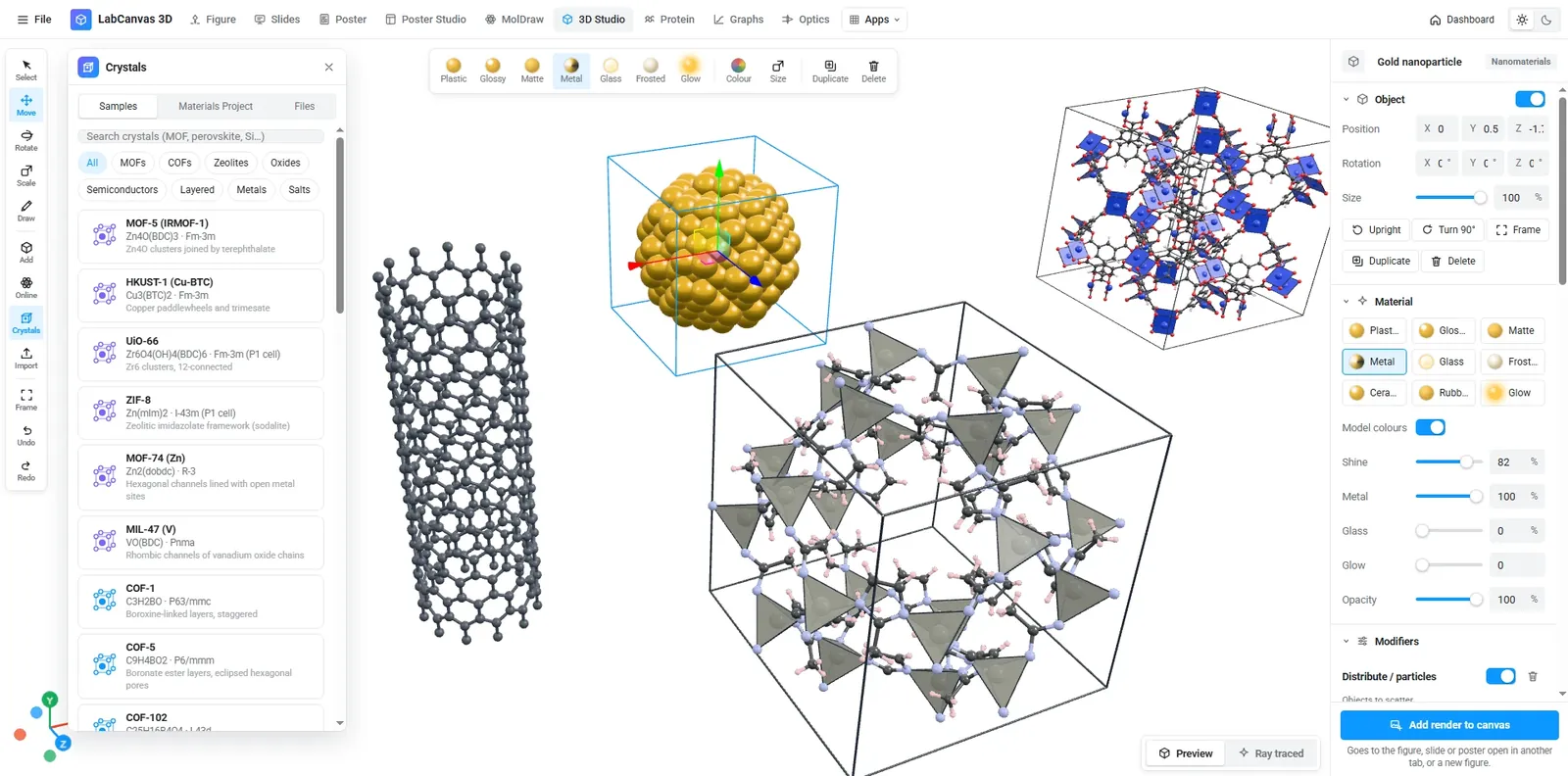
Crystal structure and 2D-material figures: VESTA, Mercury, CrystalMaker, Avogadro, OVITO and LabCanvas compared
Which tool for crystal structure and 2D-material figures? VESTA, CrystalMaker, Mercury, Avogadro, Jmol, OVITO, the Materials Project viewer and LabCanvas compared: licence, platforms, file formats, rendering and how to cite each.
Journal figure size guide: column widths, DPI and fonts for 38 journals
Figure requirements for 38 journals in one table: single, 1.5 and double column widths in mm, maximum height, DPI for photos and line art, fonts and file types, each linked to the journal’s author guidelines.
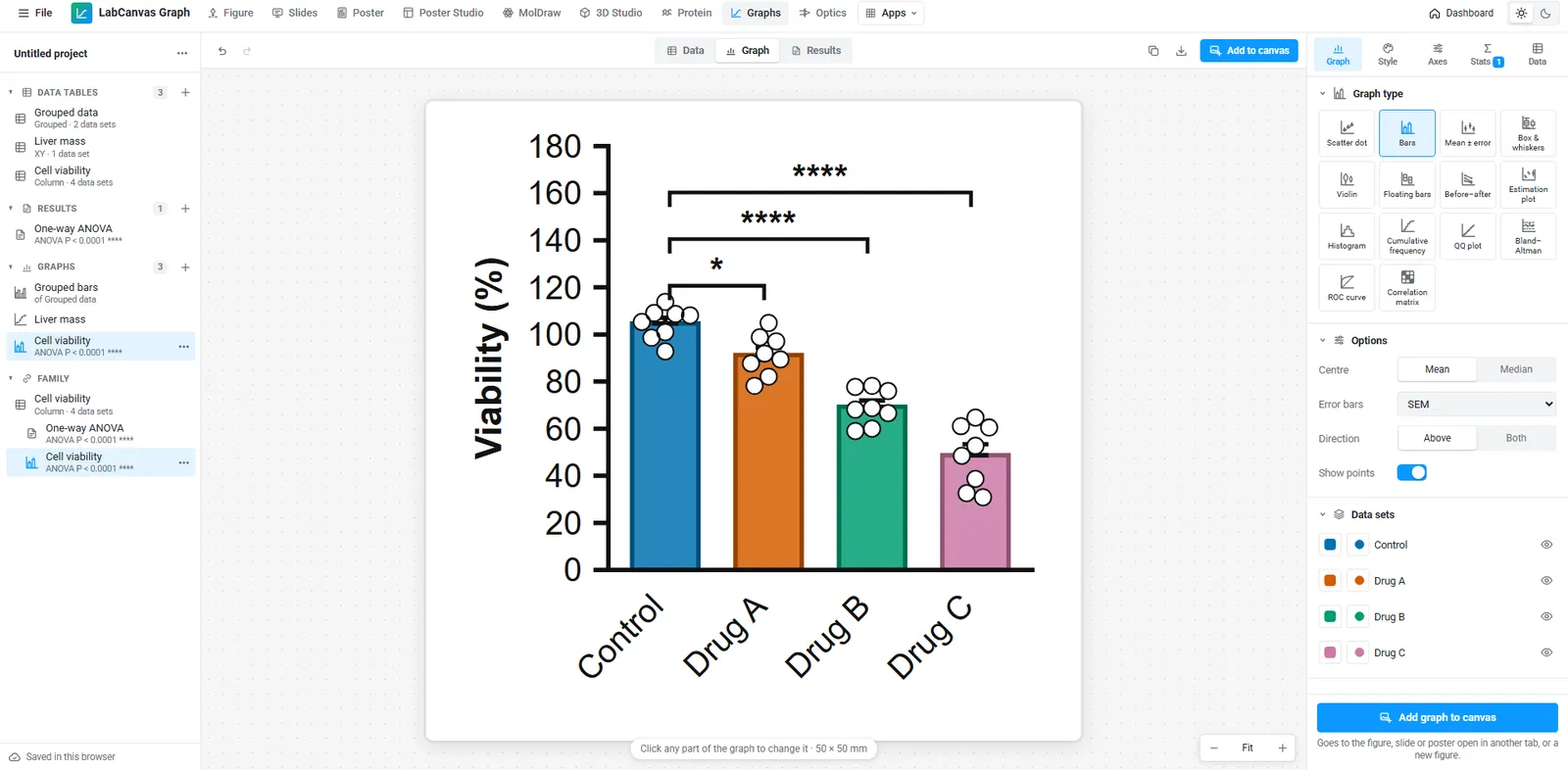
A free GraphPad Prism alternative: graphs and statistics in your browser
Looking for a free GraphPad Prism alternative? What LabCanvas Graphs does (data tables, t tests, ANOVA, curve fits, survival, 50 graph types checked against SciPy), what it does not, and when Prism is still the better choice.