A free GraphPad Prism alternative: graphs and statistics in your browser
Looking for a free GraphPad Prism alternative? What LabCanvas Graphs does (data tables, t tests, ANOVA, curve fits, survival, 50 graph types checked against SciPy), what it does not, and when Prism is still the better choice.
Contents
If you are looking for a GraphPad Prism alternative, you probably want the Prism way of working (data tables, a test, a graph with significance brackets) without a desktop licence, or you want your graphs to go straight into a figure, slide or poster. GraphPad Prism is the standard tool for this in many biology and pharmacology labs, and for good reason. LabCanvas Graphs & statistics follows the same model in the browser. This page sets out honestly what it covers, what it does not, and when Prism is still the better choice.
The short answer
| If you mainly need | Better fit | Why |
|---|---|---|
| Column, XY, grouped, survival and contingency tables with t tests, ANOVA, regression and survival tests | Either | Both work from typed data tables; LabCanvas runs in the browser with nothing to install |
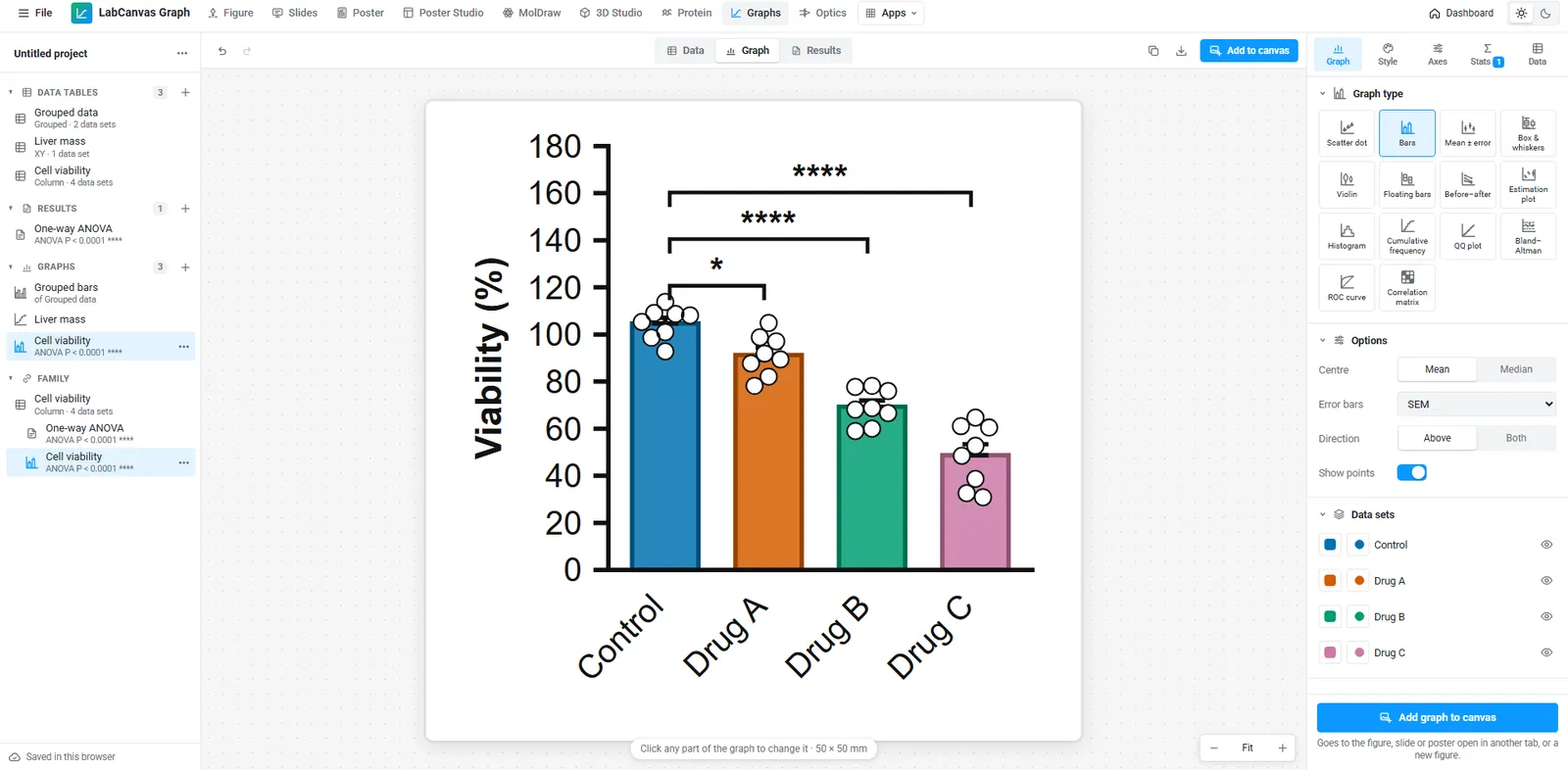
| Graphs that go into a figure, slide or poster and stay linked to their data | LabCanvas | Add to figure places the graph as editable vectors in the figure editor; a corrected value updates the figure |
| Statistics you can check against open-source references | LabCanvas | Every analysis is tested against SciPy, statsmodels and lifelines (1,472 automated checks) |
| Opening existing Prism (.pzfx) projects | Prism | LabCanvas does not read .pzfx files; you paste the data instead |
| The exact analyses and reports your lab, journal or regulator already expects from Prism | Prism | Established workflows and shared files matter more than any one feature |
| Plans, prices and licence terms | Check each | See GraphPad’s site for Prism and the LabCanvas pricing page |
Feature by feature
| Feature | LabCanvas Graphs & statistics |
|---|---|
| Data tables | Column, XY, grouped, survival and contingency; paste from Excel or Google Sheets |
| Compare two groups | Unpaired and paired t tests, Welch’s t test, Mann–Whitney, Wilcoxon |
| Compare several groups | One- and two-way ANOVA, repeated measures, Kruskal–Wallis, Friedman; Tukey, Dunnett, Šidák and other post-hoc tests |
| Curve fitting | Linear regression, correlation and nonlinear fits, including four-parameter dose–response with IC50/EC50 |
| Survival | Kaplan–Meier curves, log-rank test, median survival |
| Contingency | Chi-square, Fisher’s exact test, odds and risk ratios |
| Diagnostics | ROC curves with AUC, Bland–Altman agreement, QQ plots |
| Graph types | About 50: scatter dot plots, bars with points, box and violin plots, XY and dose–response curves, Kaplan–Meier, volcano, heat maps and more (see them all) |
| Axes | Linear and log axes, with log labels as powers (10ⁿ) or plain numbers |
| Significance | Brackets and stars placed from the test results |
| In a figure | Graphs go into the figure editor, Slides and Research Poster as editable vectors linked to their data |
| Runs on | Any modern browser on Windows, macOS, Linux or a Chromebook |
| Price | Free with an account (up to 3 designs); downloads and unlimited designs with LabCanvas Pro |
A one-way ANOVA, step by step
- Open Graphs & statistics and choose Bars with points (a column table).
- Paste your values, one column per group, straight from Excel.
- In the Stats tab choose one-way ANOVA with Tukey (all pairs) or Dunnett (each group against control).
- Significance brackets appear on the graph; set their style and which comparisons to show.
- Click Add to figure to put the graph in a figure with your images and schematics, still linked to the data.
When Prism may still be the better choice
- You have years of .pzfx projects and templates you reopen and rerun.
- Your lab, core facility or regulator expects Prism output in a particular format.
- You need an analysis LabCanvas does not offer. Check the Graphs guide for the full list before you move.
Free calculators for single questions
For one calculation you do not need a project at all: the IC50 / EC50 calculator, ELISA standard curve, qPCR ΔΔCt and cell doubling time calculators run in the browser with no account, and each page shows the method and a worked example.
Frequently asked questions
Is there a free alternative to GraphPad Prism?
LabCanvas Graphs & statistics works the same way (typed data tables, analyses and graphs in one project) and runs in the browser. Every app is free to use with an account, up to 3 designs; downloads and unlimited designs are part of LabCanvas Pro. For a single calculation, the free tools such as the IC50 calculator need no account.
Can LabCanvas run ANOVA with post-hoc tests?
Yes: one- and two-way ANOVA, repeated measures, Kruskal–Wallis and Friedman, with Tukey, Dunnett, Šidák and other post-hoc comparisons. Significance brackets are drawn on the graph from the test results.
Are the statistics accurate?
Every analysis is checked against SciPy, statsmodels and lifelines in 1,472 automated tests, and every graph type is drawn from reference data and read back point by point in 3,473 more.
Can I open my Prism (.pzfx) files?
Not directly. Copy the data from Prism or Excel and paste them into a LabCanvas data table; the table grows to fit.
Can I fit a dose–response curve and get the IC50?
Yes. Nonlinear regression includes four-parameter dose–response (log(agonist) and log(inhibitor)) with the IC50 or EC50 and its confidence interval. The free IC50 calculator does the same for one curve without an account.
Try it in LabCanvas
Every app is free to start in your browser. Create an account and begin.
Open the LabCanvas dashboardKeep reading
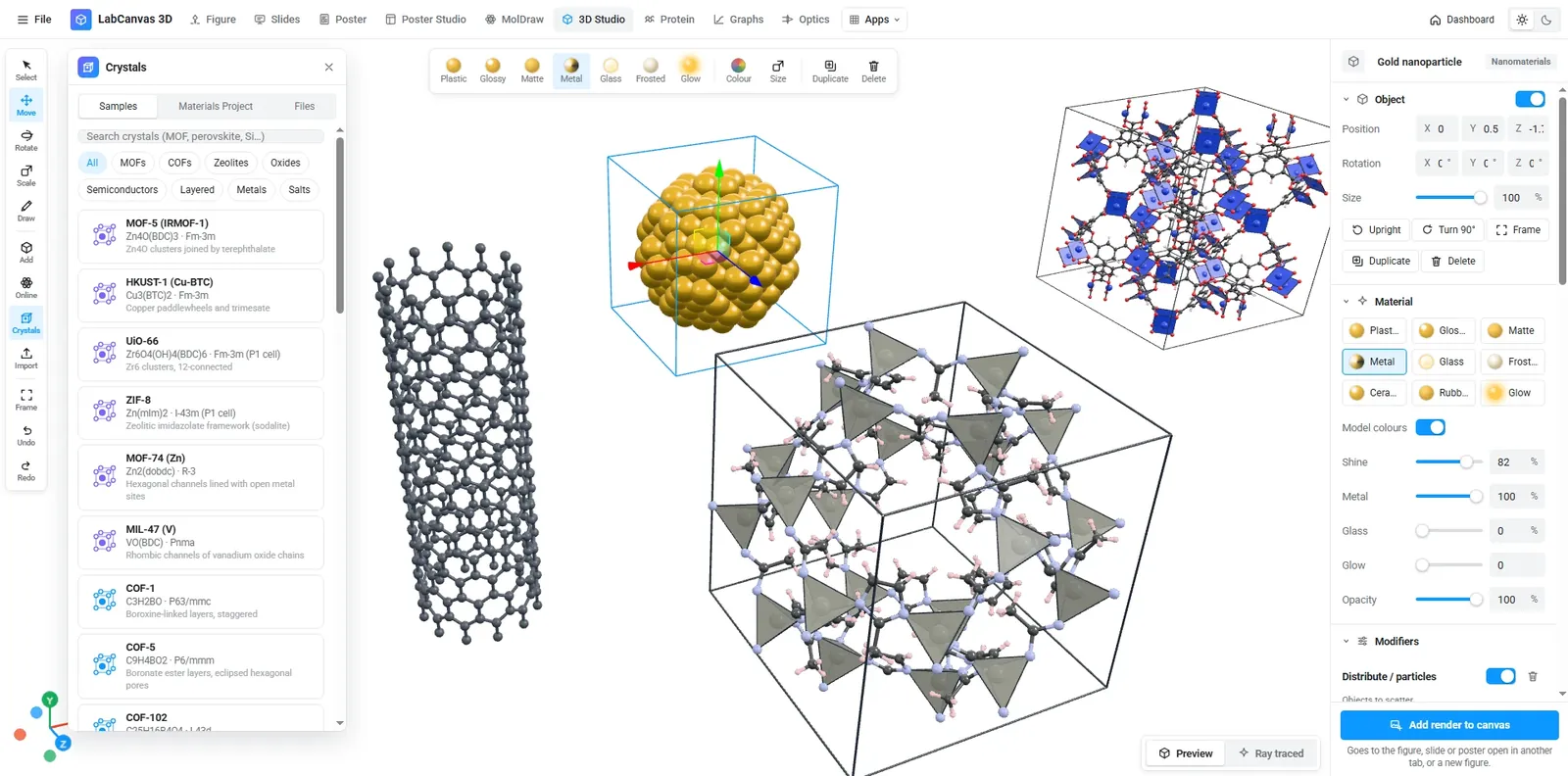
Crystal structure and 2D-material figures: VESTA, Mercury, CrystalMaker, Avogadro, OVITO and LabCanvas compared
Which tool for crystal structure and 2D-material figures? VESTA, CrystalMaker, Mercury, Avogadro, Jmol, OVITO, the Materials Project viewer and LabCanvas compared: licence, platforms, file formats, rendering and how to cite each.
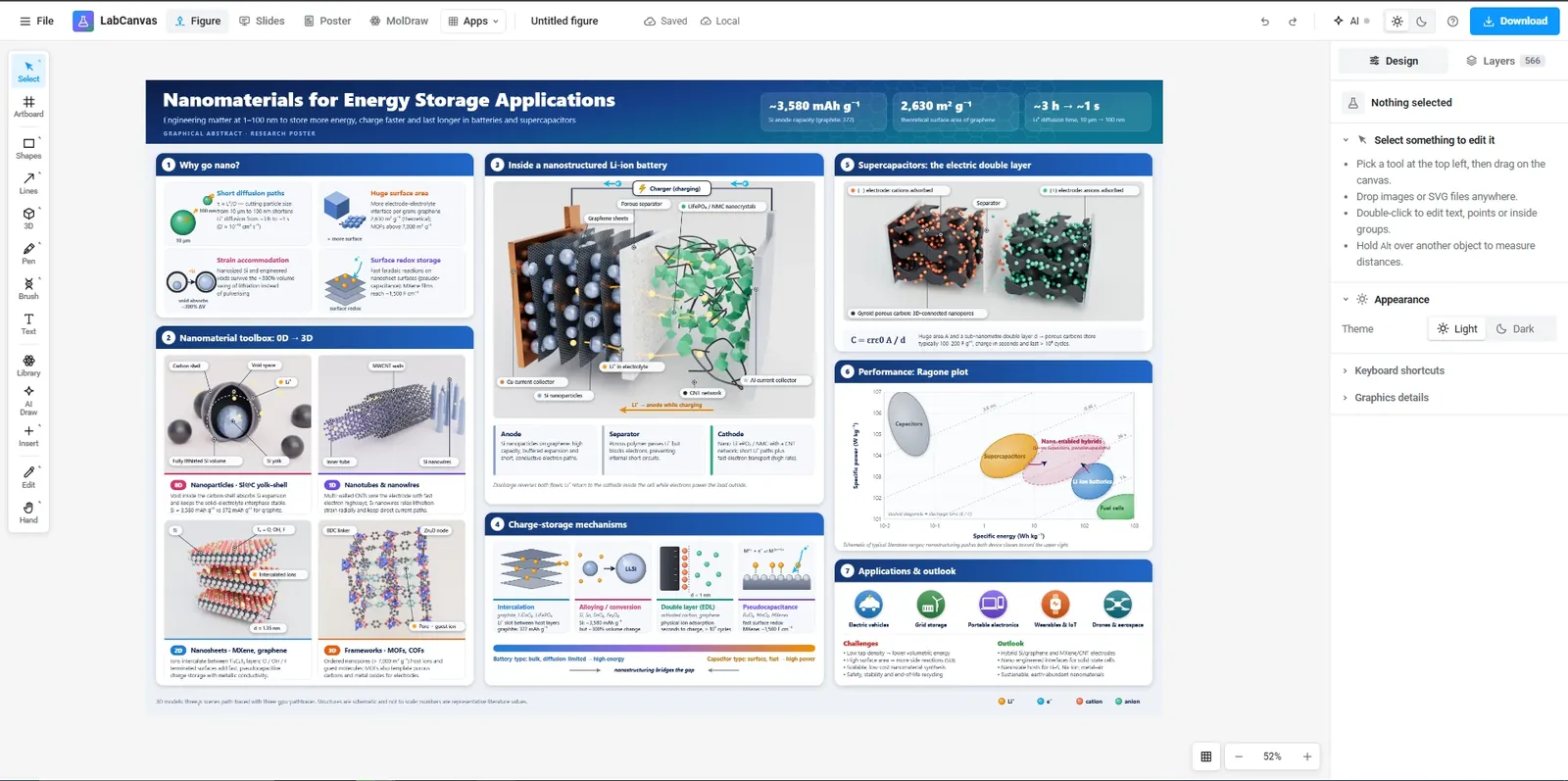
Free tools for scientific figures in 2026: BioRender, Inkscape, Affinity, Canva, PowerPoint and more
An honest comparison of tools for scientific figures: BioRender, Mind the Graph, Inkscape, Affinity, Canva, PowerPoint, Adobe Illustrator and LabCanvas. What each free plan includes, publication rights, file formats and who each one suits.
Journal figure size guide: column widths, DPI and fonts for 38 journals
Figure requirements for 38 journals in one table: single, 1.5 and double column widths in mm, maximum height, DPI for photos and line art, fonts and file types, each linked to the journal’s author guidelines.