MolDraw: draw chemical structures and reactions, then see them in 3D
How to draw molecules and reaction schemes in LabCanvas MolDraw: atoms, bonds, rings and charges, reaction arrows, structures from PubChem, SMILES, a 3D view of the same molecule, and placing structures in figures.
Contents
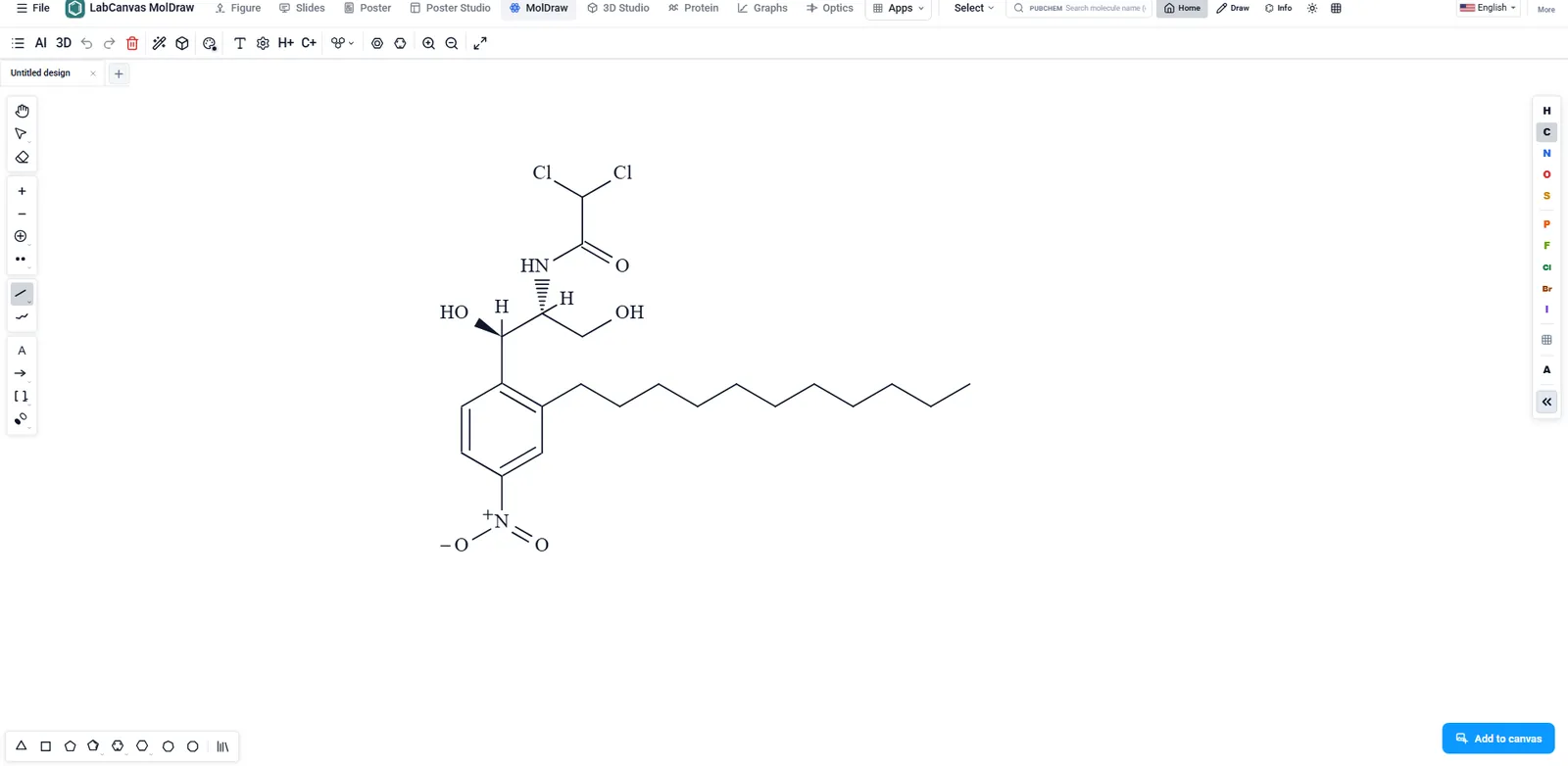
MolDraw is the chemical drawing app of LabCanvas. Draw molecules with atoms, bonds, rings and charges, write reaction schemes with arrows and conditions, start from any compound on PubChem, and turn the same structure in 3D. Structures go into LabCanvas figures, slides and posters as editable vectors.
What MolDraw is for
- Skeletal structures for papers and theses, with wedge and hash stereo bonds.
- Reaction schemes with arrows, reagents and conditions.
- Structures for figures and graphical abstracts, placed next to science objects and graphs.
- Checking a structure in 3D before you put it in a figure.
Drawing tools
| Tool | What it does |
|---|---|
| Atoms and bonds | Click to add, drag to draw a chain; single, double, triple, wedge and hash bonds |
| Rings and groups | Benzene and other rings, common groups from templates |
| Charges and labels | Formal charges, lone pairs and atom labels |
| Reaction arrows | Forward, equilibrium and retrosynthesis arrows with text above and below |
| SMILES bar | Shows the SMILES of the drawing; paste SMILES to draw it |
| 3D view | The same molecule as a 3D model |
How to draw a structure and use it in a figure
- Open MolDraw, or open it from the Figure editor.
- Search PubChem by name to start from a known compound, or draw from scratch.
- Clean up the layout, then add charges, stereo bonds and labels.
- Turn on the 3D view to check the shape.
- Place it in your figure, where it stays editable.
Molecules in the rest of LabCanvas
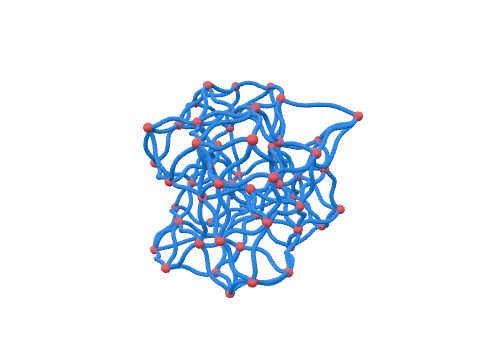
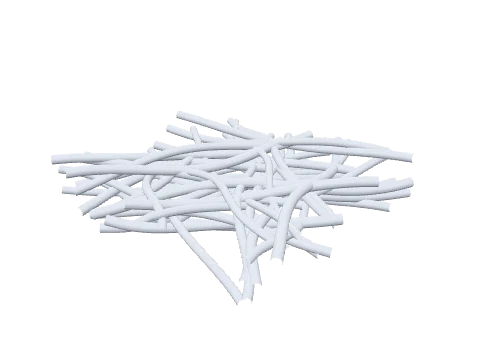
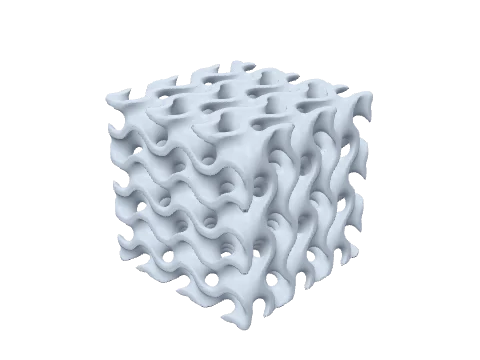
The Figure editor’s Library has an Online tab that searches PubChem and places compounds as 2D structures or 3D ball-and-stick drawings. The 3D Studio renders molecules, crystals and proteins, and the Protein viewer shows PDB entries.
Frequently asked questions
Is MolDraw a ChemDraw alternative?
Can I start from an existing compound?
Does MolDraw read SMILES?
Can I see the molecule in 3D?
How do I put a structure in my figure?
Try it in LabCanvas
Every app is free to start in your browser. Create an account and begin.
Open MolDrawKeep reading
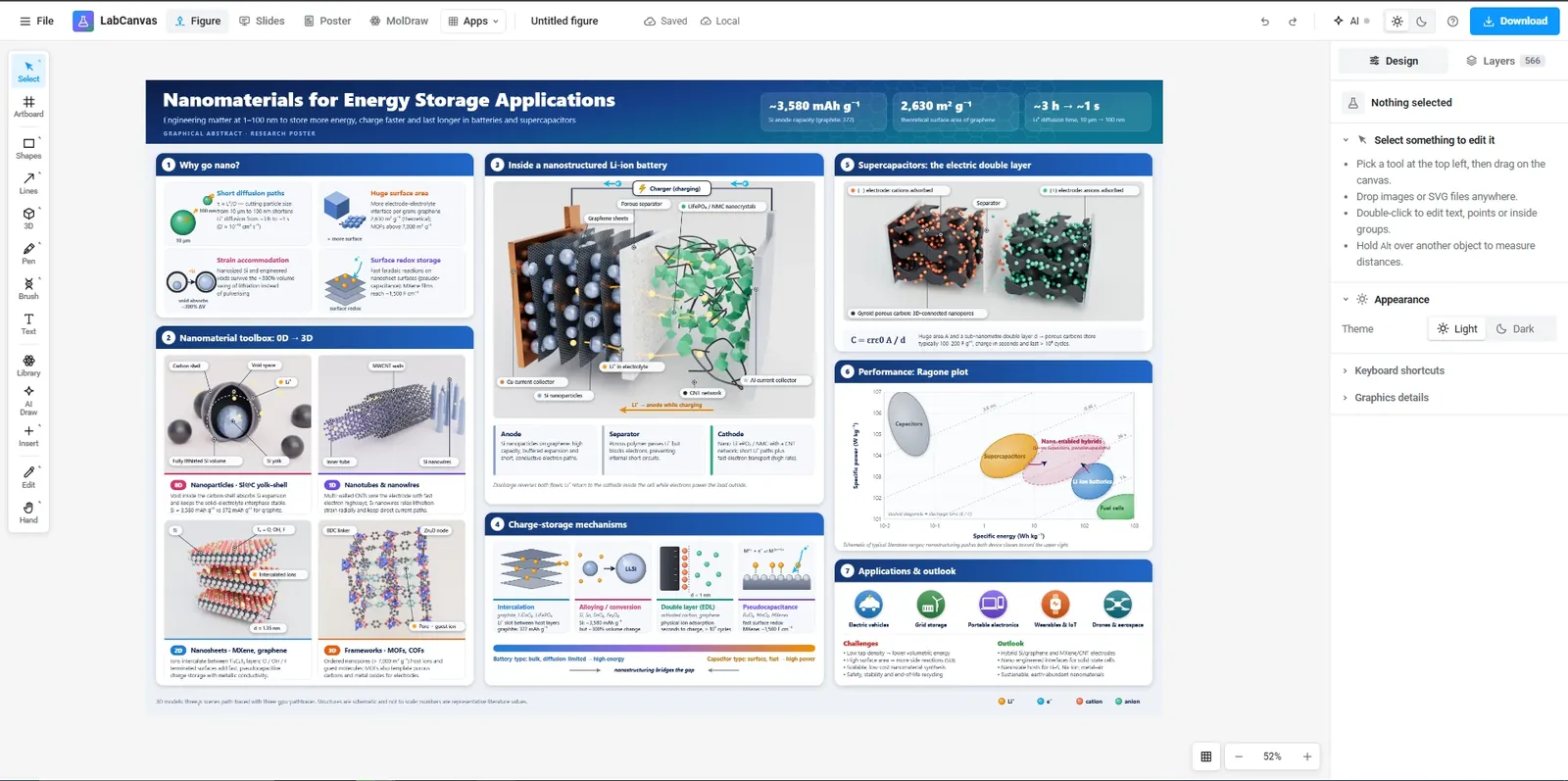
The LabCanvas Figure editor: vector scientific illustration in your browser
How to make journal figures and graphical abstracts in the LabCanvas Figure editor: vector tools, 700+ adjustable science objects, lab glassware that connects, LaTeX equations, and export at the width and DPI your journal asks for.
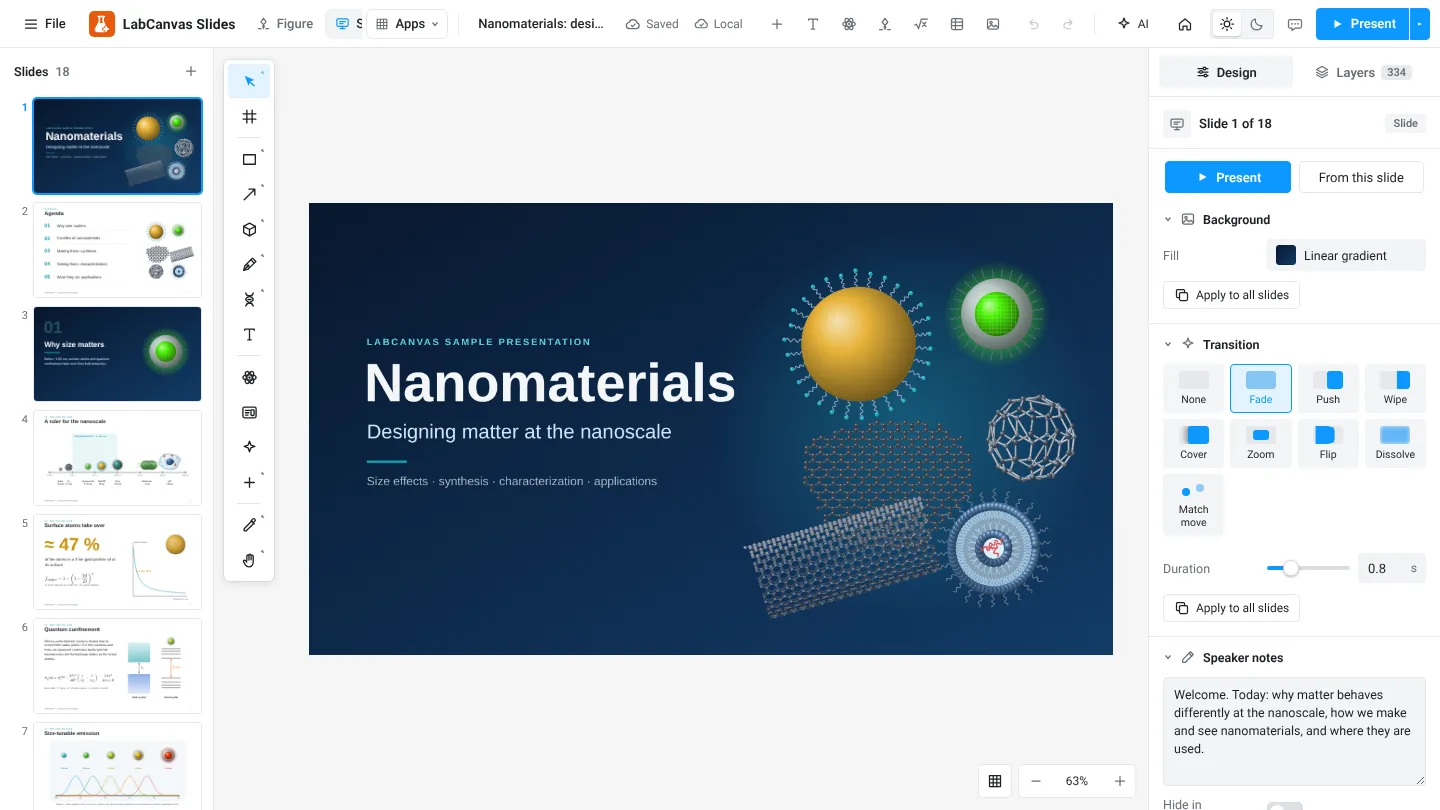
LabCanvas Slides: scientific presentations built from editable figures
How to build lab meetings, conference talks and lectures in LabCanvas Slides: a slide strip, layouts and themes, transitions and motion paths, speaker notes, full-screen presenting and a vector PDF of the deck.
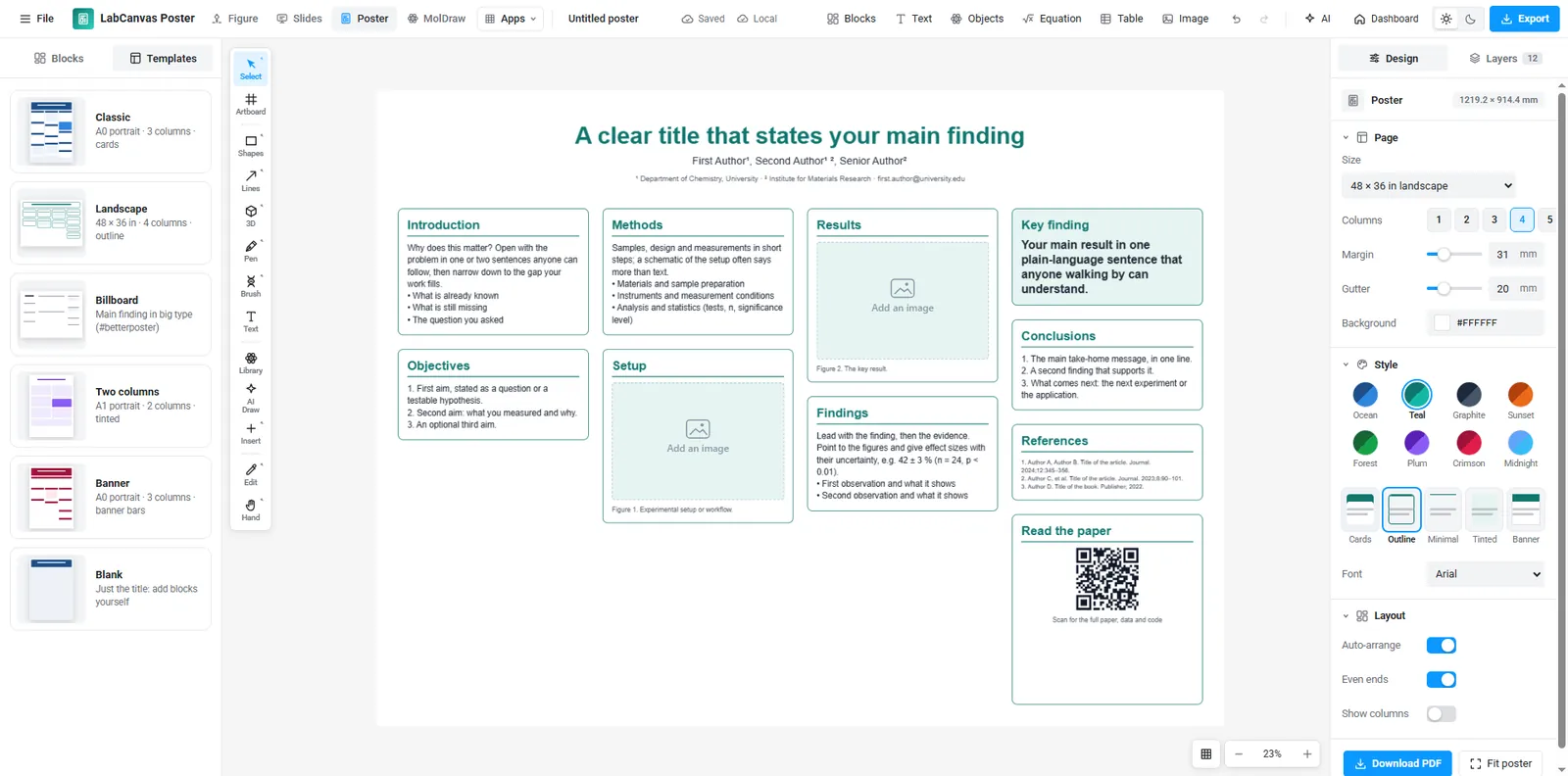
LabCanvas Research Poster: conference posters that arrange themselves
How to make an A0, A1 or 48 × 36 in research poster in LabCanvas Research Poster: blocks that stack in columns and re-flow their text, themes and block styles, QR codes, and a print-ready vector PDF.