Nano Research TOC graphic: size, resolution and a template
Nano Research TOC graphic size: Nano Research · TOC 80 × 50 mm (Nano Research). At least 80 mm wide × 50 mm high (height 5/8 to 1 of the width), 600 dpi; one or two sentences go below it. Open LabCanvas at exactly this size, start from a template and export at 300 dpi or more.
Contents
Nano Research TOC graphic sizes
| Format | Size | Pixels at 300 dpi | Journals and rules | |
|---|---|---|---|---|
| Nano Research · TOC | 80 × 50 mm | 80 × 50 mm · 947 × 591 px at 300 dpi | Nano Research: At least 80 mm wide × 50 mm high (height 5/8 to 1 of the width), 600 dpi; one or two sentences go below it. | Open at this size |
Journals update their guidelines; check the author guide of the journal you submit to before you upload.
How to make a Nano Research TOC graphic
- Open LabCanvas on an artboard at the Nano Research size: Nano Research · TOC, 80 × 50 mm. The artboard exports to 80 × 50 mm · 947 × 591 px at 300 dpi.
- Start from a template or the Library: crystals and MOFs, nanoparticles, battery cells, catalysts, instruments and plots are editable objects, not flat clip art.
- Tell one story from left to right: the material or system, what you did to it, and the result in one number or one plot.
- Keep the text short and large enough: At least 80 mm wide × 50 mm high (height 5/8 to 1 of the width), 600 dpi; one or two sentences go below it.
- Export at 300 dpi or more as PNG or TIFF (600 dpi where the journal asks for it), then look at it at thumbnail size before you upload.
Templates to start from
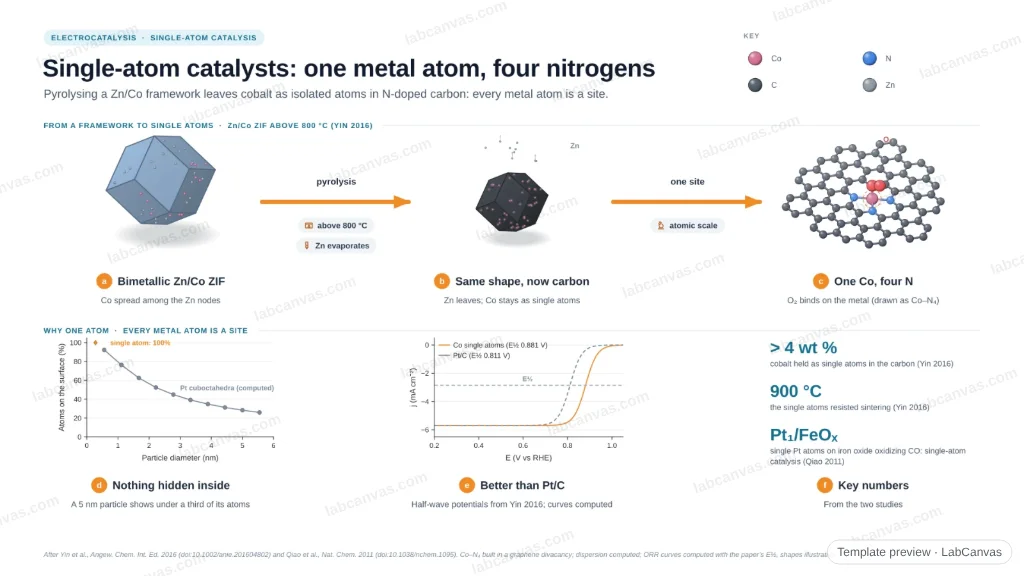
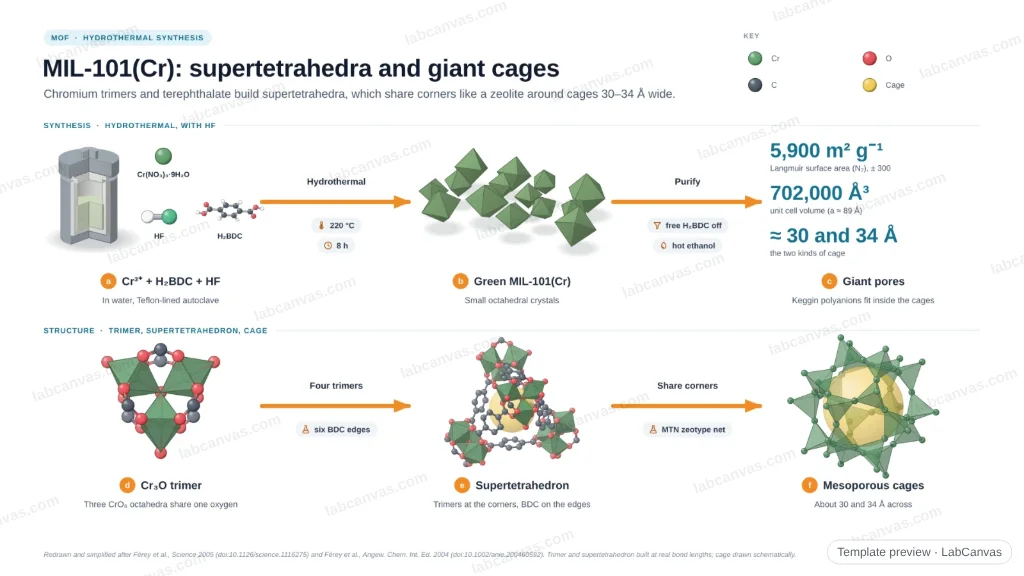
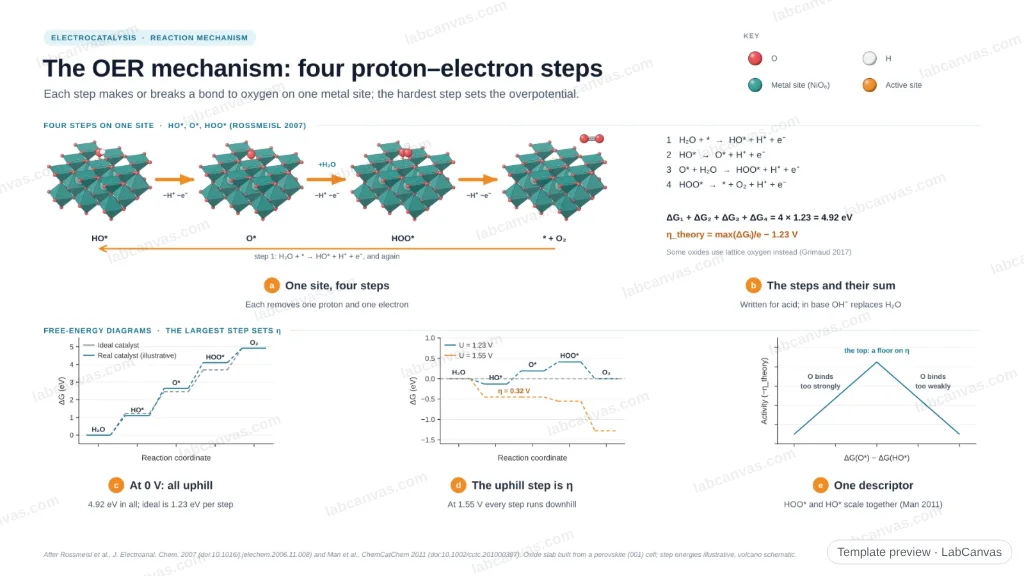
Editable materials and nano templates that cite the papers they follow. Open one and switch its artboard to the Nano Research size.



Other publishers
- ACS TOC graphic: sizes, rules and a template
- Advanced Materials, AFM and Small: ToC image size and template
- Angewandte Chemie and Chemistry Europe: ToC graphic size and template
- RSC graphical abstract: size, resolution and a template
- Elsevier graphical abstract: size, ratio and a template
- Cell Press graphical abstract: size and template for Joule, Matter and Chem
- MDPI graphical abstract: size and a template
- All graphical abstract sizes in one table
More on LabCanvas
- Characterisation techniques explained: editable instruments and data plots for methods figures
- Materials explained: MOFs, COFs, 2D materials, perovskites, batteries and zeolites
- Journal figure size guide: column widths and DPI for 38 journals
- Figure templates: cited, editable graphical abstracts
Frequently asked questions
What size is the Nano Research TOC graphic?
Nano Research · TOC: 80 × 50 mm. At least 80 mm wide × 50 mm high (height 5/8 to 1 of the width), 600 dpi; one or two sentences go below it. It exports to 80 × 50 mm · 947 × 591 px at 300 dpi.
Which journals use this TOC graphic?
Nano Research. Sizes come from the publisher’s author guidelines, checked October 2026; journals change them, so check the guide of the journal you submit to.
How do I make a Nano Research TOC graphic for free?
Open LabCanvas at the Nano Research size (the artboard is set for you), start from a template or the Library of scientific objects, and export at 300 dpi or more. LabCanvas is free to start in the browser.
What resolution should a graphical abstract be?
At least 300 dpi at its final size for most publishers; RSC and Nano Research ask for 600 dpi. Elsevier and MDPI give minimum pixel sizes; Cell Press asks for 1200 × 1200 px at 300 dpi.
Can I reuse one graphical abstract for another journal?
Yes, but resize it: the shapes differ (ACS is wide, Wiley and Angewandte are nearly square, Elsevier is 5 : 2, Cell Press is square). In LabCanvas change the artboard to the new preset and move the panels.
Make your Nano Research TOC graphic now
The artboard opens at 80 × 50 mm, with editable crystals, nanomaterials, devices and plots.
Open at the Nano Research size