Kanban board for lab projects: a free template
A free Kanban board for research: To do, In progress, Review and Done, with a sticky note per task. Track experiments, papers and orders in your browser.
Contents
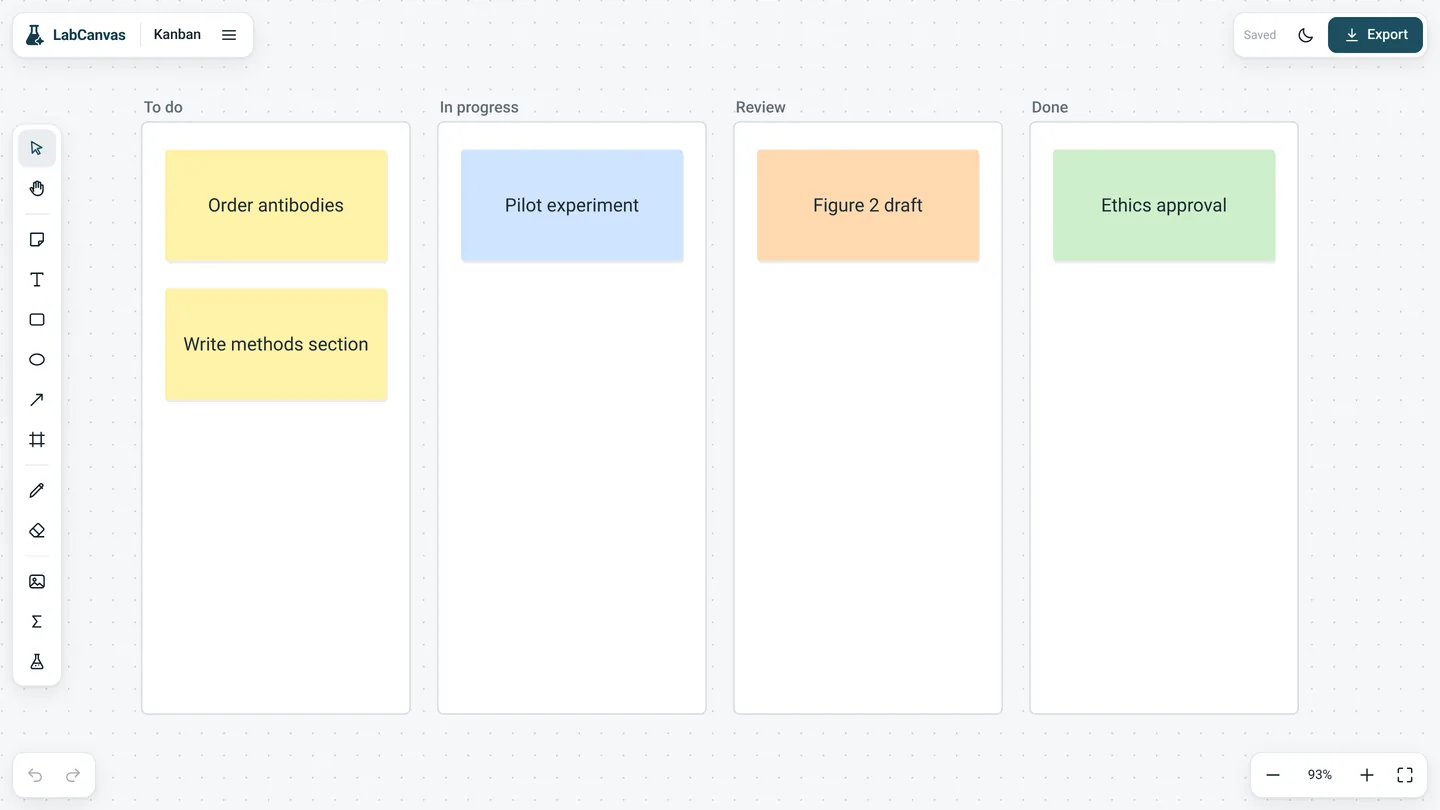
A research project is a lot of small tasks waiting on each other: antibodies to order, a pilot to run, a figure to draft, an approval to chase. A Kanban board shows them all and where each one stands. This board has four columns as frames, To do, In progress, Review and Done, with a few lab tasks on sticky notes to replace with yours.
What’s on the board
| Part | What it is for |
|---|---|
| To do | Everything that is planned but not started. |
| In progress | What you are working on now; keep this column short. |
| Review | Waiting on someone else: a supervisor, a co-author, a facility. |
| Done | Finished, so the progress is visible. |
Everything on it is an ordinary note, box, arrow or equation: change the text, move it, recolour it or delete it. The whiteboard guide has every tool and shortcut.
How to use it
- Click Open this board.
- Replace the example tasks: double-click a note to type, or press N for a new one.
- Drag a note from one column to the next as the work moves on.
- Use colours for task types (experiments, writing, admin) or for people.
- Add a column by duplicating a frame (Ctrl+D or ⌘D); moving a frame moves its notes.
- Keep the board as a .whiteboard.json file and open it each week, or export a PNG for a progress report.
Keeping a lab Kanban useful
- Limit work in progress. Three or four tasks in progress at a time is plenty for one person.
- Write tasks as actions: "Run pilot with 3 doses", not "Pilot".
- Review it weekly, for example before the lab meeting, and move finished tasks to Done.
- Split big tasks: "Write paper" never moves; "Draft Figure 2" does.
Other ready-made boards
- Research brainstorm: online mind map for research
- Literature map: literature map template
- Experiment plan: experiment plan template
- Journal club and lab meeting: whiteboard for lab meetings and journal clubs
- Chemistry whiteboard: online chemistry whiteboard
- Maths and physics whiteboard: online whiteboard for maths and physics
Or open a blank whiteboard and start from scratch.
Frequently asked questions
Does the Kanban board send reminders or have due dates?
No. It is a whiteboard, not a project management app: tasks are sticky notes you move by hand, with no dates, assignees or notifications. Write a date on the note if you need one.
Is it free, and do I need an account?
Yes, it is free, and there is no account or sign-up. Open this board starts a new kanban board in your browser straight away.
Where is my board saved?
In your own browser (IndexedDB), automatically, on your device; nothing is uploaded. Boards you opened before stay as they were: the template opens as a new board. To keep a copy or move the board to another computer, save it as a .whiteboard.json file from the board menu and open it there.
Can I share the board with my group?
There is no sharing link or live editing together. Send the .whiteboard.json file, which anyone can open in their own browser, or export the board as a PNG picture for slides, an e-mail or the lab chat.
Try it in LabCanvas
The whiteboard is free and needs no account: it opens straight away in your browser.
Open Whiteboard free in your browserKeep reading
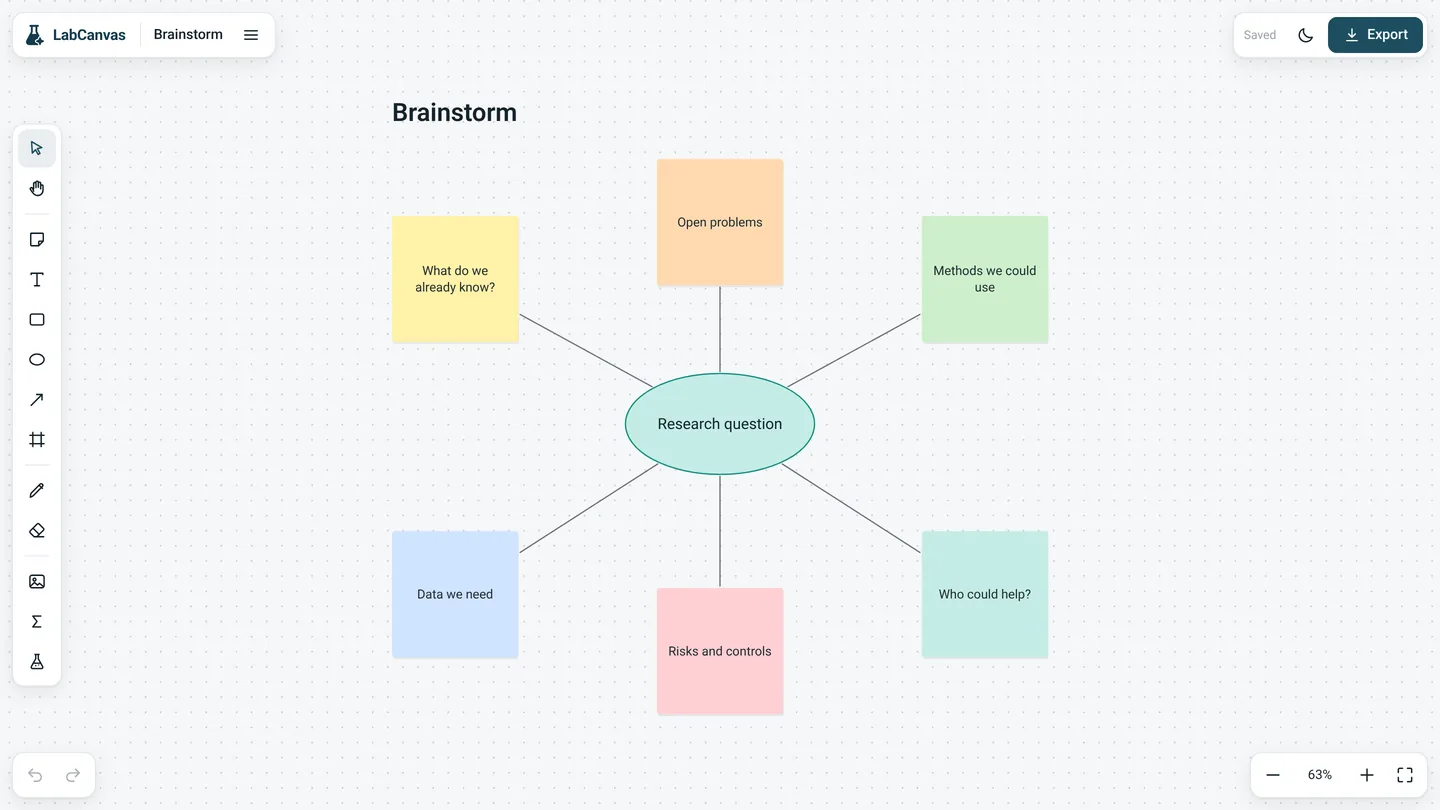
Mind map for research: a free brainstorming whiteboard
A free online mind map for research: your question in the middle, ideas on sticky notes around it, joined by connectors that stay attached. No account.
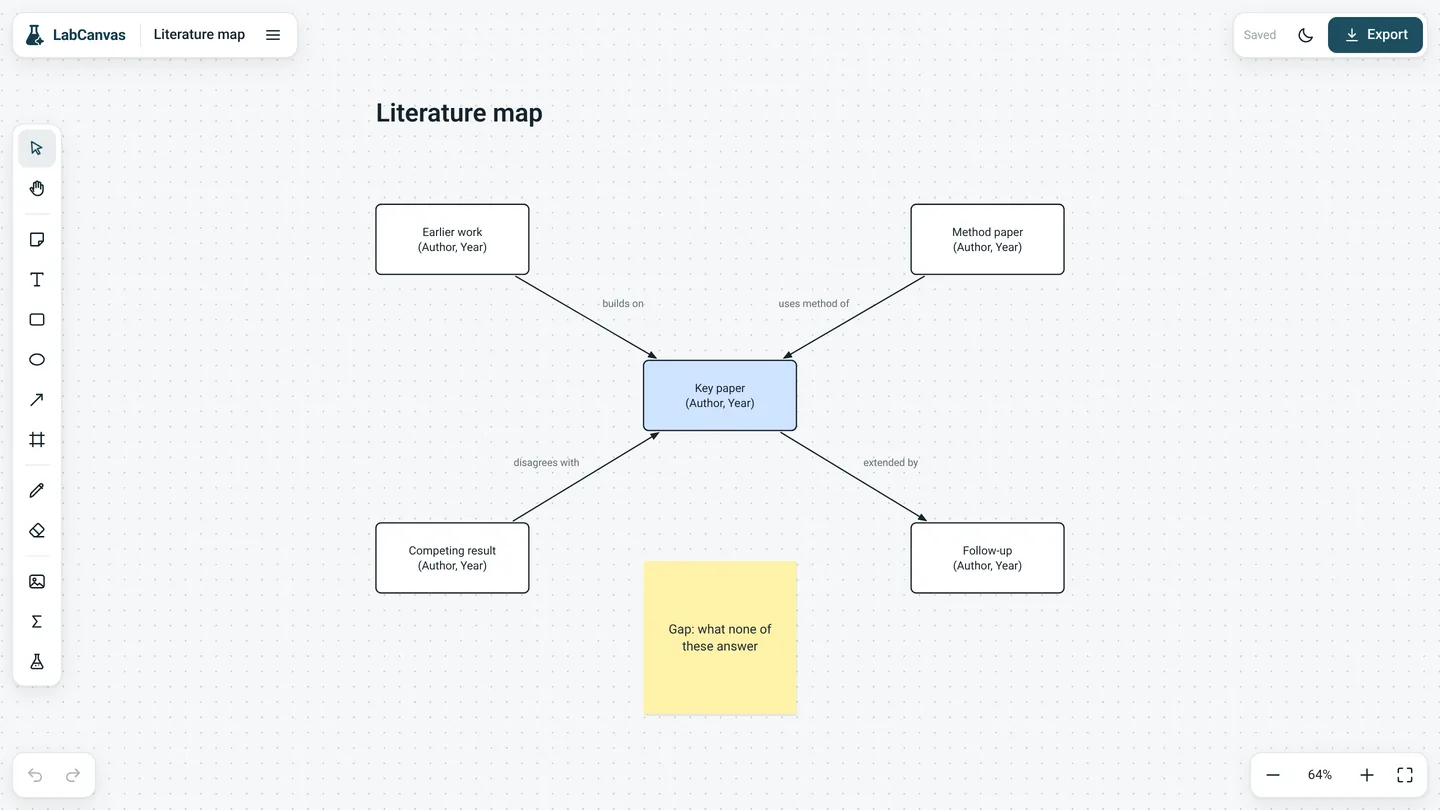
Literature map template: map papers on a free whiteboard
A free literature map template: a key paper in the middle, earlier work, methods, competing results and follow-ups around it, with labelled arrows. No account.
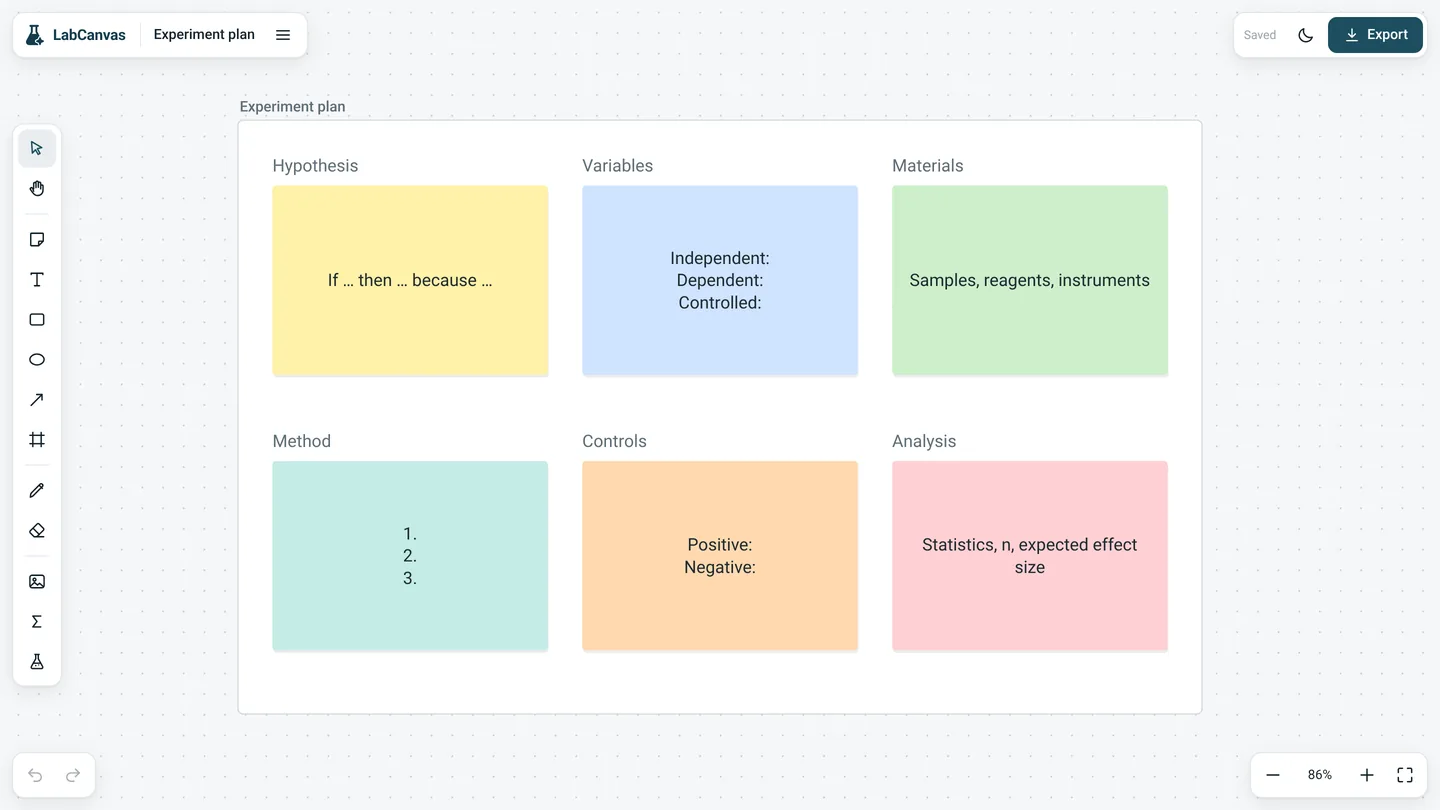
Experiment plan template on a free online whiteboard
A free experiment plan template: hypothesis, variables, materials, method, controls and analysis on one board, so the whole design is in view. No account.