Online maths and physics whiteboard with LaTeX equations
A free online whiteboard for maths and physics: type LaTeX and get typeset equations, join the steps of a derivation with arrows, add notes. No account.
Contents
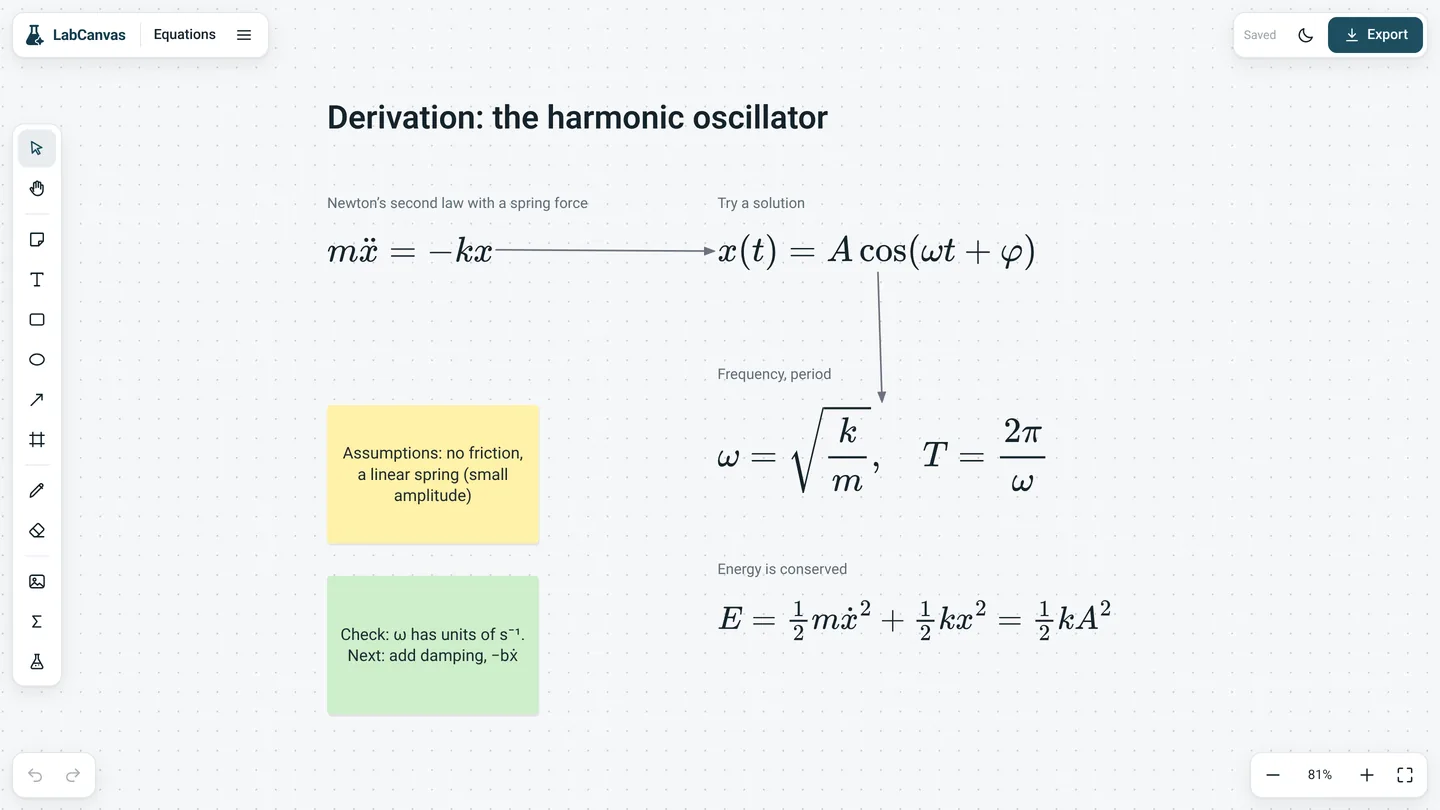
Handwritten equations on a screen are hard to read, and a document is too linear for working something out. This board does both: type LaTeX and the equation is typeset by MathJax, sharp at any zoom, and placed anywhere on an infinite canvas next to notes, sketches and arrows. It opens with a short derivation of the harmonic oscillator to show how a worked problem reads on a board.
What’s on the board
| Part | What it is for |
|---|---|
| Equations | Four steps of the derivation, typed in LaTeX: the equation of motion, the trial solution, ω and T, and the energy. |
| Arrows | Connectors from one step to the next; they stay attached when you move an equation. |
| Labels | A line of text above each step to say what it does. |
| Assumptions | A note for what the result depends on. |
| Check and next step | Units, limits, and where the problem goes next (damping). |
Everything on it is an ordinary note, box, arrow or equation: change the text, move it, recolour it or delete it. The whiteboard guide has every tool and shortcut.
How to use it
- Click Open this board.
- Double-click an equation to change its LaTeX, or press M for a new one. Ready-made snippets in the editor insert common equations such as Arrhenius, Bayes and Schrödinger.
- Drag equations into the order of your argument and join them with connectors (A).
- Resize an equation by its corner: it stays sharp, because it is drawn from the glyph outlines.
- Sketch a diagram with the pen (P) or with shapes, and label it with text (T).
- Export the whole board, or only the selection, as a PNG at twice screen resolution.
LaTeX that works
The equation editor takes standard LaTeX maths without dollar signs: \frac{a}{b}, \sqrt{x}, \int_0^\infty, \sum_{i=1}^{n}, \vec{F}, \hat{H}, matrices with \begin{pmatrix}, aligned lines with \begin{aligned}, and chemistry with \ce{}. An error shows under the preview instead of breaking the board. For a single equation as a picture for a slide or a document, the free LaTeX to PNG tool gives a transparent PNG at up to 1200 dpi.
Other ready-made boards
- Research brainstorm: online mind map for research
- Literature map: literature map template
- Experiment plan: experiment plan template
- Journal club and lab meeting: whiteboard for lab meetings and journal clubs
- Chemistry whiteboard: online chemistry whiteboard
- Kanban for lab projects: Kanban board for research
Or open a blank whiteboard and start from scratch.
Frequently asked questions
Can I write equations by hand?
Yes, with the pen (P), which follows pen pressure on a tablet. Handwriting is not converted to LaTeX; for typeset equations, type them with M.
Is it good for teaching or tutoring online?
For explaining a derivation while you share your screen, yes: equations are readable at any zoom and you can annotate them with the pen and highlighter. Students cannot join the board live; send them the PNG or the .whiteboard.json file afterwards.
Is it free, and do I need an account?
Yes, it is free, and there is no account or sign-up. Open this board starts a new maths and physics board in your browser straight away.
Where is my board saved?
In your own browser (IndexedDB), automatically, on your device; nothing is uploaded. Boards you opened before stay as they were: the template opens as a new board. To keep a copy or move the board to another computer, save it as a .whiteboard.json file from the board menu and open it there.
Can I share the board with my group?
There is no sharing link or live editing together. Send the .whiteboard.json file, which anyone can open in their own browser, or export the board as a PNG picture for slides, an e-mail or the lab chat.
Try it in LabCanvas
The whiteboard is free and needs no account: it opens straight away in your browser.
Open Whiteboard free in your browserKeep reading
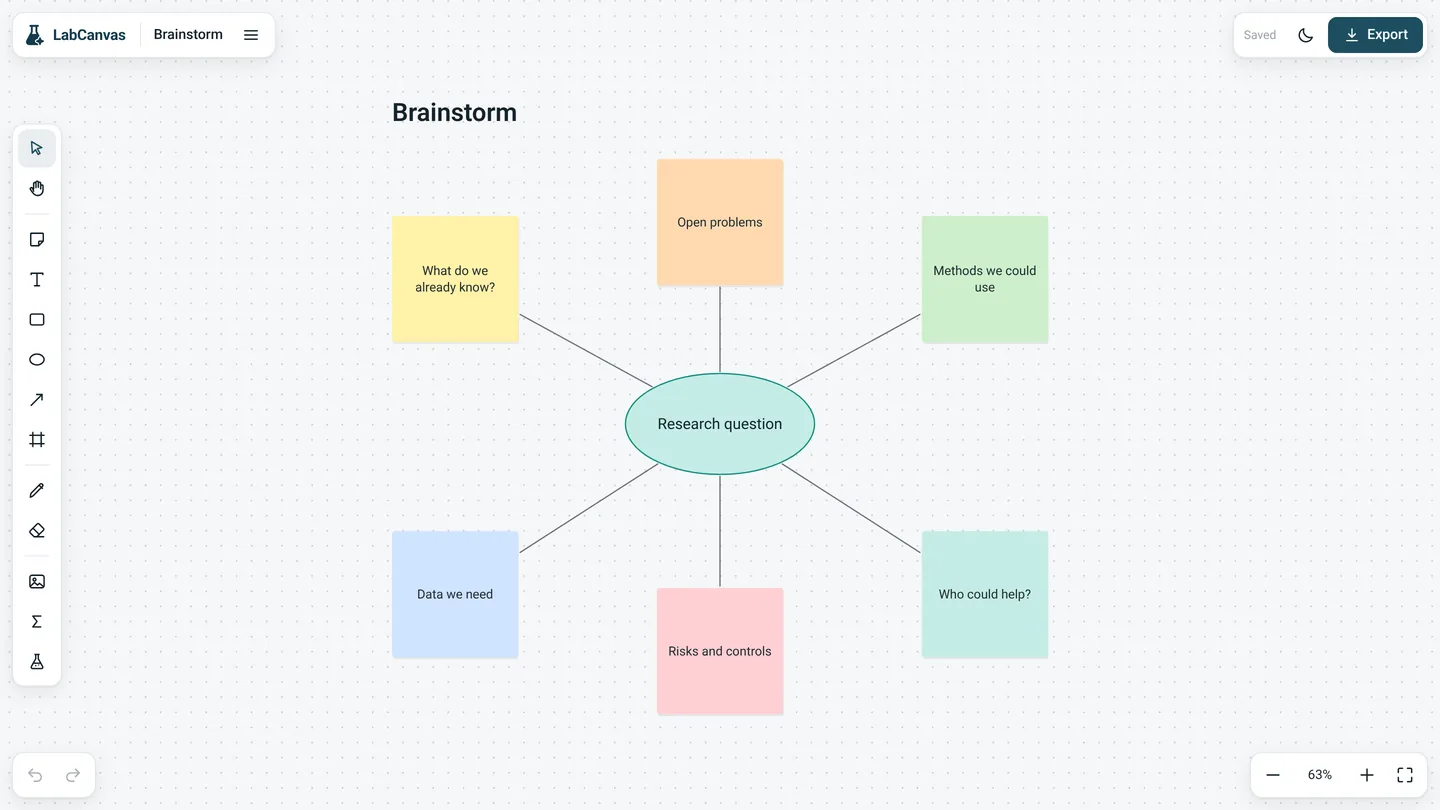
Mind map for research: a free brainstorming whiteboard
A free online mind map for research: your question in the middle, ideas on sticky notes around it, joined by connectors that stay attached. No account.
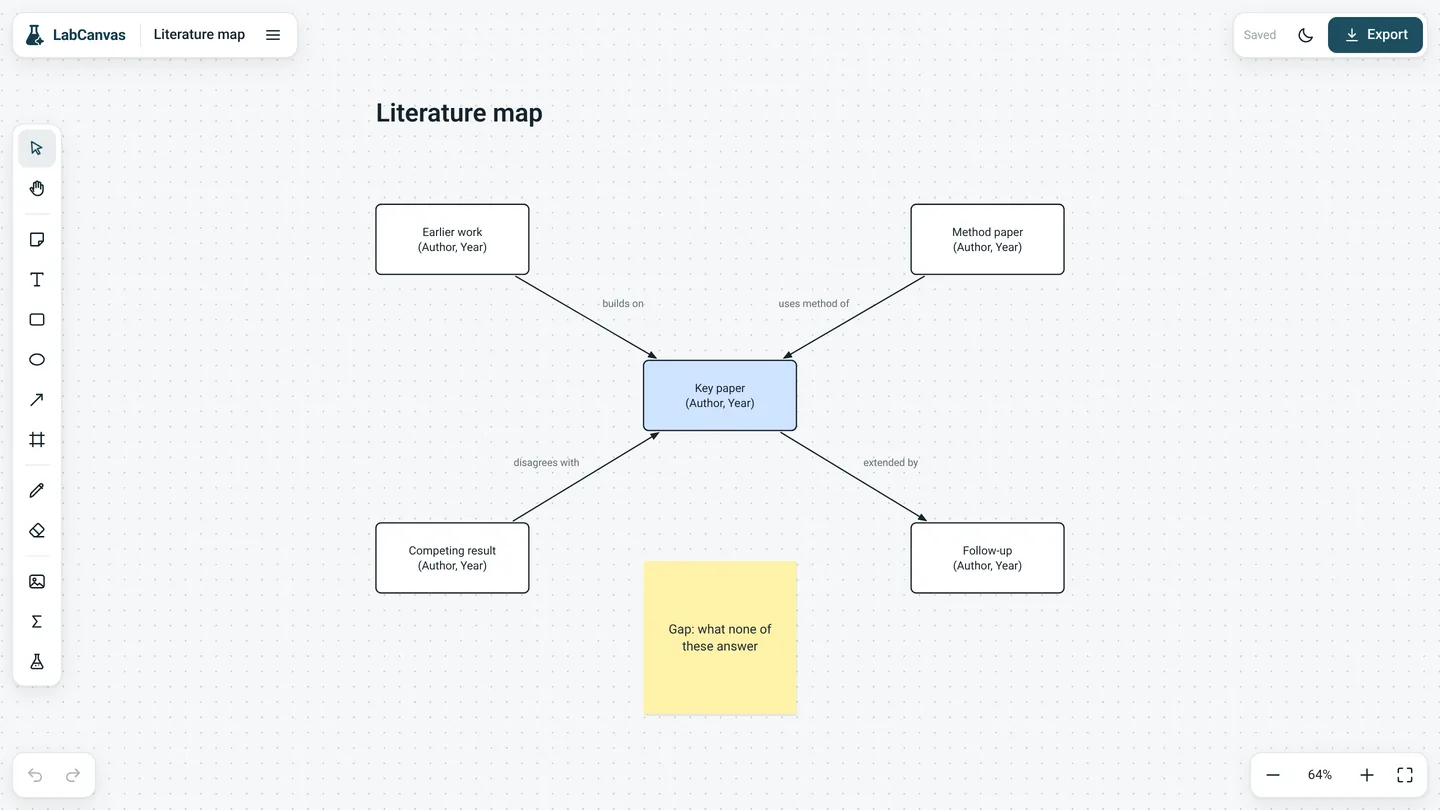
Literature map template: map papers on a free whiteboard
A free literature map template: a key paper in the middle, earlier work, methods, competing results and follow-ups around it, with labelled arrows. No account.
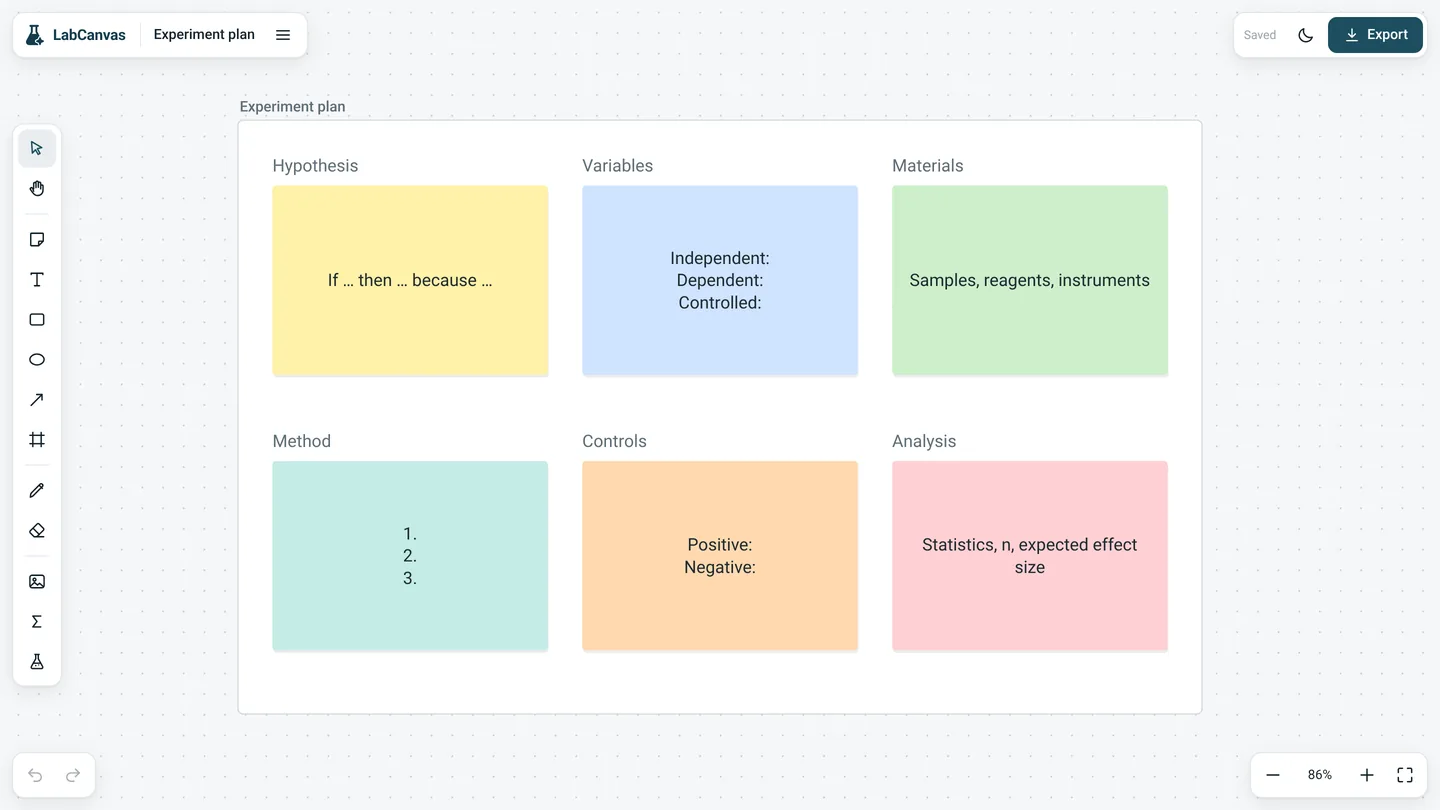
Experiment plan template on a free online whiteboard
A free experiment plan template: hypothesis, variables, materials, method, controls and analysis on one board, so the whole design is in view. No account.