A free Miro alternative for researchers: LabCanvas Whiteboard vs Miro, FigJam, Excalidraw and tldraw
Which online whiteboard suits research? LabCanvas Whiteboard, Miro, FigJam, Excalidraw and tldraw compared on equations, chemistry, collaboration, storage and price.
Contents
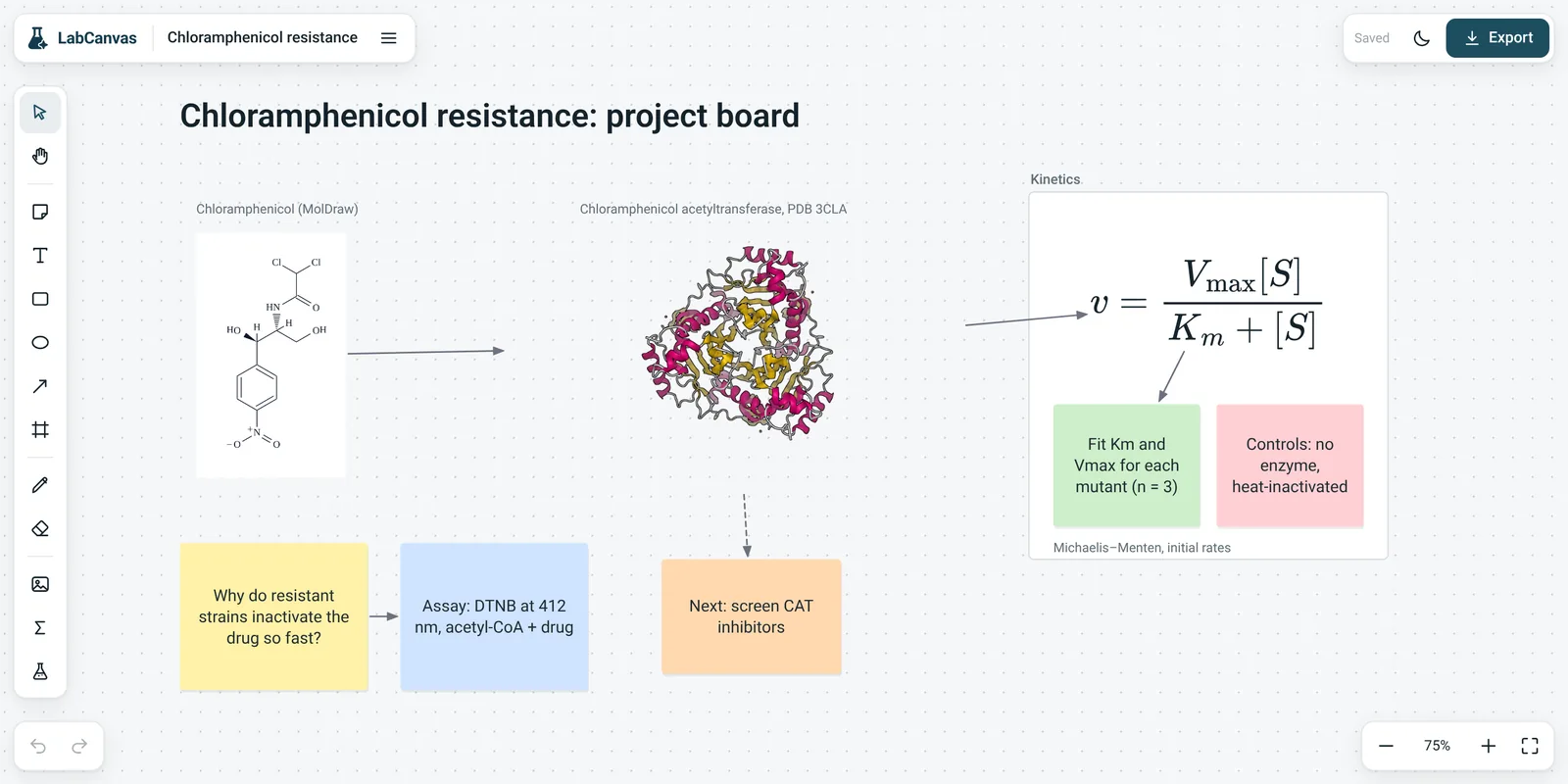
The verdict: Miro and FigJam are the tools to choose when a team works on a board together: real-time editing, comments, sharing permissions, large template libraries and integrations with the rest of a team’s software. Excalidraw and tldraw are quick, free sketching whiteboards in the browser with shared rooms. The LabCanvas Whiteboard is the one built for research content on your own: LaTeX equations, molecules drawn in MolDraw and protein structures from the PDB sit on the board next to the notes, with research templates, no account, no board limit, and boards kept on your device. It has no live collaboration, so choose it for thinking and planning on your own or on a shared screen, not for a team editing at the same time.
We make LabCanvas, so weigh what follows with that in mind. Everything said about Miro, FigJam, Excalidraw and tldraw comes from its maker’s own website, help pages and guides, checked in November 2026 and listed under Sources; prices and plans change, so follow the links before you decide. If something here is out of date or wrong, write to labcanvasapp@gmail.com and we will correct it.
Side by side
| LabCanvas Whiteboard | Miro | FigJam | Excalidraw | tldraw | |
|---|---|---|---|---|---|
| Price | Free, everything | Free plan with a limit on editable boards; paid plans per member | Free Starter plan with a limit on FigJam files in a team; paid Figma plans | Free; Excalidraw+ is a paid plan | Free at tldraw.com |
| Account | None | Needed | Needed | Not needed to draw | Not needed to draw |
| Where boards live | Your browser (IndexedDB) and .whiteboard.json files | Your Miro account, in the cloud | Your Figma account, in the cloud | Your browser, and .excalidraw files; cloud saving with Excalidraw+ | tldraw.com |
| Live collaboration | No: share a PNG or the file | Yes, with comments and permissions | Yes, with comments and permissions | Yes, shared sessions described as end-to-end encrypted | Yes, shared rooms |
| LaTeX equations | Built in (MathJax), with mhchem chemistry | Through Marketplace apps, not built in | Through community plugins, not built in | No built-in equation tool on its own pages | No built-in equation tool on its own pages |
| Molecules and proteins | MolDraw and the Protein viewer inside the board; double-click to edit again | As pictures | As pictures | As pictures | As pictures |
| Research templates | Brainstorm, literature map, experiment plan, journal club, reaction plan, equations, Kanban | A very large general library (brainstorms, mind maps, Kanban, retrospectives…) | A large general library | Community libraries of shapes | Not described on its own pages |
| Export | PNG (2×), board or selection, and the .whiteboard.json file | Images and other formats | Images and other formats | PNG, SVG and .excalidraw files | Images and other formats |
| Source | Part of LabCanvas | Commercial | Commercial | Open source (MIT) | An SDK with its source on GitHub, under its own licence |
Pick Miro or FigJam when
- Your group edits the board at the same time, in a workshop, a remote lab meeting or a planning session, with comments and @mentions. The LabCanvas Whiteboard has no live collaboration.
- The board has to live in a shared place the whole team can open from any computer, with permissions per person. LabCanvas boards stay in one browser until you send the file.
- You need integrations: Miro and FigJam connect to the project and design tools many teams already use.
- You want a very large template library for workshops, retrospectives, roadmaps and user research.
- Your design team already works in Figma: FigJam boards sit next to its design files.
Pick Excalidraw or tldraw when
- You want a hand-drawn sketch of a system or an idea, quickly, and possibly with a colleague in a shared room.
- You need an SVG of the drawing: Excalidraw exports SVG as well as PNG; the LabCanvas Whiteboard exports PNG only.
- You want software you can self-host or build on: Excalidraw is open source under the MIT licence, and tldraw is an SDK for building canvases into other apps.
Pick the LabCanvas Whiteboard when
- The board holds science. Equations are typed in LaTeX and typeset on the board; reactions use mhchem; structures come from MolDraw and proteins from the Protein viewer, and stay editable with a double-click.
- You want a research template to start from: a literature map, an experiment plan, a journal club board, a reaction plan or a derivation.
- You do not want an account or a limit. Open it and start; make as many boards as you like.
- The ideas should stay on your device: unpublished results, a grant in preparation. Boards are kept in your browser and in files you choose to save.
Example: a literature map in each
In Miro or FigJam
- Sign in and create a board, or open a mind map or concept map template.
- Add a sticky note or a shape per paper and connect them with lines; invite your co-authors to add papers at the same time.
- Add equations through an app or plugin, and structures as pictures pasted from a chemistry program.
In the LabCanvas Whiteboard
- Open the literature map board: a key paper in the middle, four related papers and labelled arrows.
- Type the papers into the boxes, duplicate boxes for more papers, and label each arrow (“builds on”, “contradicts”).
- Press M for a key equation, or S for a structure or a protein, then export a PNG for your thesis notes, or save the .whiteboard.json file to carry on later.
Sources
Checked November 2026 on the makers’ own pages:
- Miro: pricing (Free plan and its editable-board limit, paid plans); Miro Community on equations, for example Math expressions, and the Easy Math app in the Miro Marketplace
- Figma: Starter plan overview (FigJam files on the free plan); LaTeX plugins in the Figma Community, for example Latex Editor
- Excalidraw: the Excalidraw repository (open source, collaboration, end-to-end encryption, local-first saving, PNG and SVG export) and Excalidraw+ pricing
- tldraw: tldraw.com and the tldraw FAQ (rooms and their permissions, the SDK)
LabCanvas: the whiteboard guide. Miro, Figma, FigJam, Excalidraw and tldraw are trademarks of their owners; LabCanvas is not affiliated with any of them.
Frequently asked questions
Is there a free Miro alternative with no board limit?
The LabCanvas Whiteboard is free with no limit on boards and needs no account; boards are kept in your browser and as files. Excalidraw and tldraw are also free to use in the browser. Miro’s and FigJam’s free plans limit how many editable boards or FigJam files you keep; check their pricing pages for the current limits.
Which online whiteboard supports LaTeX equations?
The LabCanvas Whiteboard has a built-in equation tool: type LaTeX (with chemistry through mhchem) and MathJax typesets it on the board. In Miro and FigJam, equations come from Marketplace apps or community plugins rather than a built-in tool, according to their own community pages.
Can I draw chemical structures on a whiteboard?
On the LabCanvas Whiteboard, yes: the Science button opens MolDraw to draw a structure or start from PubChem, and the Protein viewer to add any PDB entry; double-click either picture later to edit it. General whiteboards take structures as pasted pictures.
Which whiteboard should a lab use to brainstorm together live?
One with real-time collaboration: Miro and FigJam are built for it, with comments and sharing permissions, and Excalidraw and tldraw have shared rooms. The LabCanvas Whiteboard has no live collaboration; one person edits and shares a PNG or the board file.
Is my board private?
LabCanvas Whiteboard boards stay in your browser on your device and are not uploaded. Excalidraw also keeps drawings in the browser and describes its shared sessions as end-to-end encrypted. Miro and FigJam keep boards in your account in their cloud, which is what lets a team open them anywhere.
Try it in LabCanvas
Every app is free to start in your browser. Create an account and begin.
Open the LabCanvas dashboardKeep reading
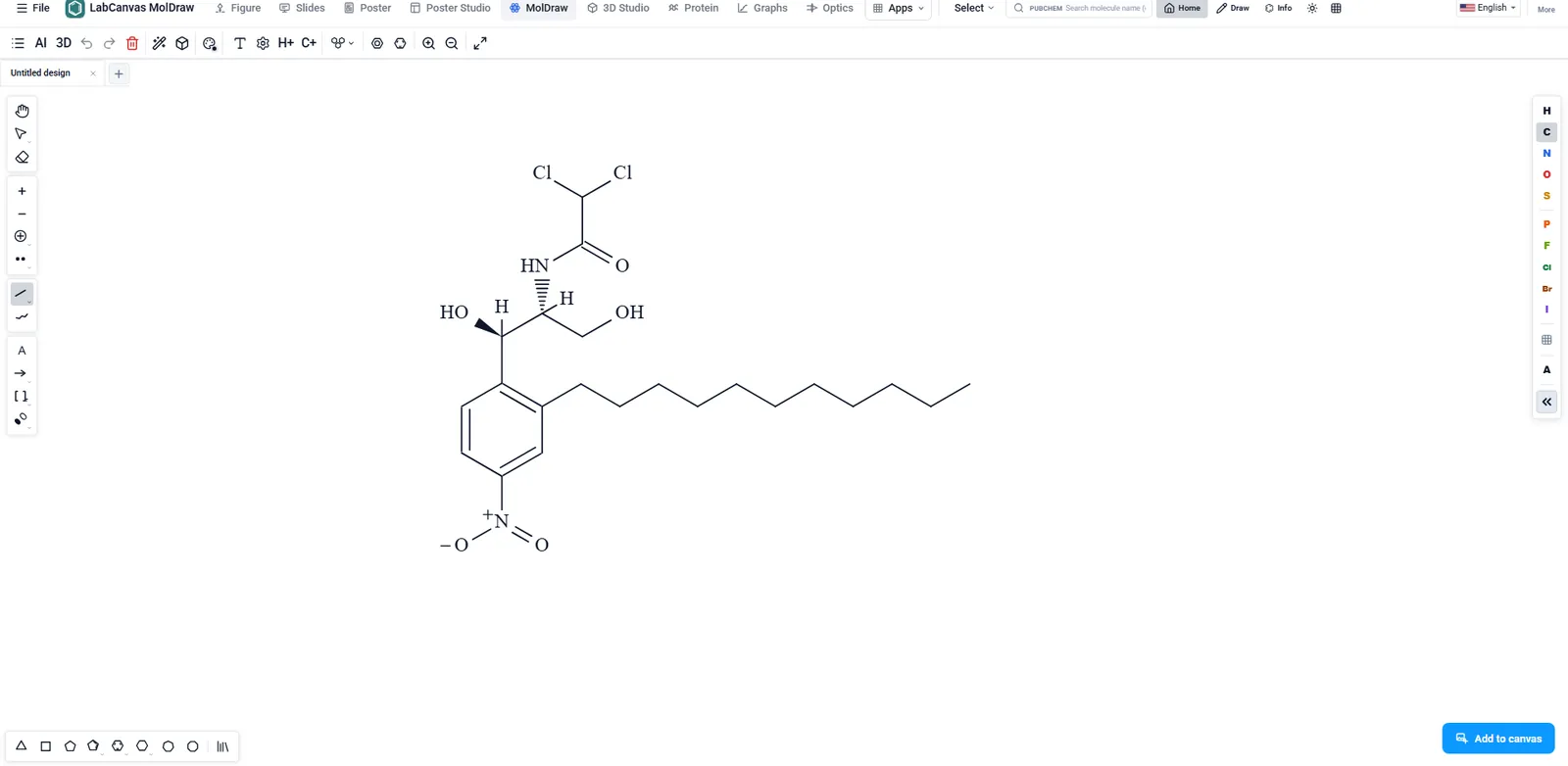
ChemDraw vs LabCanvas MolDraw: chemical structure drawing compared
ChemDraw or LabCanvas MolDraw? Drawing, names, NMR, file formats, price and platforms side by side, a reaction-scheme example, and when ChemDraw is better.
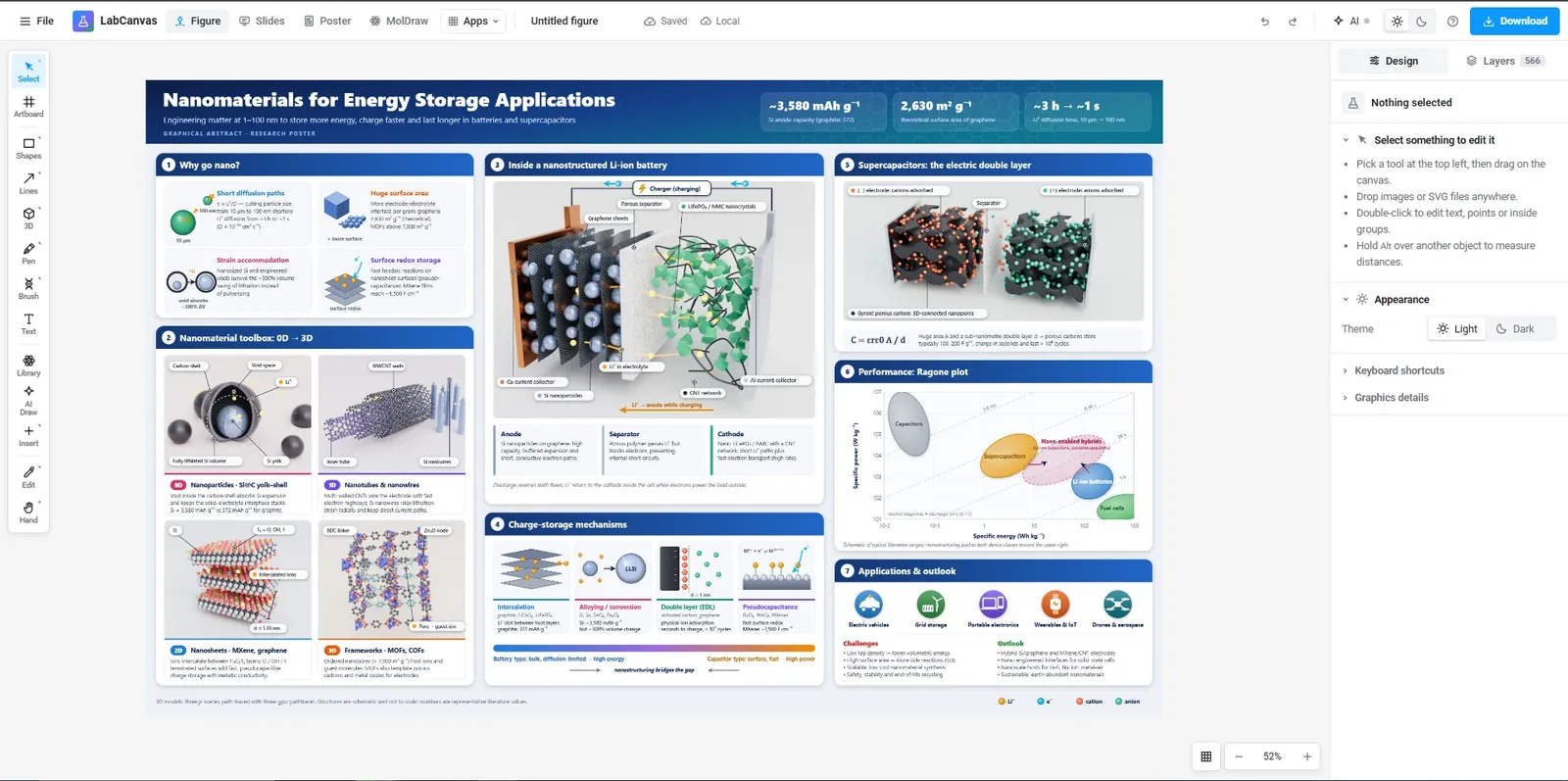
Canva vs LabCanvas for scientific figures: an honest comparison
Canva or LabCanvas for science figures? Graphs, science content, export, price and platforms compared, a graphical abstract in each, and when Canva wins.
Inkscape vs LabCanvas for scientific figures: an honest comparison
Inkscape or LabCanvas for scientific figures? Vector tools, science content, LaTeX, export, price and platforms side by side, and when Inkscape is better.