TikZ neural network and machine learning examples
Contents
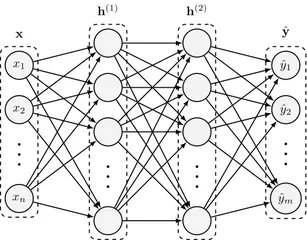
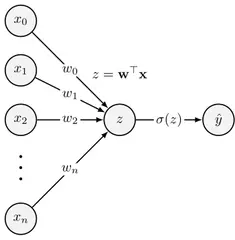
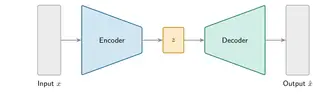
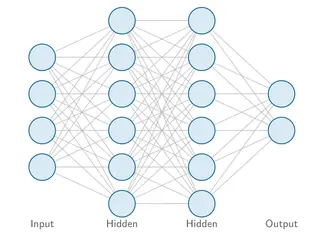
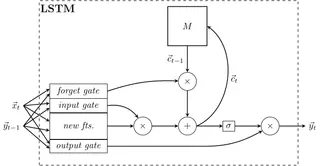
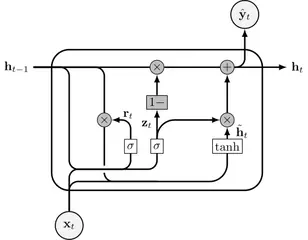
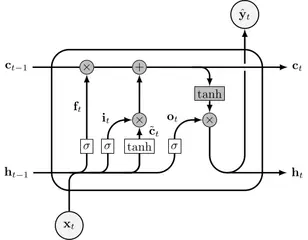
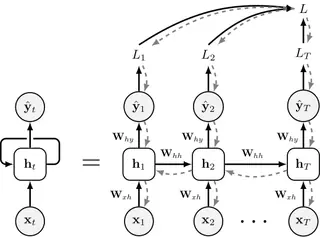
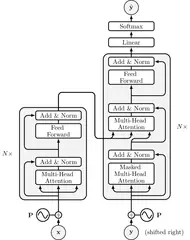
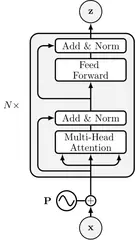
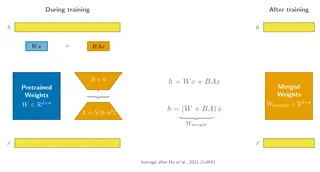
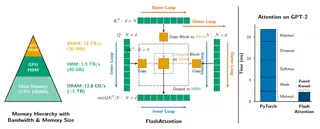
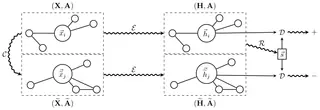
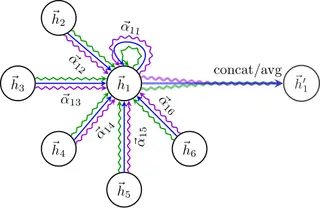
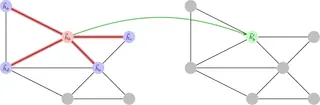
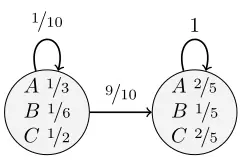
The largest part of the library: 56 figures from Petar Veličković, Martin Thoma, Fraser Love’s nntikz, OpenTikZ, Janosh Riebesell and Xinyu Chen. They cover fully connected networks and single neurons, convolutions, pooling, VGG-16 and ResNet blocks, LSTM and GRU cells and backpropagation through time, self-attention and transformers (including LoRA and FlashAttention), GANs and autoencoders, graph neural networks, probabilistic models such as a hidden Markov model and plate notation, and training ideas from dropout to the bias–variance trade-off.
Most are boxes, circles and arrows: 41 of the 56 load the positioning library to place nodes relative to each other, and many use calc, fit (a frame around a group of nodes), chains and arrows.meta. A few plots, such as activation functions and learning curves, use pgfplots.
Neural networks
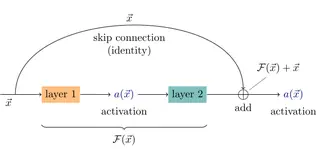
Skip (residual) connection
MIT licence, © Janosh Riebesell and contributors · janosh/diagrams
Open in the TikZ editor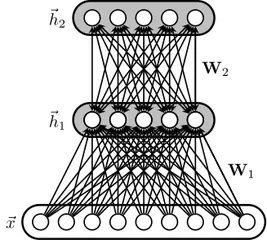
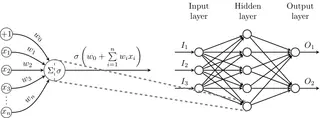
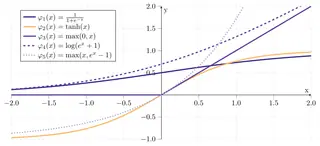
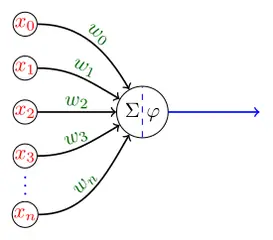
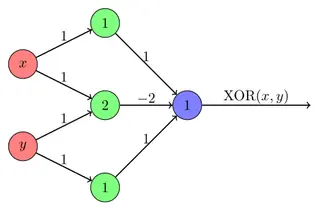
Perceptron network for XOR
MIT licence, © Martin Thoma · MartinThoma/LaTeX-examples
Open in the TikZ editor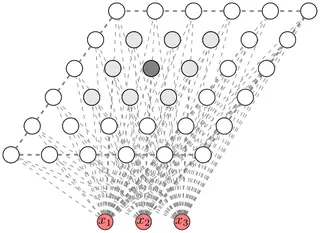
Convolutional networks
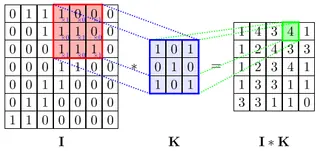

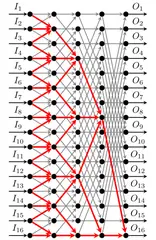
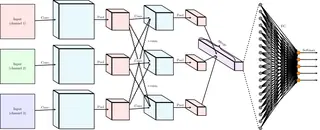
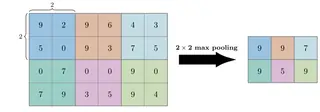
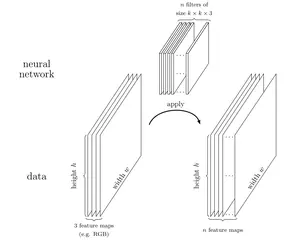
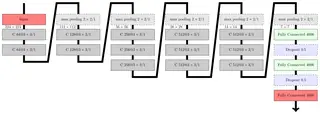
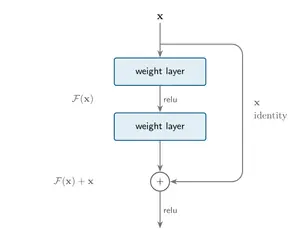
Recurrent networks
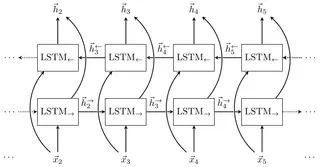
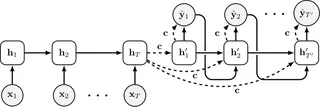
Attention & transformers
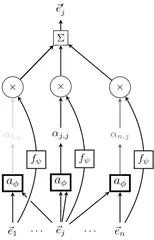
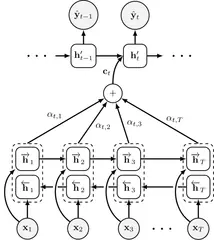
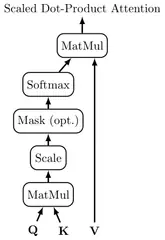
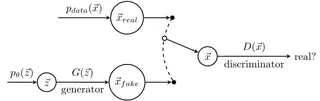
Generative models
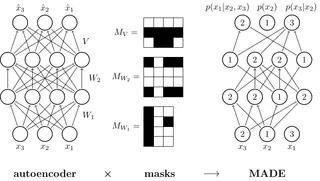
MADE: masked autoencoder
MIT licence, © Janosh Riebesell and contributors · janosh/diagrams
Open in the TikZ editor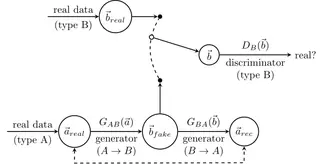
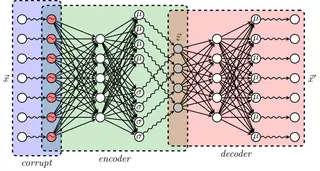
Variational denoising autoencoder
MIT licence, © Petar Veličković · PetarV-/TikZ
Open in the TikZ editor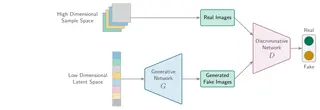
Graph learning
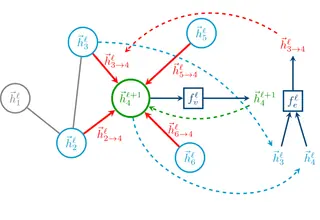
Probabilistic models
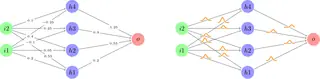
Regular vs Bayesian neural network
MIT licence, © Janosh Riebesell and contributors · janosh/diagrams
Open in the TikZ editor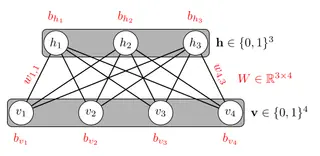
Restricted Boltzmann machine
MIT licence, © Martin Thoma · MartinThoma/LaTeX-examples
Open in the TikZ editor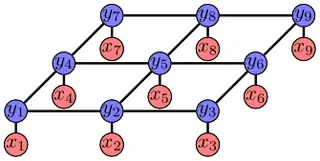
Markov random field for segmentation
MIT licence, © Martin Thoma · MartinThoma/LaTeX-examples
Open in the TikZ editor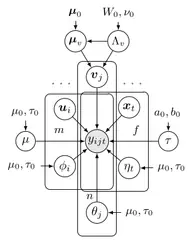
Bayesian graphical model (plate notation)
MIT licence, © Xinyu Chen · xinychen/awesome-latex-drawing
Open in the TikZ editor
Learning & training
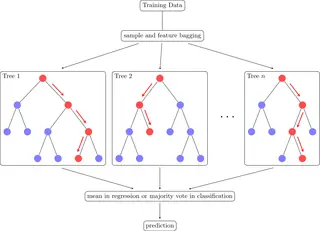
Random forest
MIT licence, © Janosh Riebesell and contributors · janosh/diagrams
Open in the TikZ editor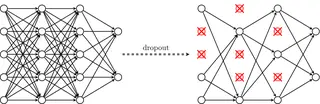
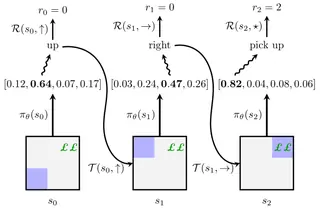
Reinforcement learning: greedy policy
MIT licence, © Petar Veličković · PetarV-/TikZ
Open in the TikZ editor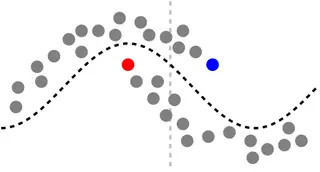
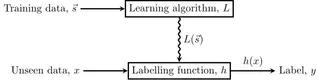
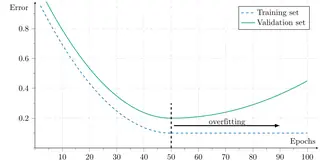
Overfitting: training vs validation error
MIT licence, © Martin Thoma · MartinThoma/LaTeX-examples
Open in the TikZ editor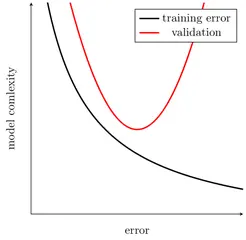
Bias–variance trade-off
MIT licence, © Martin Thoma · MartinThoma/LaTeX-examples
Open in the TikZ editor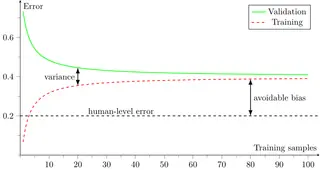
Using these figures
Every figure keeps its own licence: MIT or CC0 1.0, both of which allow use, change and sharing, commercial use included. The MIT licence asks that its copyright and permission notice go with copies of the code, so each figure’s code starts with its source, author and licence; keep those lines when you reuse it. The full licence texts are on the sources and licences page.
“Open in the TikZ editor” loads the figure’s complete document into the free TikZ editor, where it is typeset with TeX Live 2026 and you can change it and download a PNG. To compile it on your own computer, save the code as a .tex file and run pdfLaTeX (or the engine the tile names) on it; LabCanvas changed the files only where needed to make each one compile on its own, as its first lines say.